
PetalFeed: The RSS reader built for VoiceOver: blogs, Reddit, Mastodon, Bluesky and YouTube, read aloud.
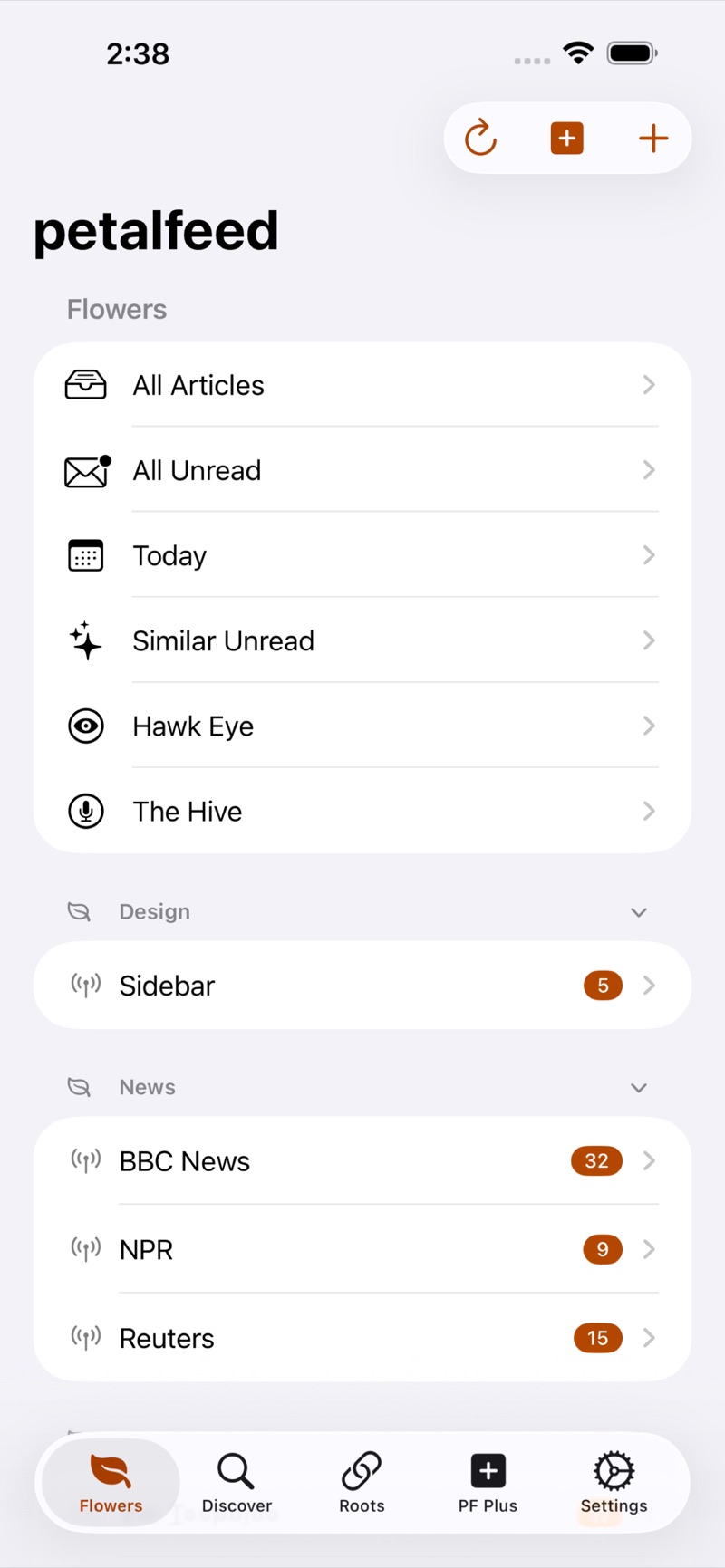
PetalFeed gathers the sites and people you follow into one calm, private reading app for iPhone, iPad and Mac. It pulls in the full article, strips out the clutter, and reads it to you in any voice on your device.
- Price
- $4.99 (One-time purchase)
- Platforms
- iPhone, iPad and Mac


Who it’s for
PetalFeed is for people who read a lot on the web and want it in one place, on their own terms.
- VoiceOver users who want articles as clean text with real headings, not a web page’s navigation and ads.
- Anyone who would rather listen: Listen mode turns an article, or a whole queue, into audio.
- People leaving algorithmic feeds who want to follow blogs, subreddits, Mastodon, Bluesky and YouTube channels themselves.
- RSS readers moving from Feedbin, FreshRSS or Inoreader, who can bring everything with them.
Features
Every source in one app
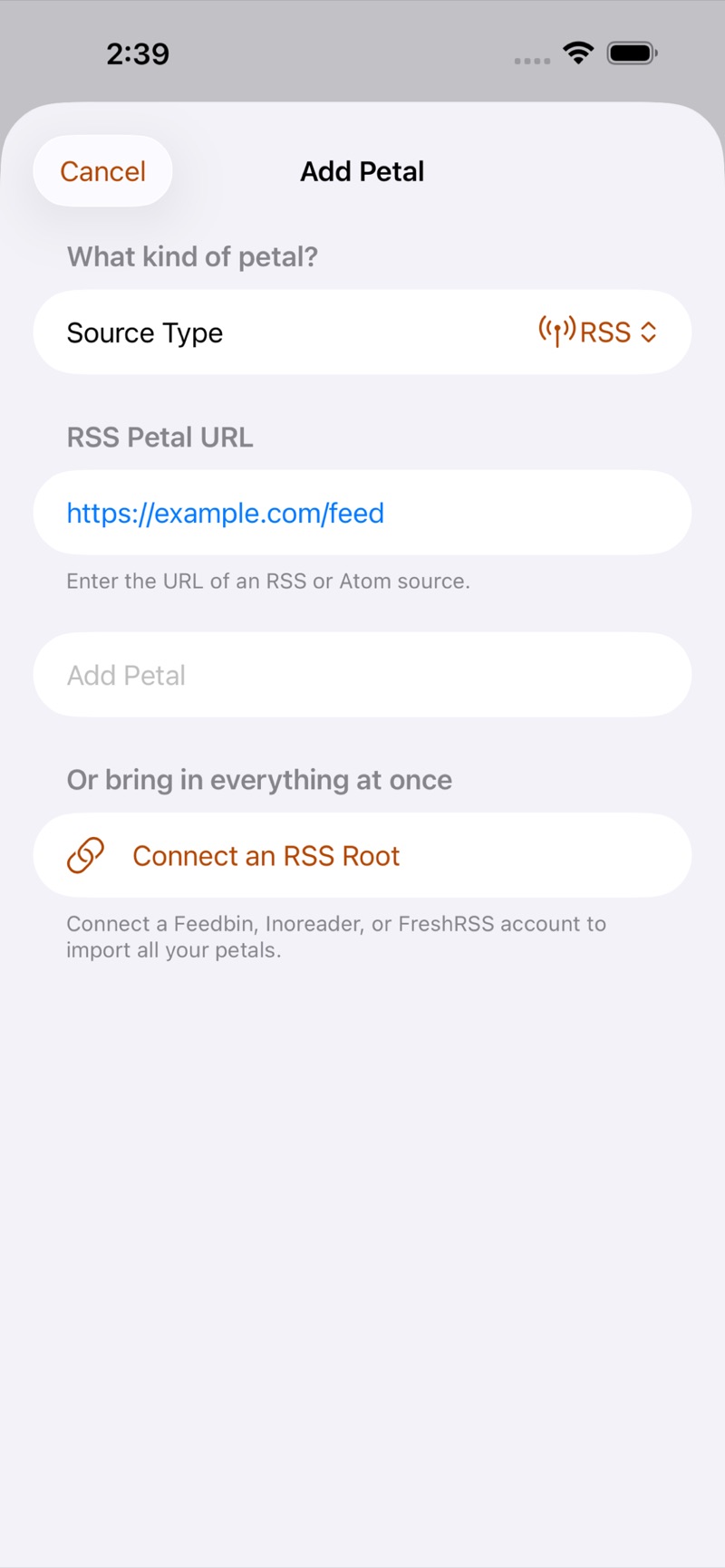
Add any blog or news site by its RSS or Atom feed, follow a subreddit by name, connect your Mastodon or Bluesky account to read your timeline, and follow YouTube channels.
Already use Feedbin, FreshRSS or Inoreader? Connect it and your feeds, folders and read state sync both ways. OPML import and export means you are never locked in.
Full articles, read aloud
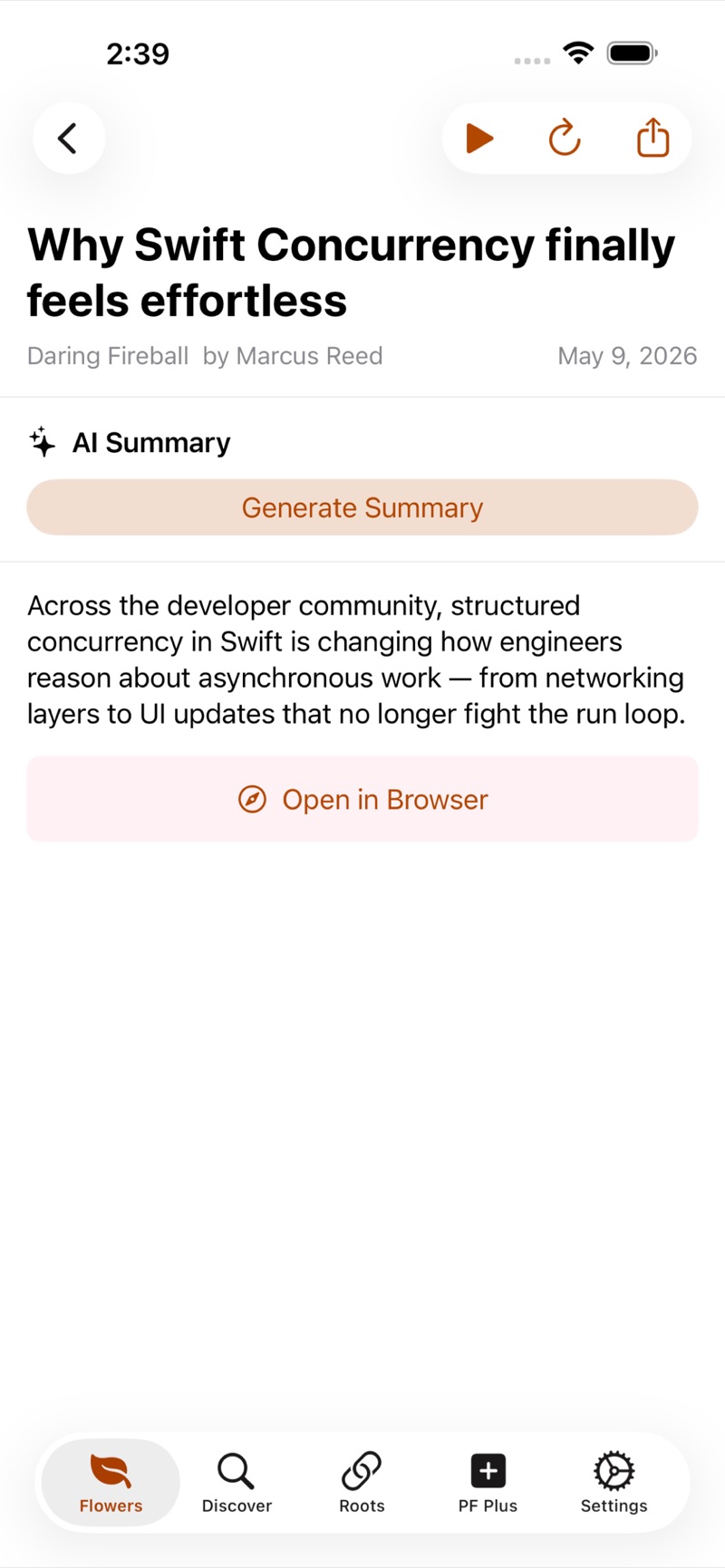
PetalFeed extracts the complete article without navigation, ads or sidebars, and formats it for VoiceOver with real headings and clean lists.
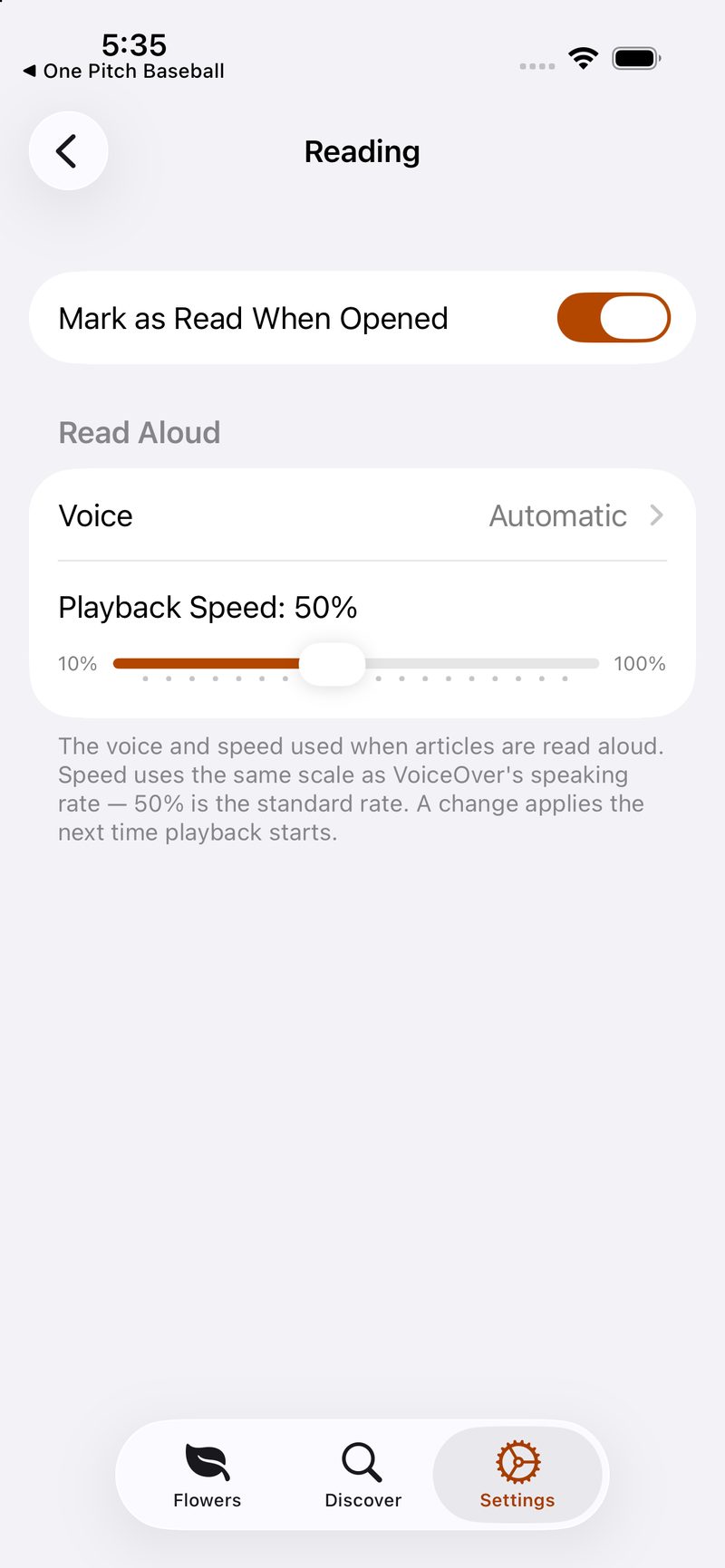
Press play and Listen mode reads it in any voice installed on your device, including enhanced and premium voices, with a mini-player and lock-screen controls.
Summaries that stay on your device
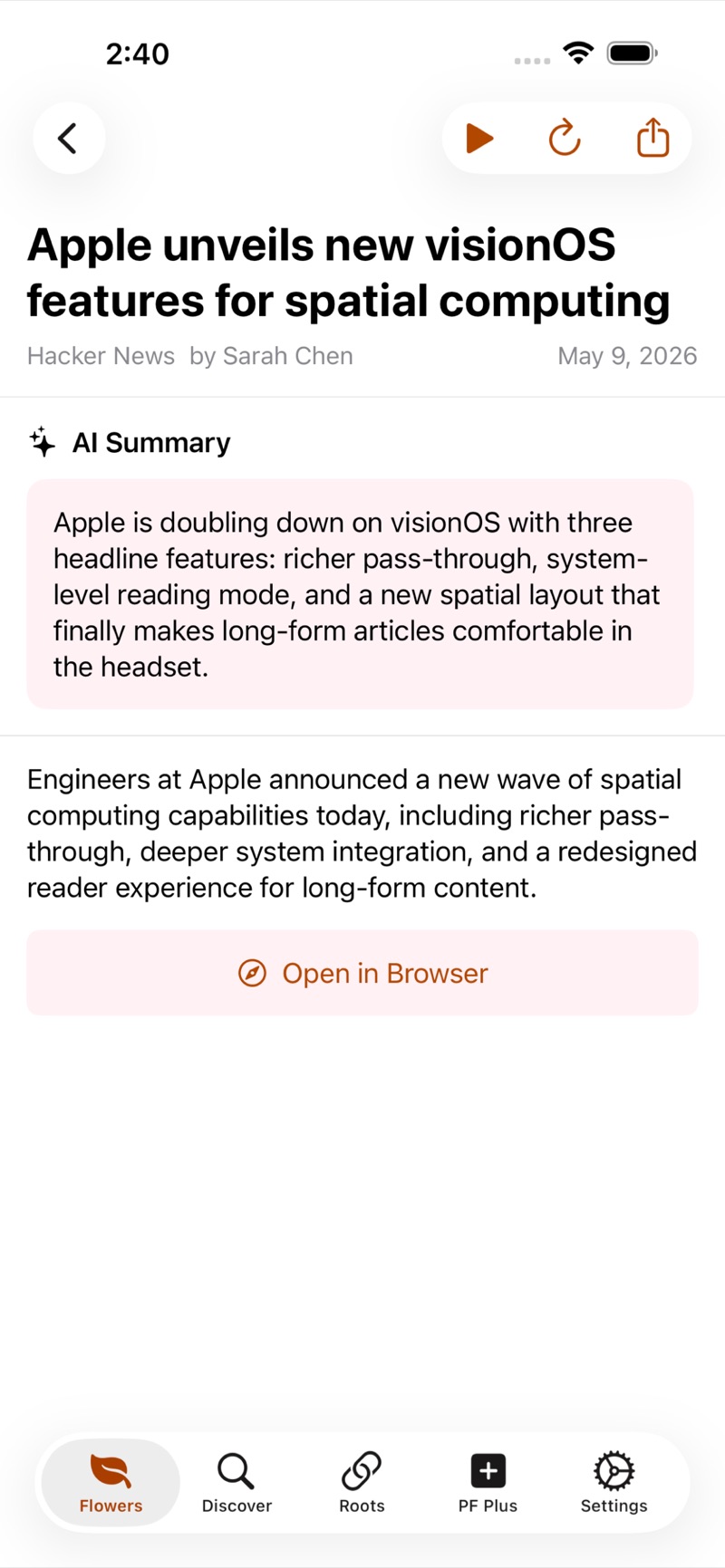
On supported devices, get a short summary of any article, or of a group of related stories, from Apple’s on-device intelligence. Nothing is sent to a server.
Organized your way
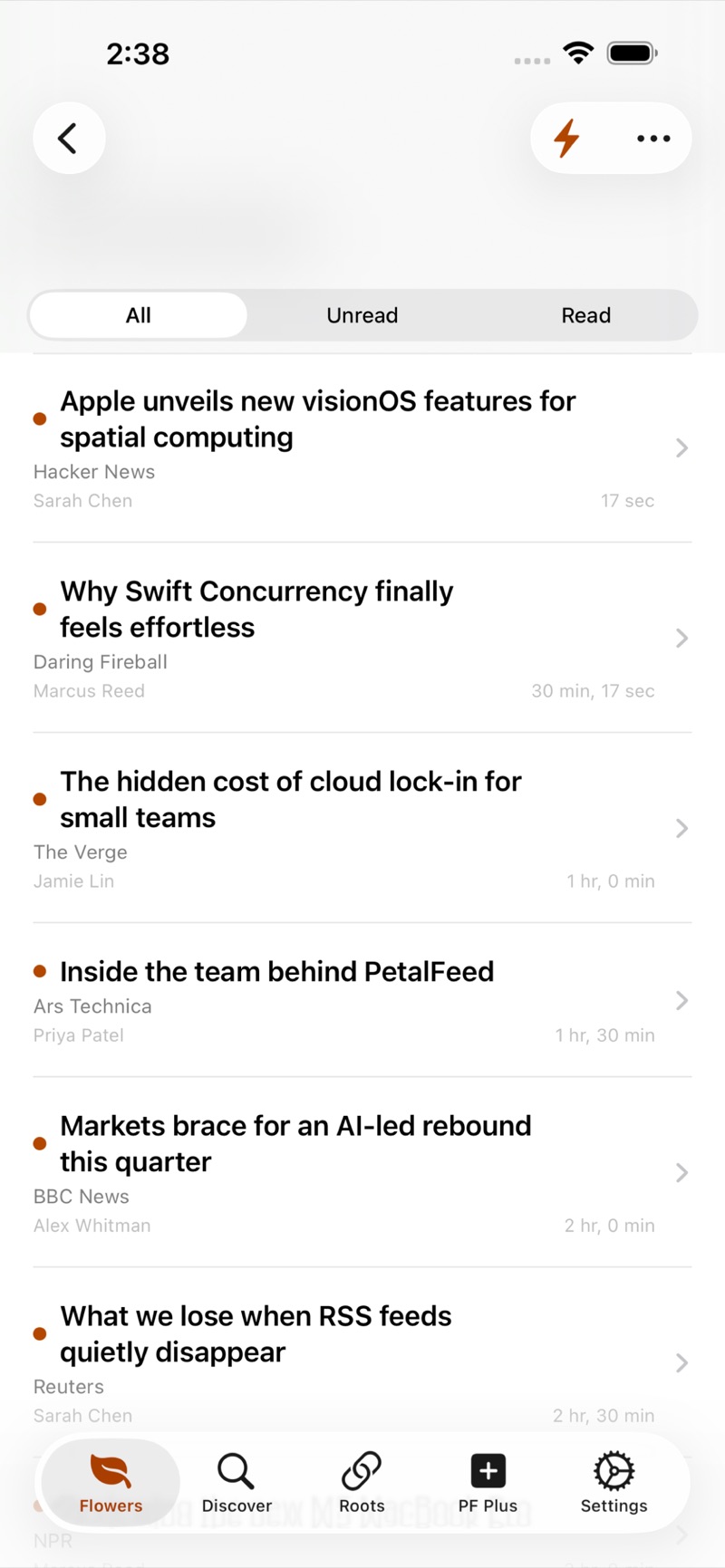
Group your sources into Flowers by topic, let smart Flowers such as All Unread, Today and Similar Unread fill themselves, and filter any list to all, unread or read.
Similar Unread gathers coverage of the same story into one topic, and Bees, keyword filters, keep spoilers and subjects you would rather skip out of sight.
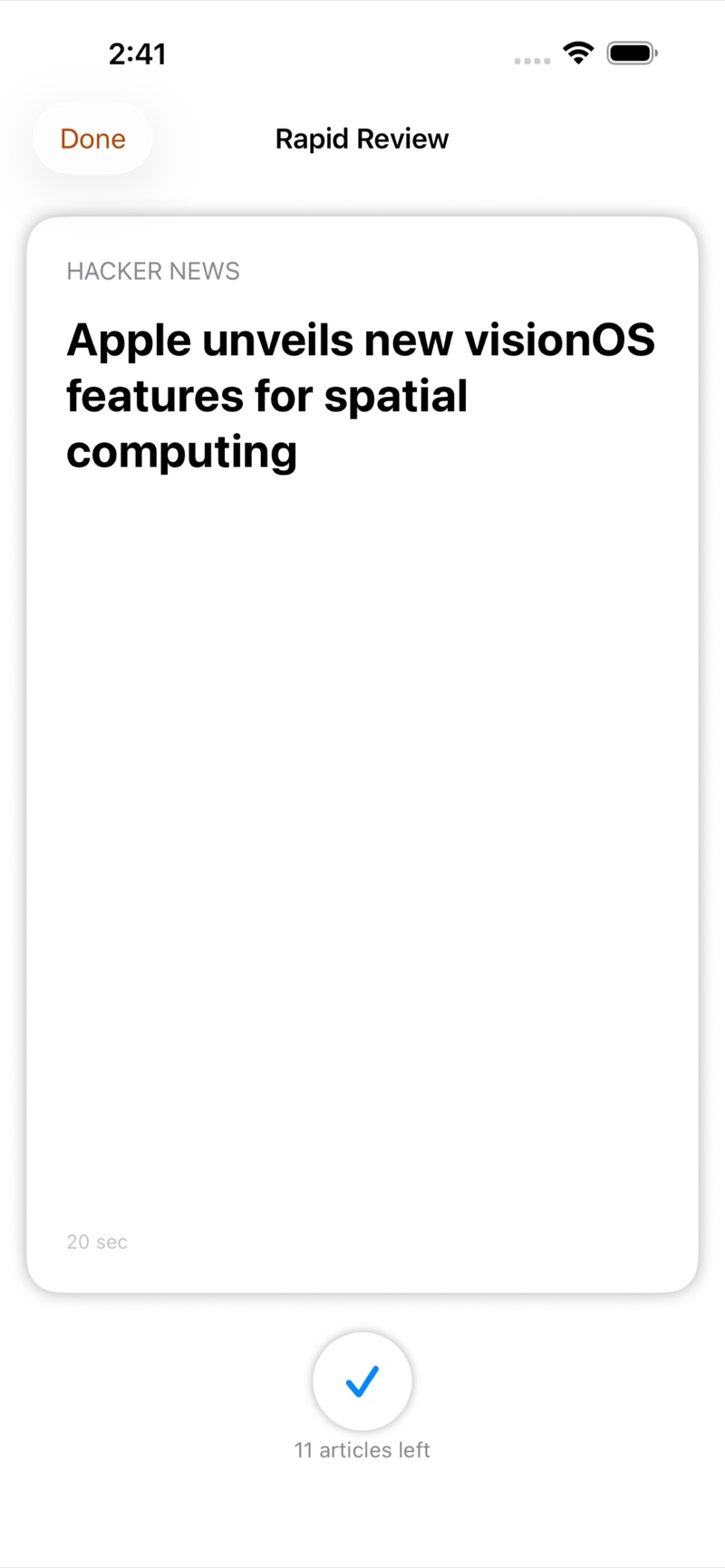
Rapid Review
Clear a backlog one headline at a time: read it, keep it, or mark it read and move on.
Accessibility
Accessibility is the foundation of PetalFeed, not an afterthought.
- Designed and tested VoiceOver-first, with a meaningful label on every control.
- Custom rotor actions to mark read, edit, collapse and delete.
- Spoken status announcements and logical grouping, so you hear the article rather than clutter.
- The article extractor formats text for VoiceOver, with real headings, natural pauses and clean lists.
- Full Dynamic Type, and keyboard navigation with menu-bar commands on Mac.
Privacy
PetalFeed collects no data. There are no ads, trackers or analytics, and your reading stays on your device.
- Articles and reading history are stored on your device.
- Account details for Mastodon, Bluesky and sync services are kept in the device Keychain.
- PetalFeed connects directly to the sites and services you add. Those services see those requests; Doxie Media never does.
- AI summaries run on your device, so your reading is never sent to a server to be summarised.
- The app keeps a few simple counters on your device, such as how many articles you have marked read. They never leave it.
Frequently asked questions
Can I bring my feeds from another reader?
Yes. Import an OPML file, or connect Feedbin, FreshRSS or Inoreader to bring in your feeds and folders. You can export OPML at any time, and overlapping subscriptions are de-duplicated automatically.
Does PetalFeed sync with my RSS service?
Yes. It syncs feeds, folders and read state both ways with Feedbin, Inoreader and FreshRSS, including self-hosted FreshRSS.
Is there a Mac version?
Yes. PetalFeed runs on iPhone, iPad and Mac, with a three-column layout and menu-bar commands on Mac.
Which voices can read articles aloud?
Any voice installed on your device, including enhanced and premium voices.
Where do AI summaries come from?
Apple’s on-device intelligence, on devices that support it. The article is summarised on your device and is never uploaded.
How much does PetalFeed cost?
PetalFeed is $4.99, a one-time purchase, for iPhone, iPad and Mac.
Get PetalFeed
$4.99 on the App Store for iPhone, iPad and Mac.