jKey: Big, high-contrast keys you can actually hit.
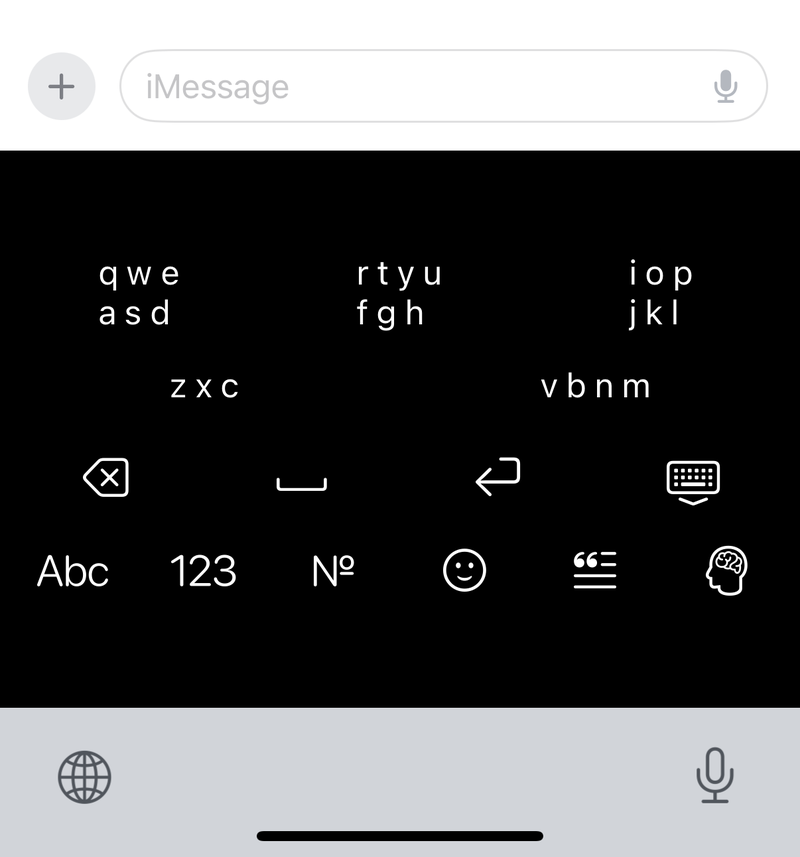
jKey is a keyboard for iPhone and iPad that groups the alphabet into a few large clusters. Tap a cluster, then the letter, or turn on Cluster Only Mode, tap just the clusters, and let jKey work out the word you meant.
- Price
- Free (with a $4.99 Pro unlock)
- Platforms
- iPhone and iPad

Who it’s for
jKey is for anyone who finds the standard iPhone keyboard’s small keys hard to hit.
- People with low vision who want fewer, larger targets in a color scheme they can see.
- People with a tremor or limited dexterity, for whom every mistyped letter means going back to fix it.
- VoiceOver users who want fewer keys to explore and clear announcements as they type.
Features
Headline feature
Cluster Only Mode
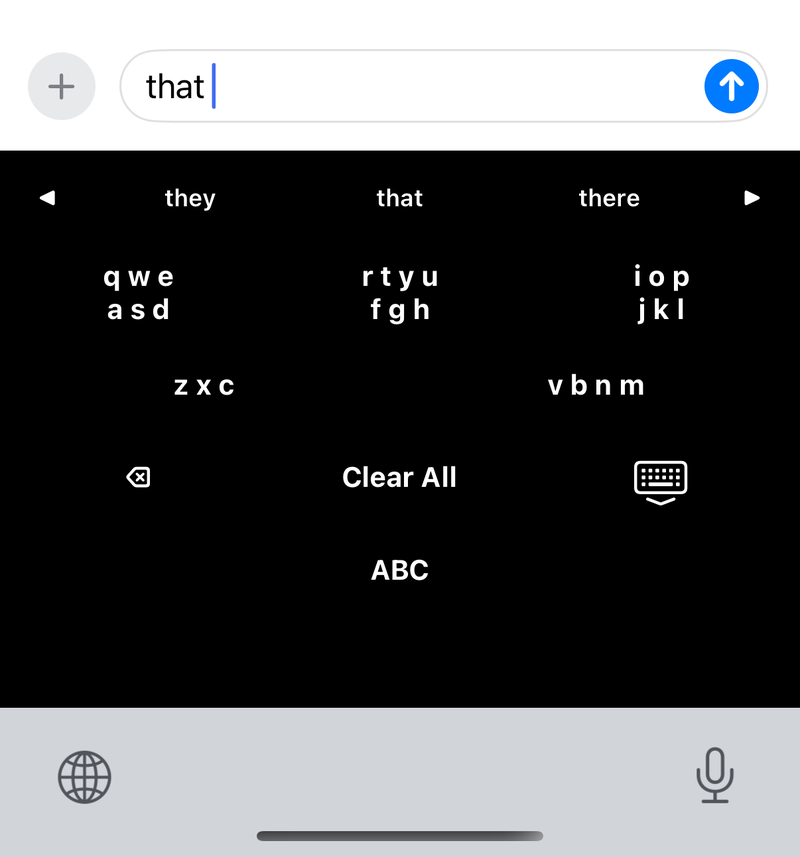
Type using nothing but the clusters. From the sequence of clusters you tap and the words around it, jKey works out the word you were trying to write, so you never have to pick out a single small letter.
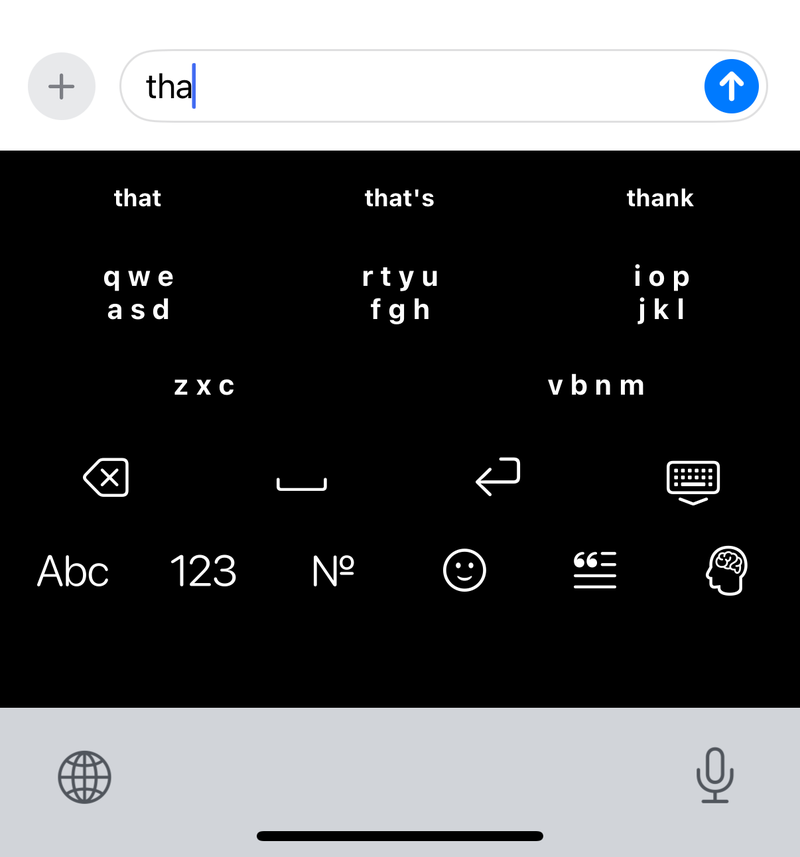
Letters grouped into big clusters
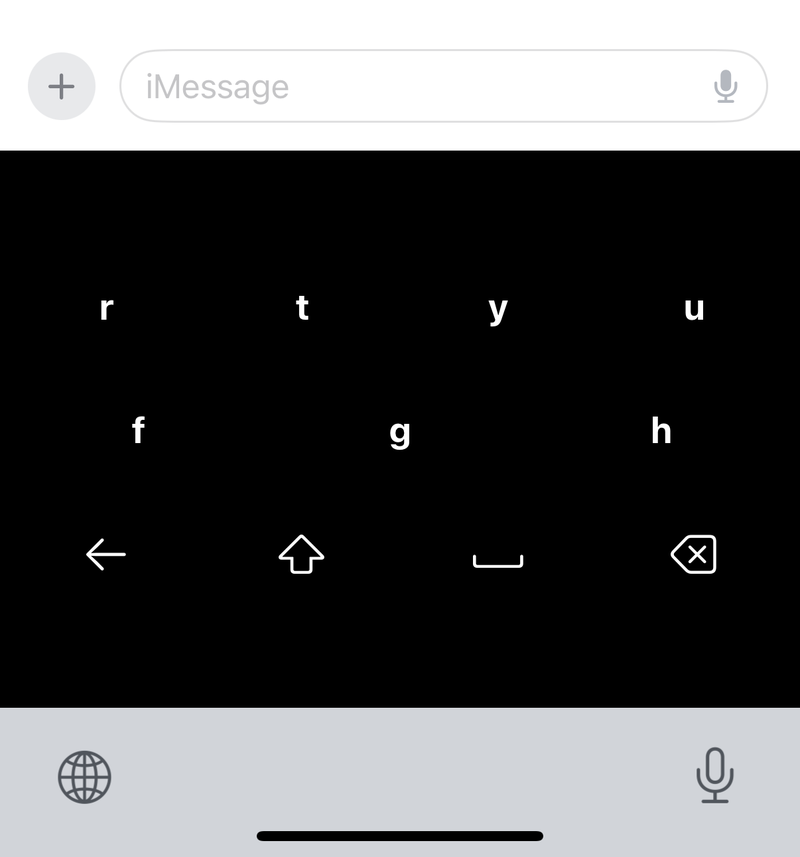
Characters are grouped into logical clusters. Tap a cluster to expand it, then tap the character you want.
Suggestions that fit the sentence
jKey suggests words that fit what you are writing, promoting relevant words as you type. With VoiceOver on, you choose how many suggestions it announces.
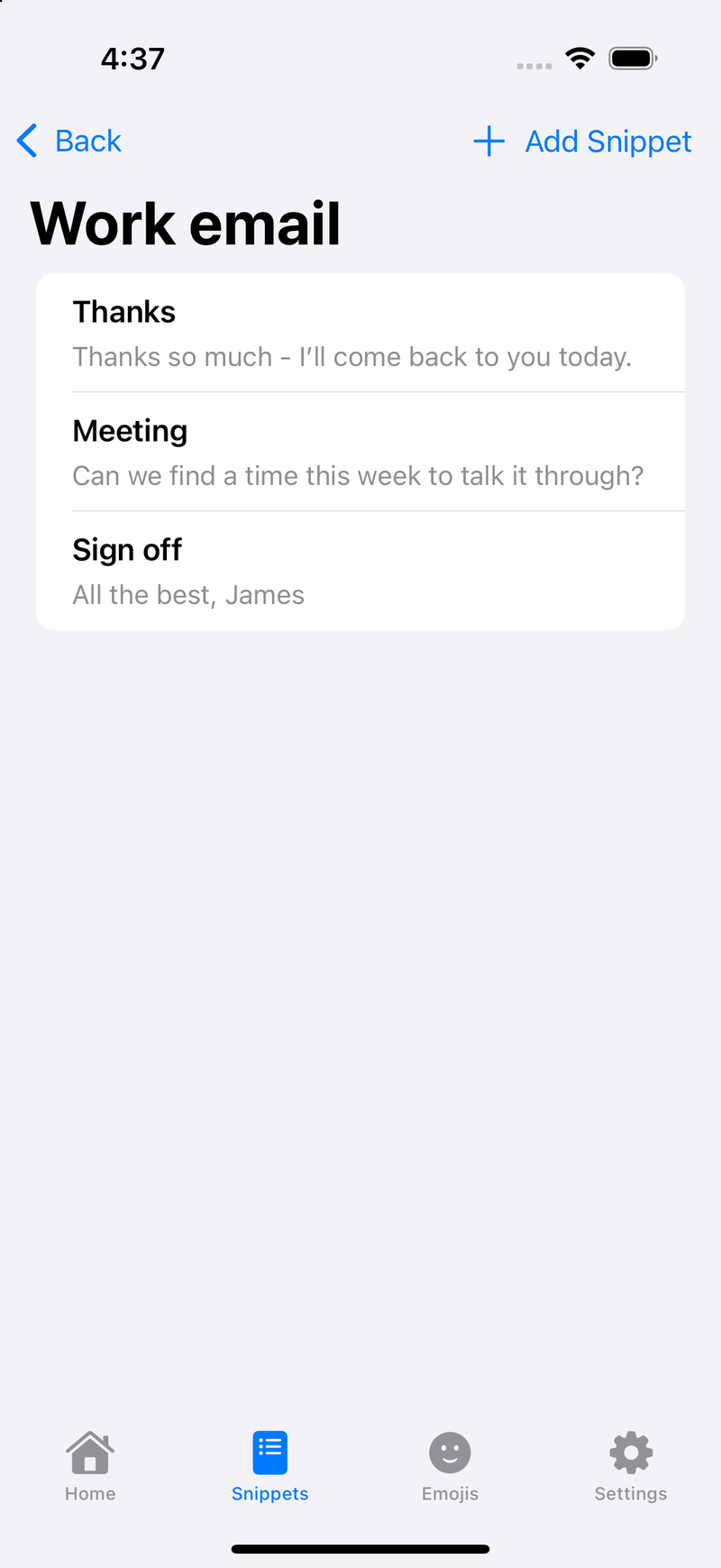
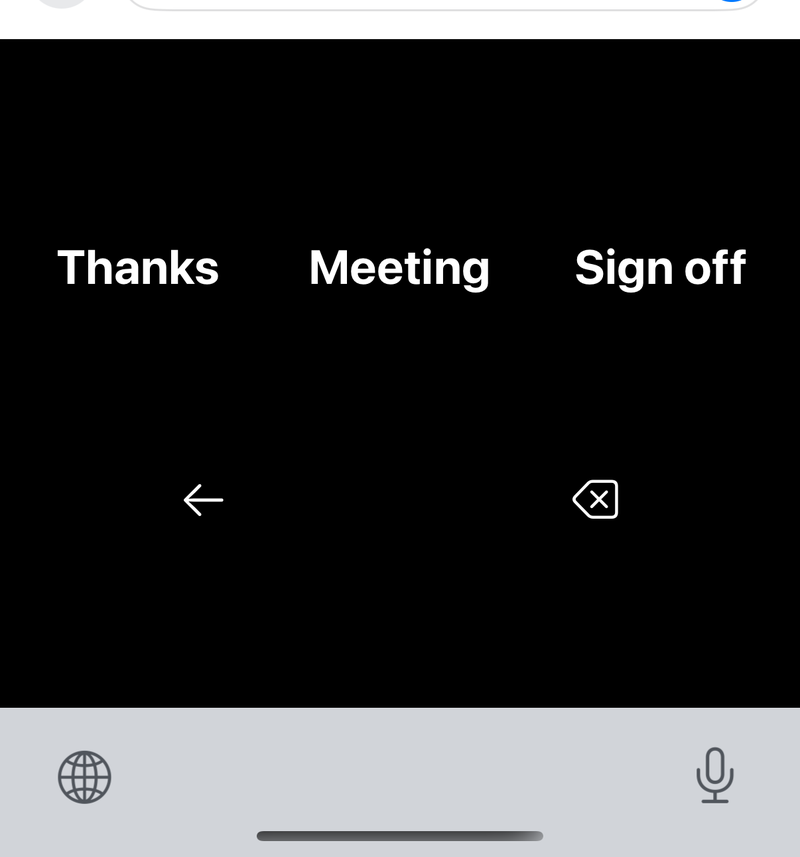
Snippets for the phrases you type most
Save three categories of three snippets each, or six of six with Pro, then tap the category and the snippet in the keyboard to type the whole phrase.
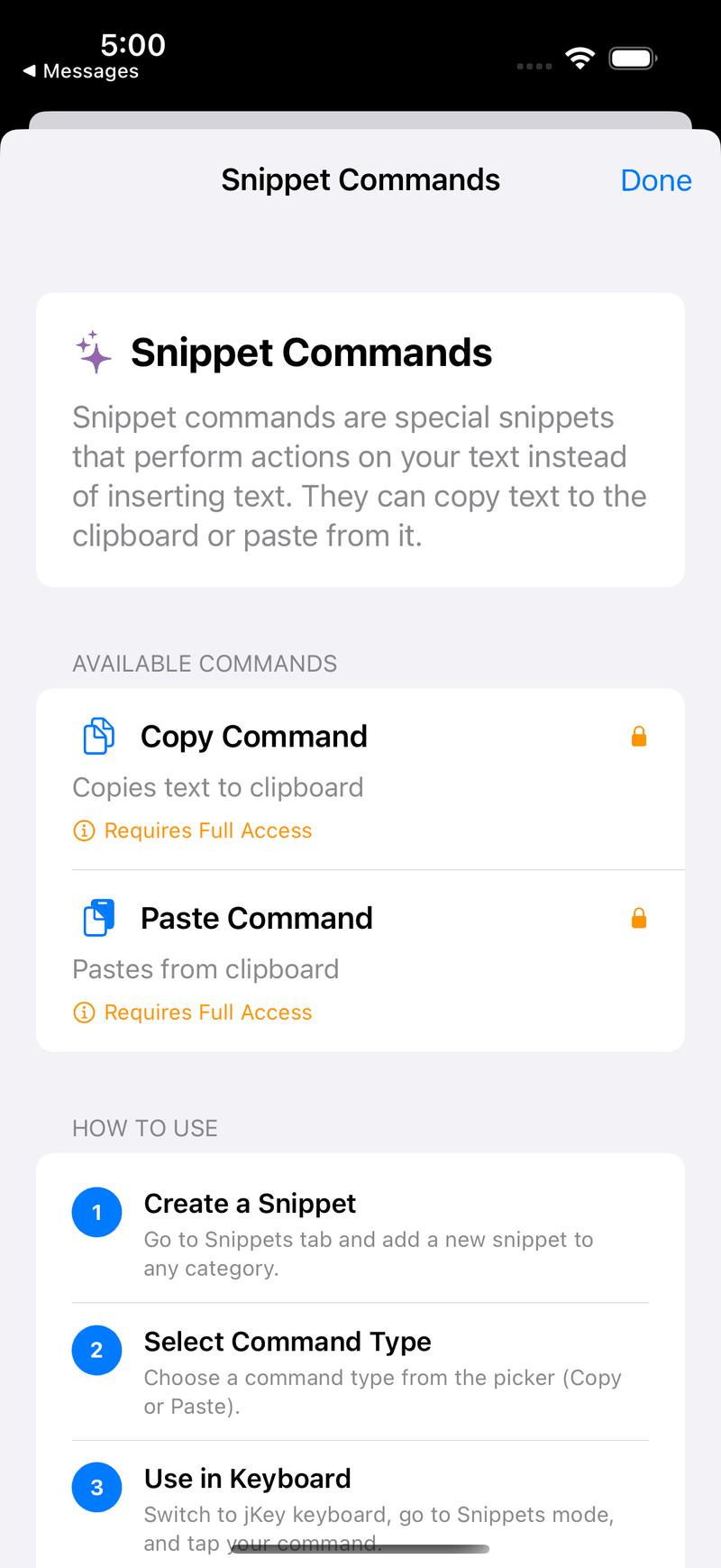
Snippet commands: copy and paste
A snippet can be a command instead of text. Copy puts the text around the cursor on the clipboard and Paste puts the clipboard back. Both need Allow Full Access, which iOS asks you to turn on yourself.
Emoji you can find again
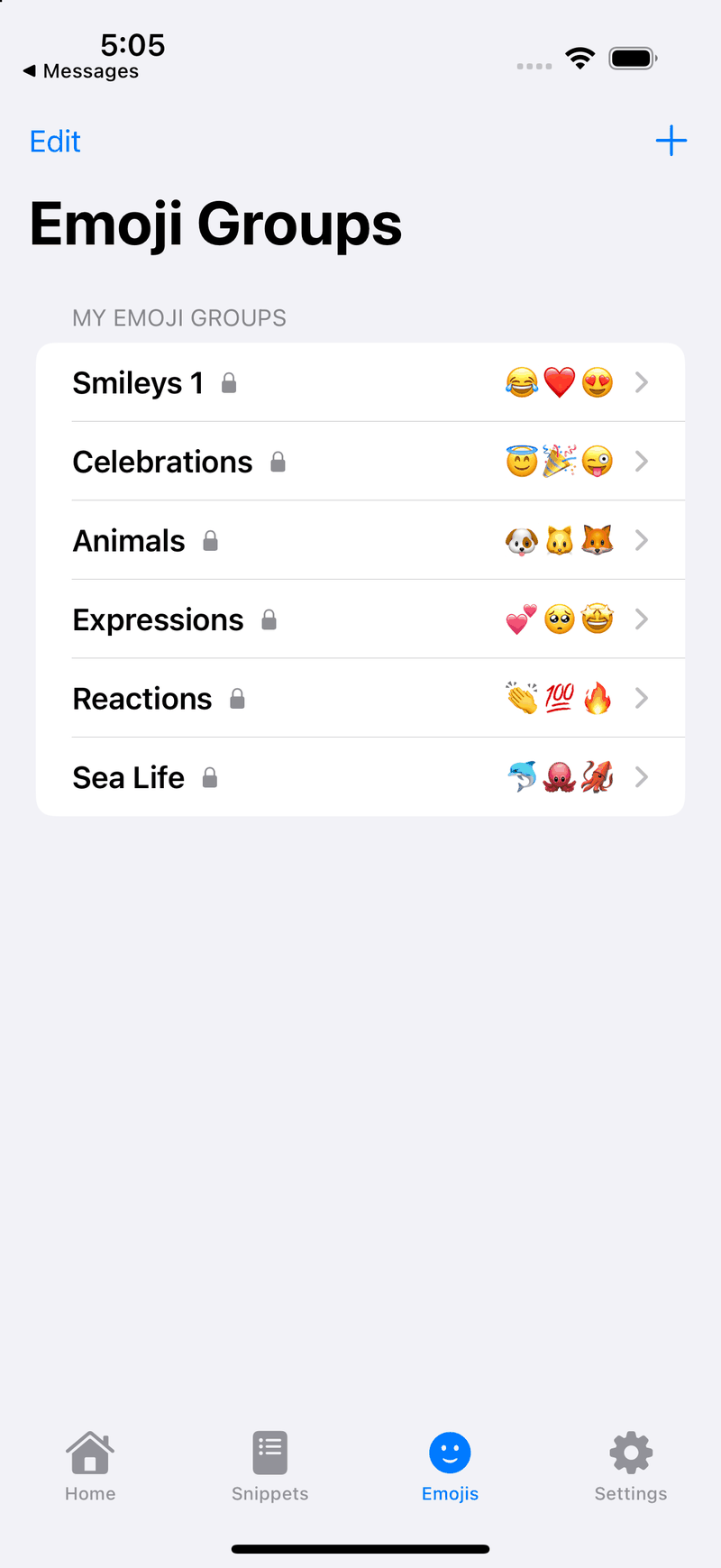
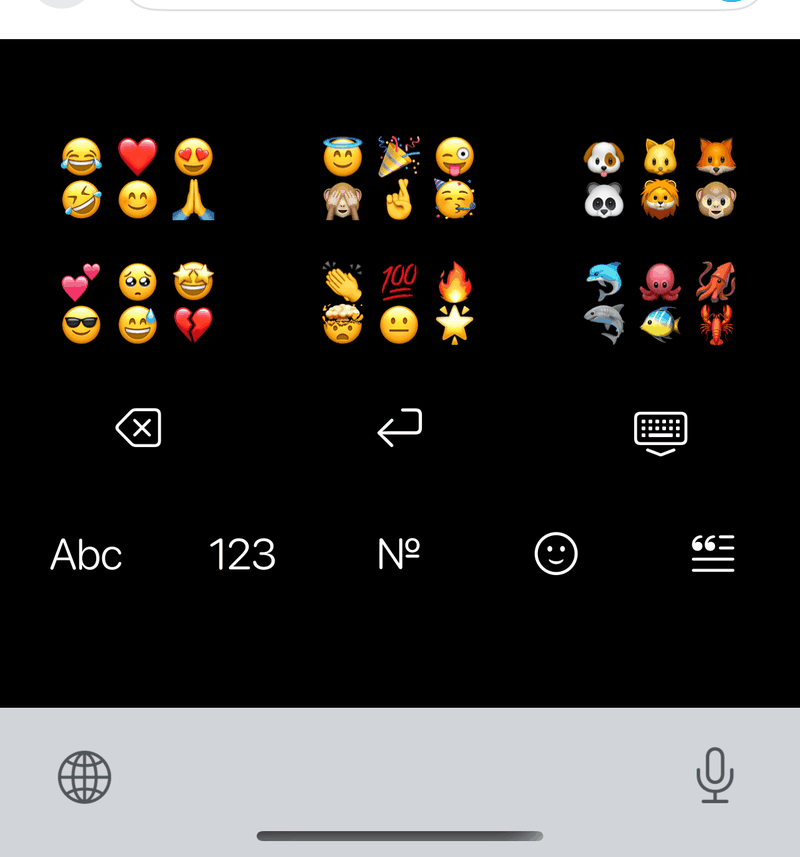
Pick the emoji groups you use from a list of ready-made ones, or build your own. The keyboard shows three groups of six, or six groups with Pro, so an emoji is two taps away instead of a scroll through hundreds.
Colors and sizes you choose
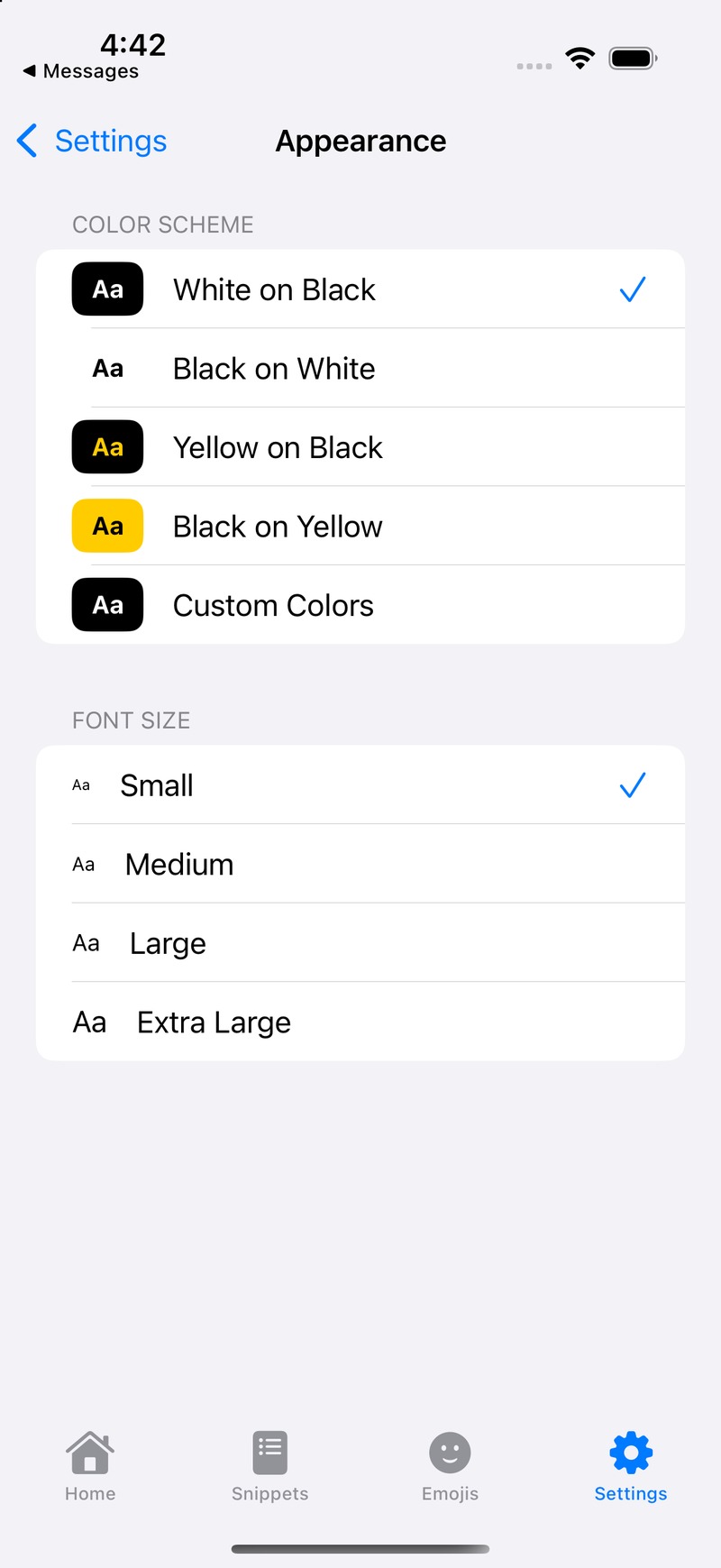
Pick one of four preset color schemes and set the relative font size of the keys. Pro adds colors of your own choosing.
See it in action
A silent screen recording of Cluster Only Mode: fourteen cluster taps and four word choices write “Thanks for the update” in a message.
No sound. Recorded on an iPhone simulator and sped up about six times.
What happens in this video
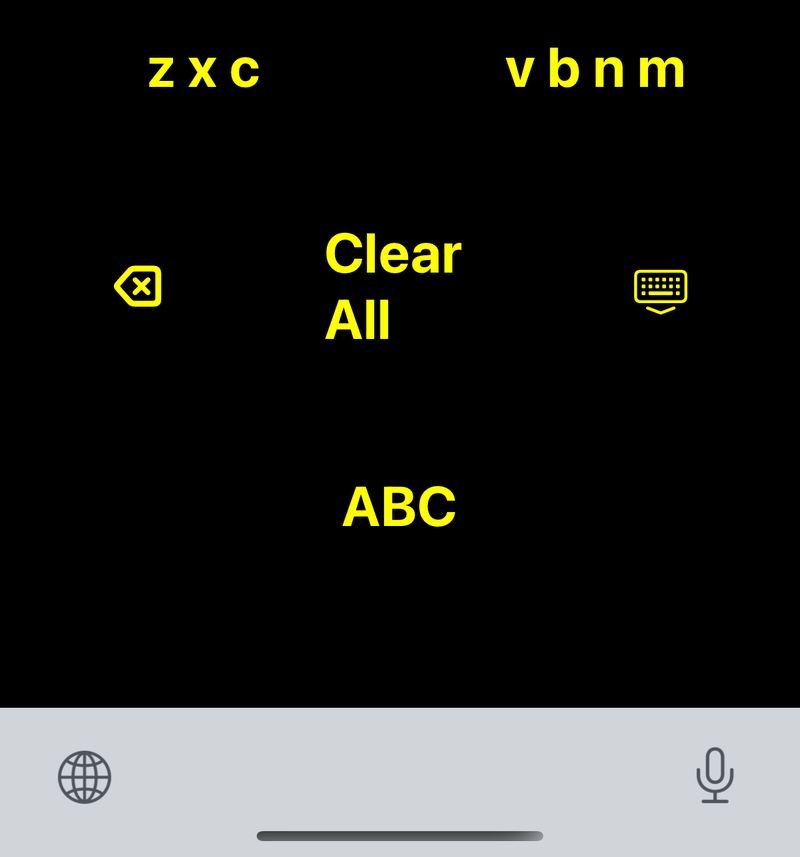
- A message field is empty and the keyboard shows five clusters — q w e / a s d, r t y u / f g h, i o p / j k l, z x c and v b n m — with the hint “Tap clusters to build a word”.
- Six cluster taps spell out the letters of “thanks” without picking a single letter. The row above the clusters ranks the matching words, with “thanks” first.
- “Thanks” is chosen and appears in the message field with a space after it.
- Three taps for “for”, three for “the” and six for “update”, each time picking the word the keyboard ranks first.
- The message field reads “Thanks for the update”.
Accessibility
jKey is built to be used with VoiceOver.
- Every key, cluster and suggestion has a descriptive label and hint.
- VoiceOver rotor actions toggle caps lock and delete a word, a line or all of your text.
- Announcement settings apply to every key, cluster and suggestion when VoiceOver is on, including how many suggestions are read.
- Custom color schemes and a relative font size setting for low vision.
- Hold delete to keep deleting, faster the longer you hold. Tap shift for one capital, or hold it for caps lock.
Press and reviews
Featured on the Double Tap podcast
Host Steven Scott interviewed creator Jamie Wallace about building jKey, the inspiration behind it, and how it helps people with physical or visual challenges.
Listen to the interview on Double Tap (opens in a new tab)
Privacy
jKey collects no data. The keyboard has no network code, so nothing you type ever leaves your device.
- jKey asks for Full Access so the keyboard can read the snippets, emoji groups and settings you create in the jKey app. iOS only lets a keyboard share that information with its app when Full Access is on.
- Your snippets and settings are stored on your device.
- No analytics, no ads, no tracking and no account.
Frequently asked questions
How do I turn on jKey?
Open Settings, go to General, Keyboard, Keyboards, Add New Keyboard, and choose jKey. Then tap jKey in that list and turn on Allow Full Access so your snippets and settings reach the keyboard. Switch to jKey with the globe key.
Why does jKey need Full Access?
So the keyboard can read the snippets, emoji groups and settings you set up in the jKey app. jKey has no network code, so Full Access does not let anything you type leave your device.
What is Cluster Only Mode?
A way to type by tapping only the clusters. jKey uses the sequence of clusters and the surrounding words to work out the word you meant.
Does jKey work with VoiceOver?
Yes. Every key, cluster and suggestion is labelled, rotor actions handle caps lock and deleting, and you can choose how much jKey announces.
How much does jKey cost?
jKey is free. Pro is a one-time $4.99 purchase that raises the limits to six snippet categories of six snippets each and six emoji groups, and lets you set your own keyboard colors. Anyone who bought jKey when it cost $1.99 keeps everything, at no charge.
Get jKey
Free on the App Store for iPhone and iPad.