Press kit
Icons, screenshots, fact sheets and prices for our apps. Everything here is free to use in coverage of Doxie Media and its apps.
Press contact
Email info@doxiemedia.com for review information, interviews or anything else you need. We reply to most messages within 24 hours, Monday to Friday.
Prices at a glance
| App | Price | Platforms | Requires |
|---|---|---|---|
| jKey | Free, with a one-time $4.99 Pro unlock | iPhone and iPad | iOS 18.2 or later, iPadOS 18.2 or later |
| jKey for Mac | Free, with no in-app purchases | Mac | macOS 14 Sonoma or later |
| PetalFeed | Free, with a one-time $9.99 Lifetime unlock | iPhone, iPad and Mac | iOS 26.1 or later, iPadOS 26.1 or later, macOS 26.1 or later |
| Blind Racer | Free, with a one-time $4.99 Championship unlock | iPhone and iPad | iOS 18.2 or later, iPadOS 18.2 or later |
| One Pitch Baseball | Free, with a one-time $4.99 Dynasty unlock | iPhone and iPad | iOS 17.0 or later, iPadOS 17.0 or later |
| One Catch | Free, with a one-time $4.99 Dynasty unlock or $6.99 Dynasty Plus | iPhone and iPad | iOS 17.0 or later, iPadOS 17.0 or later |
| Equate This | Free, with a one-time $4.99 Full Table unlock | iPhone and iPad | iOS 17.0 or later, iPadOS 17.0 or later |
| BlindGalaxy | Free, with a one-time $6.99 Full Galaxy unlock | iPhone and iPad | iOS 27.0 or later, iPadOS 27.0 or later |
| VOAR | Free, with no in-app purchases | iPhone and iPad | iOS 27.0 or later, iPadOS 27.0 or later |
| The Bigr Show | Free, with a one-time $4.99 Full Show unlock | iPhone and iPad | iOS 27.0 or later, iPadOS 27.0 or later |
jKey fact sheet

- Developer
- Doxie Media LLC
- Released
- June 8, 2025
- Price
- Free (with a one-time $4.99 Pro unlock)
- Platforms
- iPhone and iPad
- Requires
- iOS 18.2 or later, iPadOS 18.2 or later
- App Store category
- Utilities
- Web page
- doxie.media/jkey

About jKey
jKey is a keyboard for iPhone and iPad that groups the alphabet into a few large clusters. Tap a cluster, then the letter, or turn on Cluster Only Mode, tap just the clusters, and let jKey work out the word you meant.
Key features
- Cluster Only Mode
- Letters grouped into big clusters
- Suggestions that fit the sentence
- Snippets for the phrases you type most
- Snippet commands: copy and paste
- Emoji you can find again
- Colors and sizes you choose
Accessibility
- Every key, cluster and suggestion has a descriptive label and hint.
- VoiceOver rotor actions toggle caps lock and delete a word, a line or all of your text.
- Choose how keys respond to VoiceOver: Standard (double-tap), Touch Typing (lift your finger to type) or Direct Touch (tap to type).
Screenshots
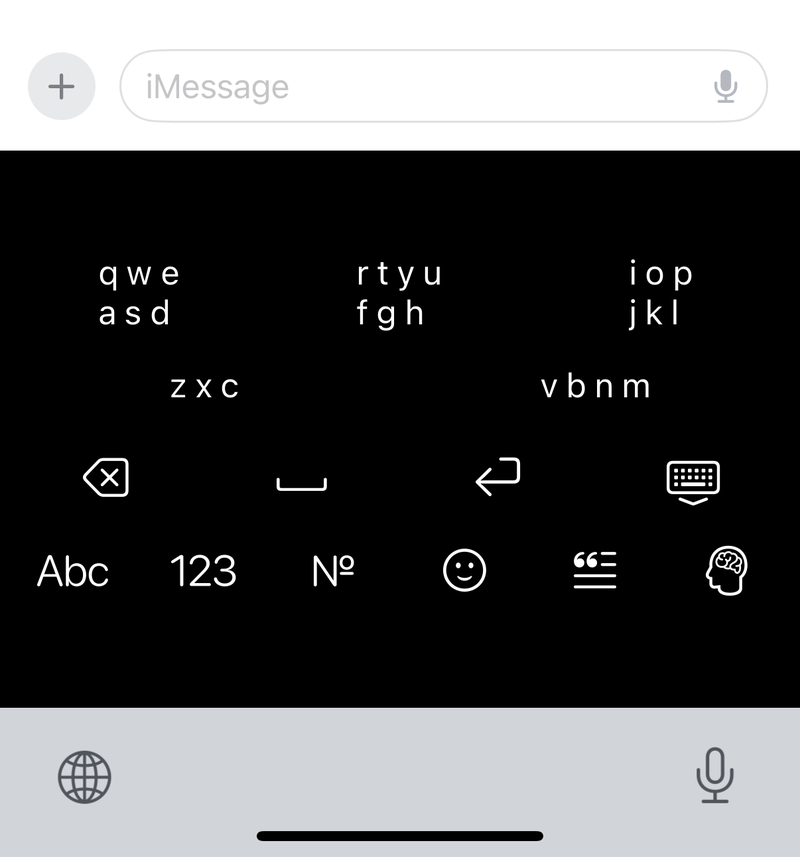 Download jKey screenshot 1 (PNG, 800 × 857)
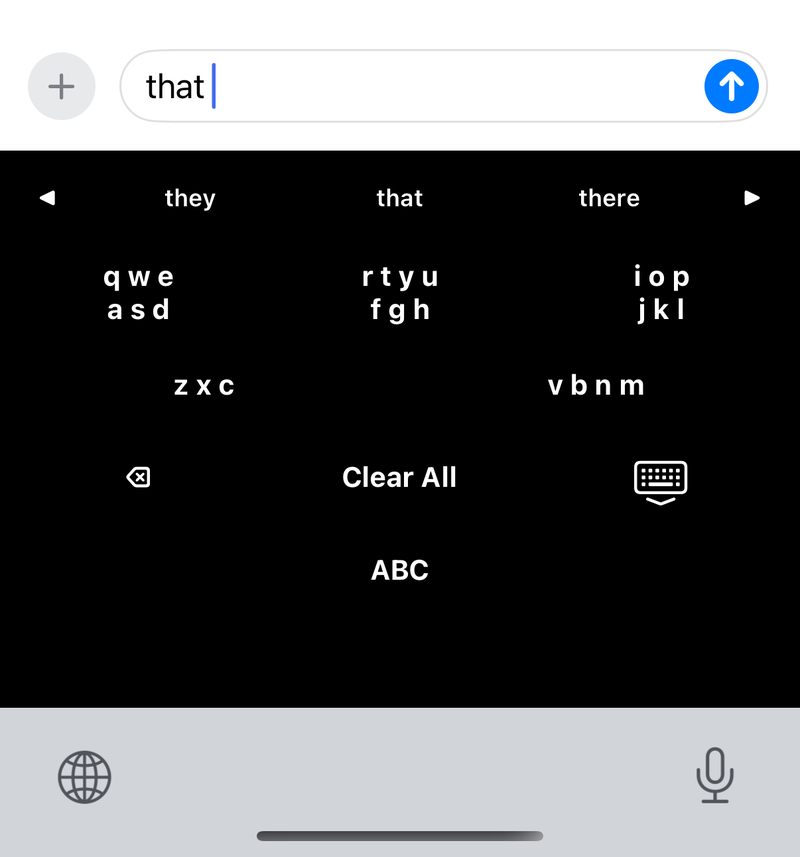 Download jKey screenshot 2 (PNG, 800 × 857)
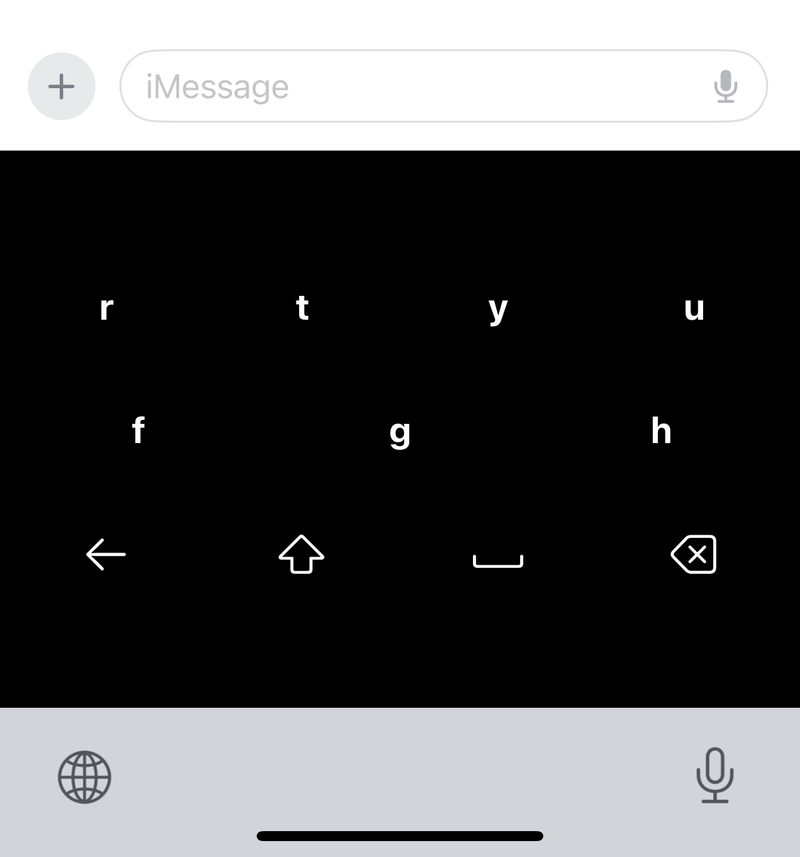 Download jKey screenshot 3 (PNG, 800 × 857)
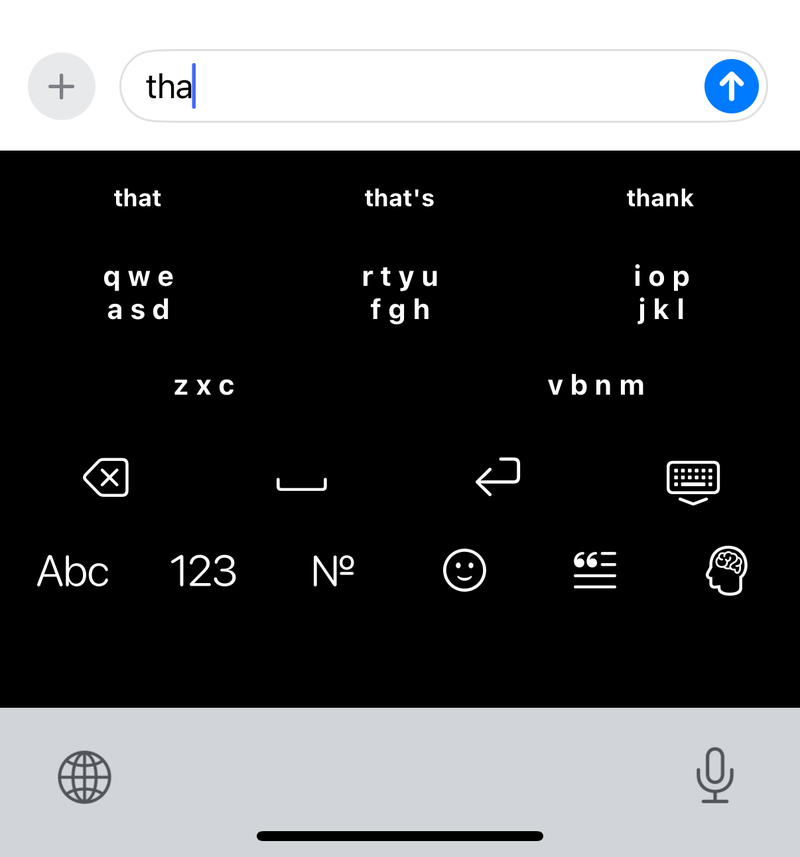 Download jKey screenshot 4 (PNG, 800 × 857)
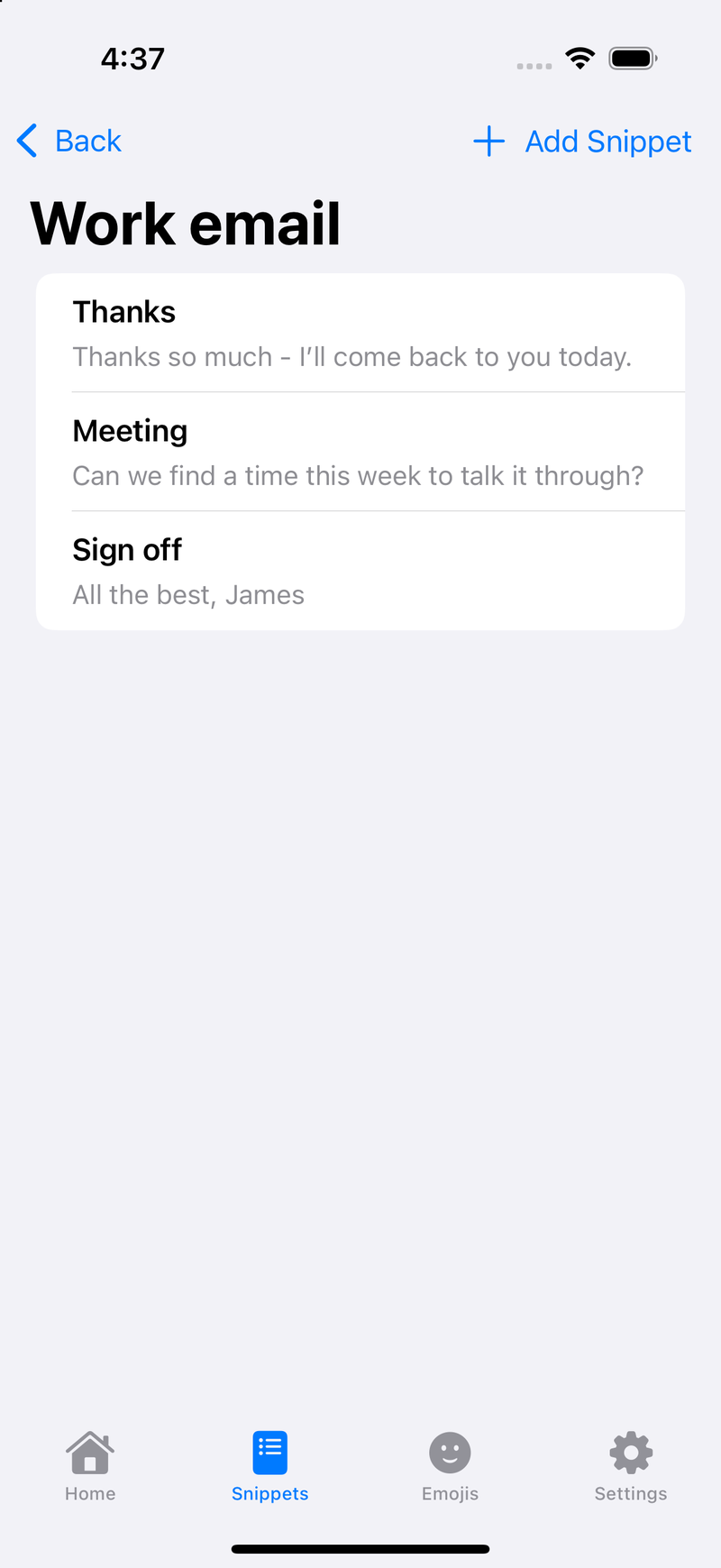 Download jKey screenshot 5 (PNG, 800 × 1739)
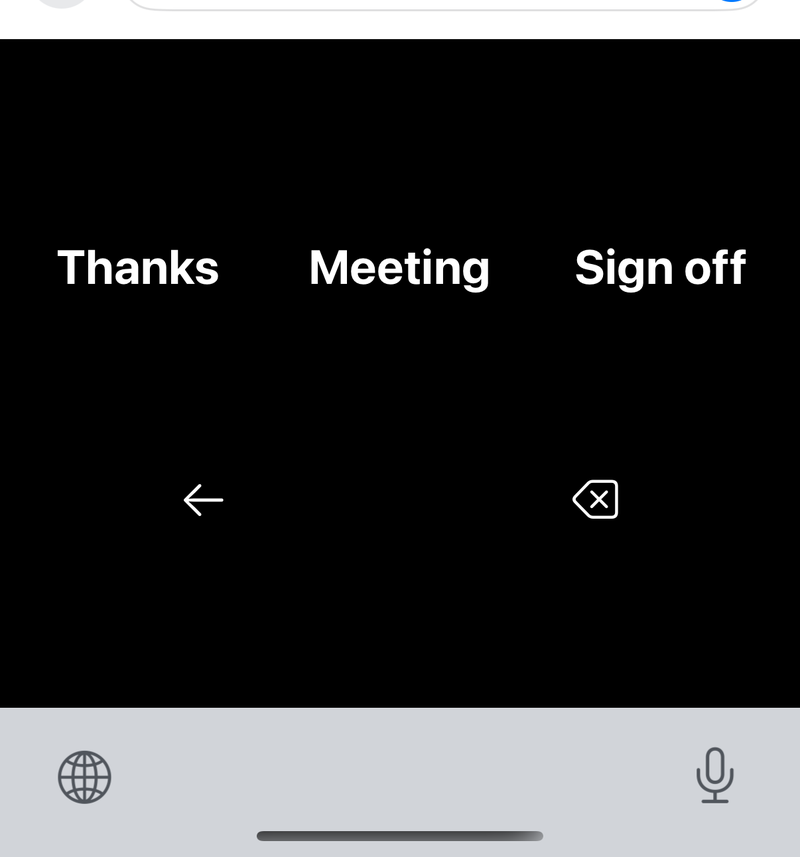 Download jKey screenshot 6 (PNG, 800 × 857)
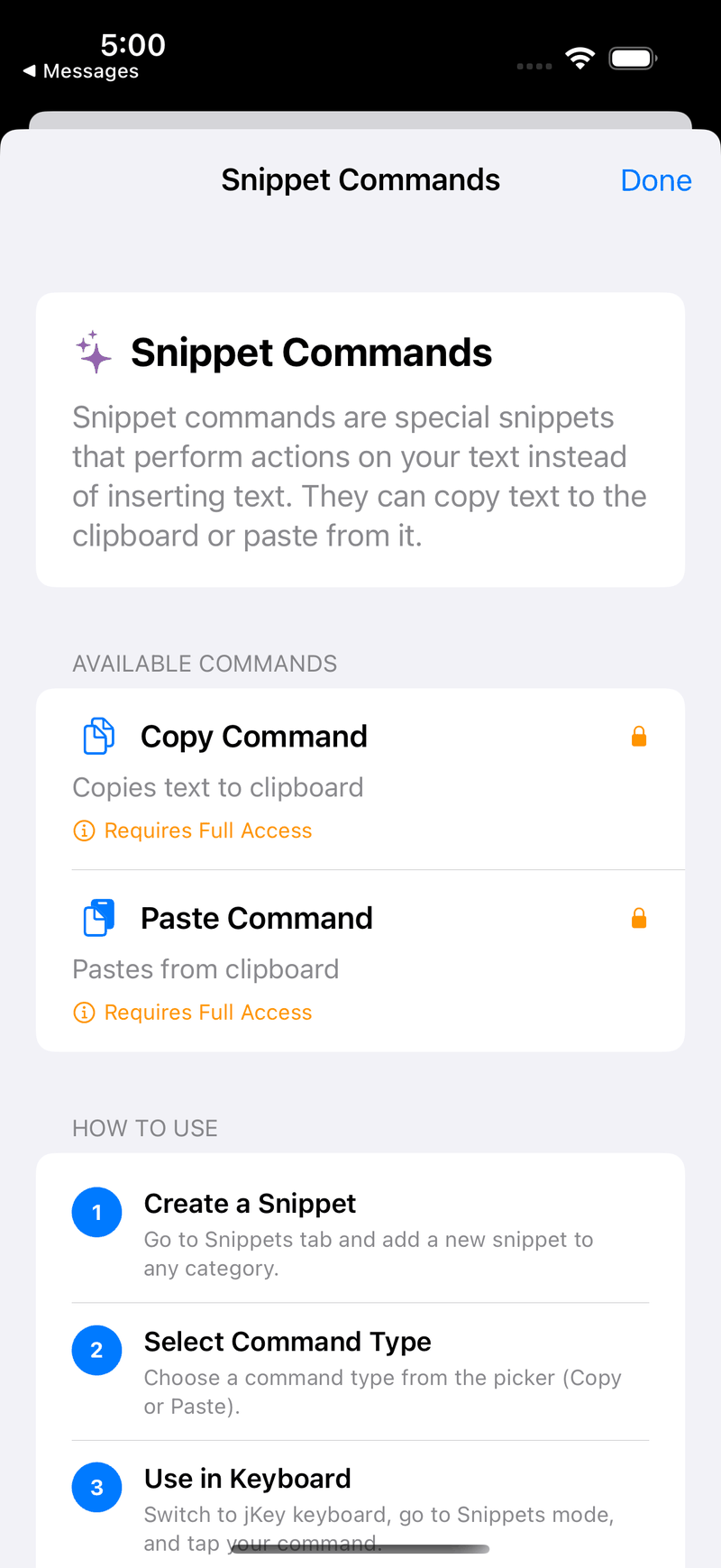 Download jKey screenshot 7 (PNG, 800 × 1739)
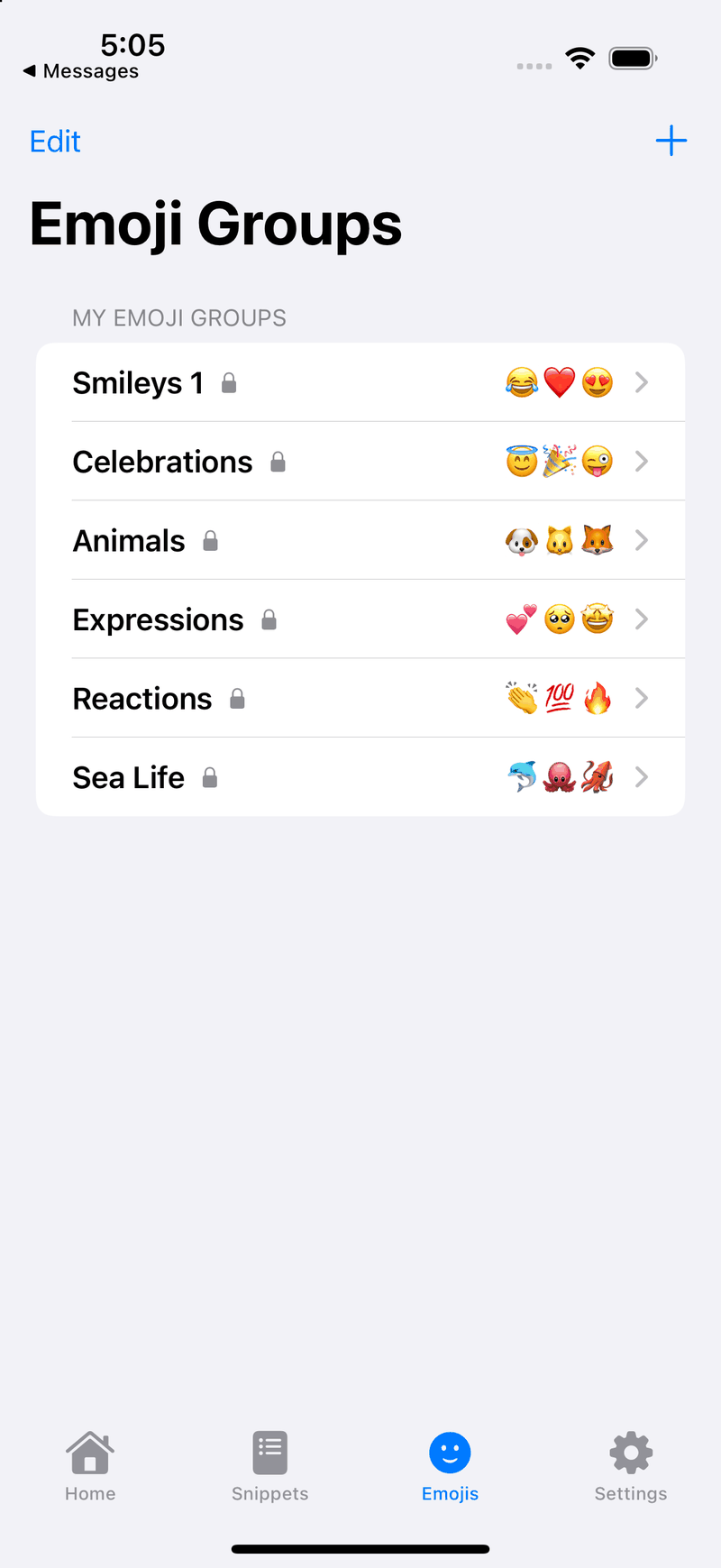 Download jKey screenshot 8 (PNG, 800 × 1739)
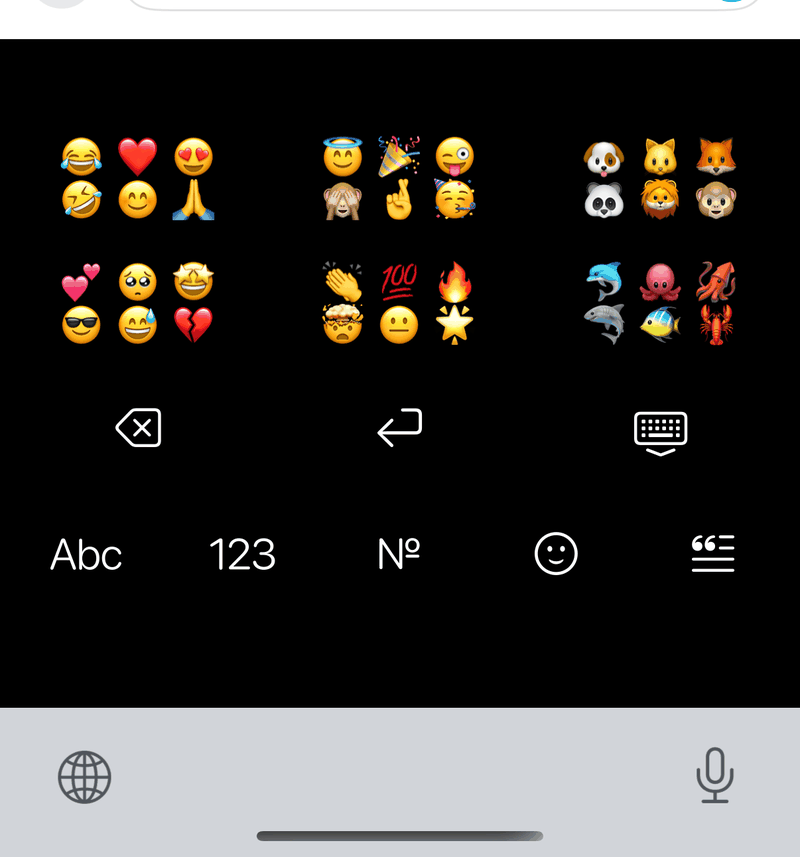 Download jKey screenshot 9 (PNG, 800 × 857)
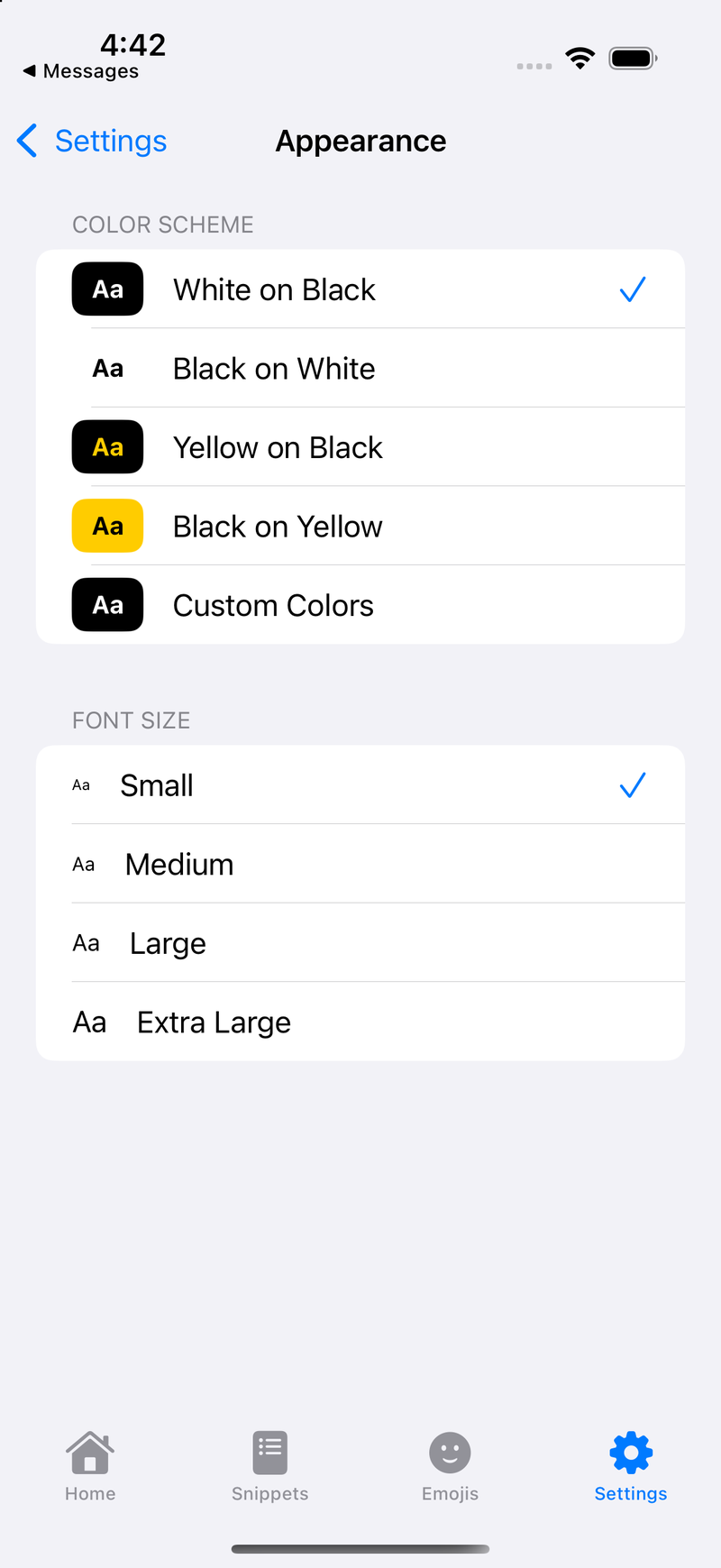 Download jKey screenshot 10 (PNG, 800 × 1739)
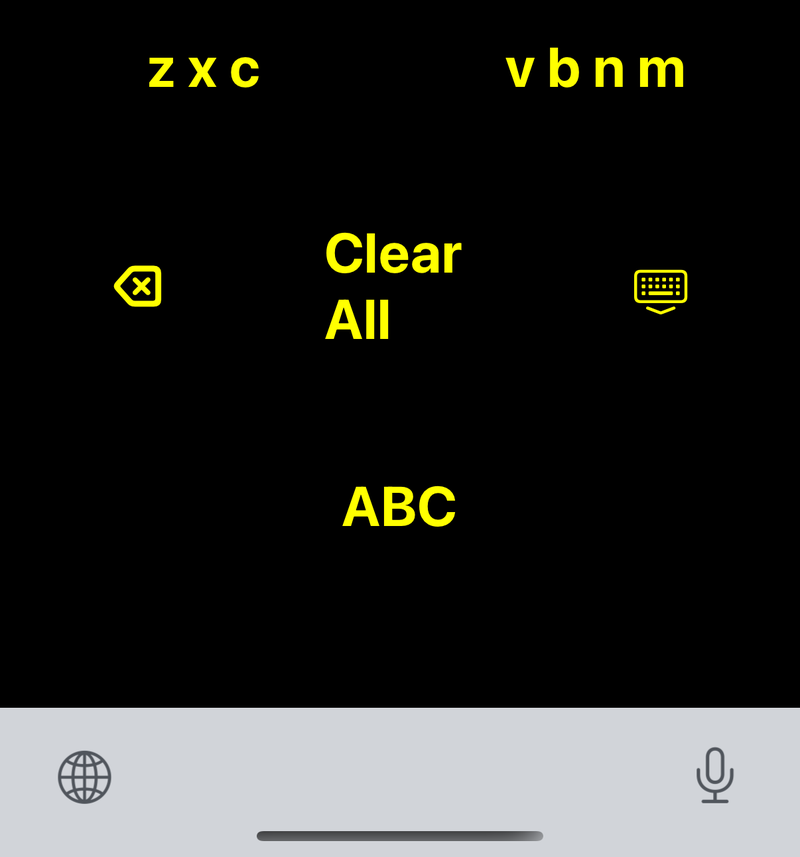 Download jKey screenshot 11 (PNG, 800 × 857)
jKey for Mac fact sheet
- Developer
- Doxie Media LLC
- Latest version
- 2026.2, a direct download from doxie.media
- Price
- Free (with no in-app purchases)
- Platforms
- Mac
- Requires
- macOS 14 Sonoma or later
- Category
- Utilities
- Web page
- doxie.media/jkeymac
About jKey for Mac
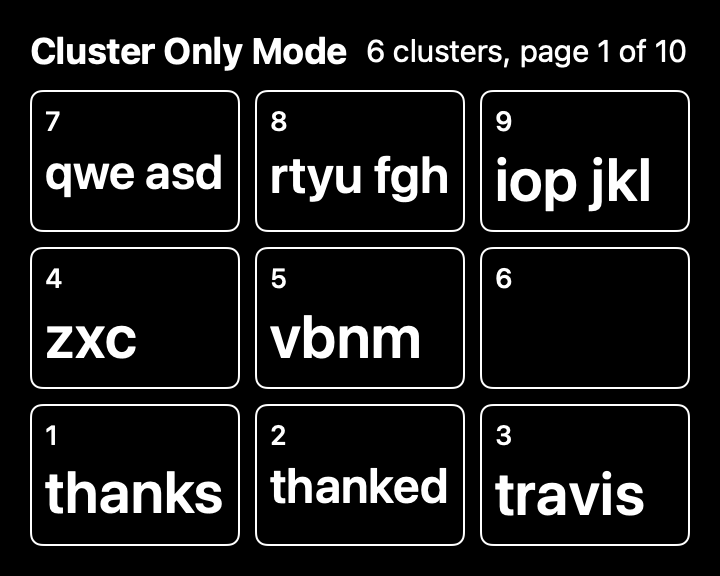
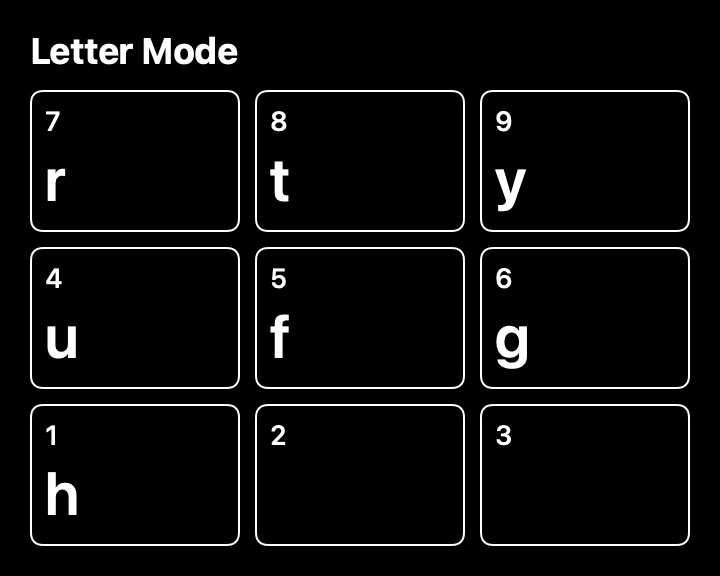
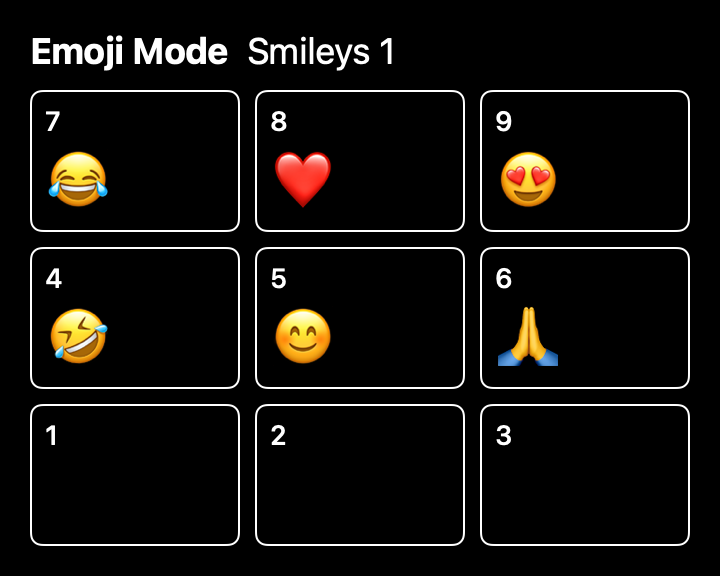
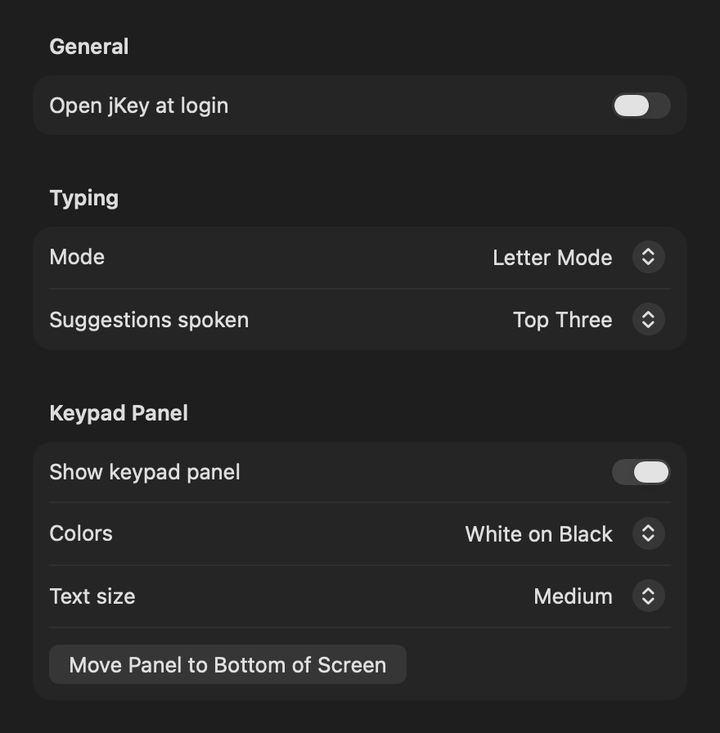
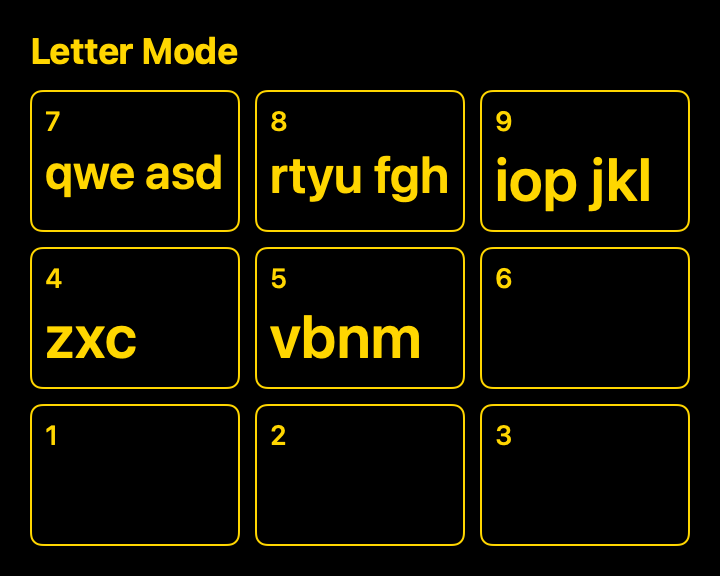
jKey for Mac turns your number pad into the jKey keyboard. Each key holds a cluster of letters, so you type with a handful of large keys you can find by touch, and jKey speaks everything it does, with or without VoiceOver.
Key features
- Cluster Only Mode
- Letter mode
- Emoji mode
- Its own voice
- A keypad panel you can move and resize
Accessibility
- jKey speaks every cluster, letter, word and mode change in its own voice, and VoiceOver does not repeat it.
- No action needs a quick double press or a held key. Press + once for Shift, twice for caps lock and a third time to turn it off, as slowly as you like.
- jKey doesn’t use the Clear or = keys, so it works on number pads that don’t have them.
Screenshots
PetalFeed fact sheet

- Developer
- Doxie Media LLC
- Released
- June 10, 2026
- Price
- Free (with a one-time $9.99 Lifetime unlock)
- Platforms
- iPhone, iPad and Mac
- Requires
- iOS 26.1 or later, iPadOS 26.1 or later, macOS 26.1 or later
- App Store category
- News
- Web page
- doxie.media/petal-feed
About PetalFeed
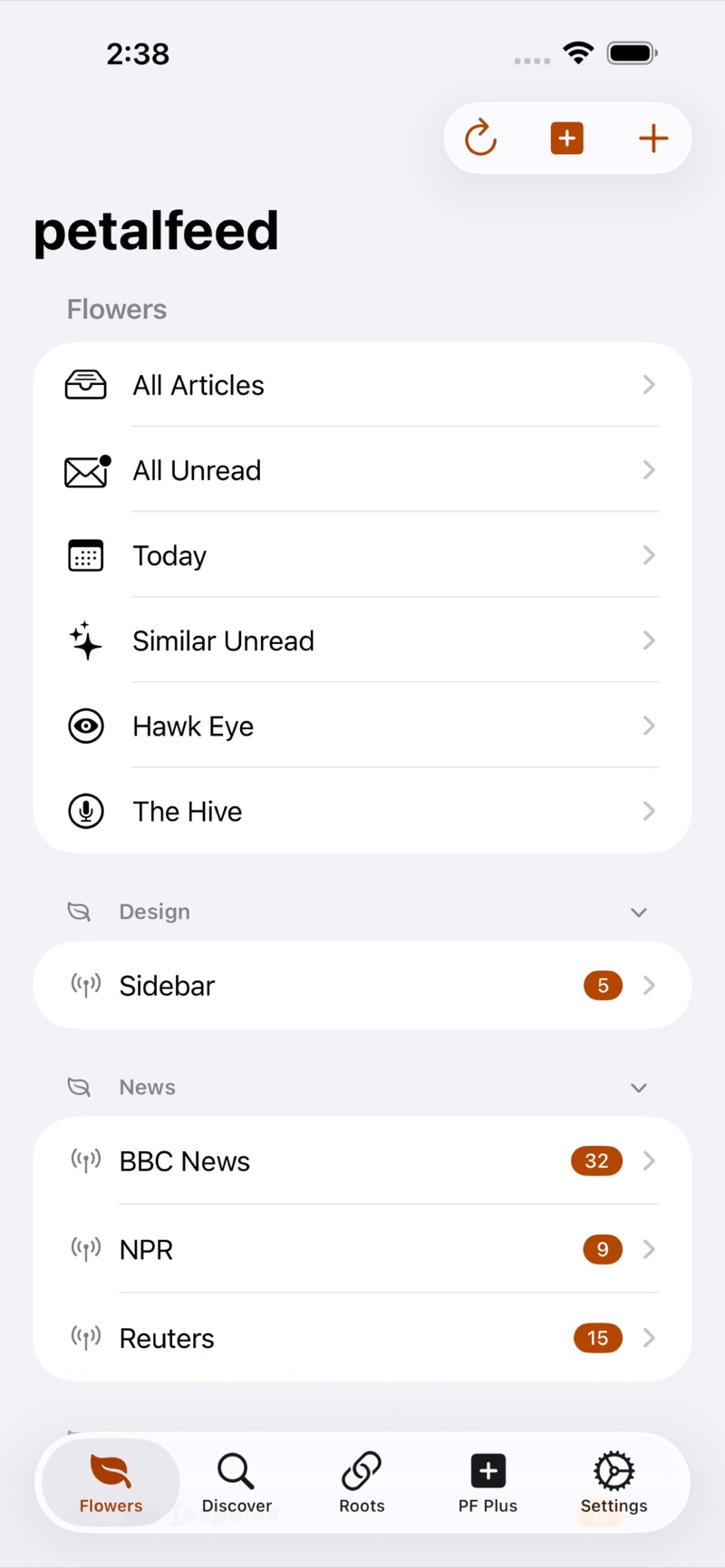
PetalFeed gathers the sites and people you follow into one calm, private reading app for iPhone, iPad and Mac. It pulls in the full article, strips out the clutter, and reads it to you in any voice on your device, even in the car with CarPlay.
Key features
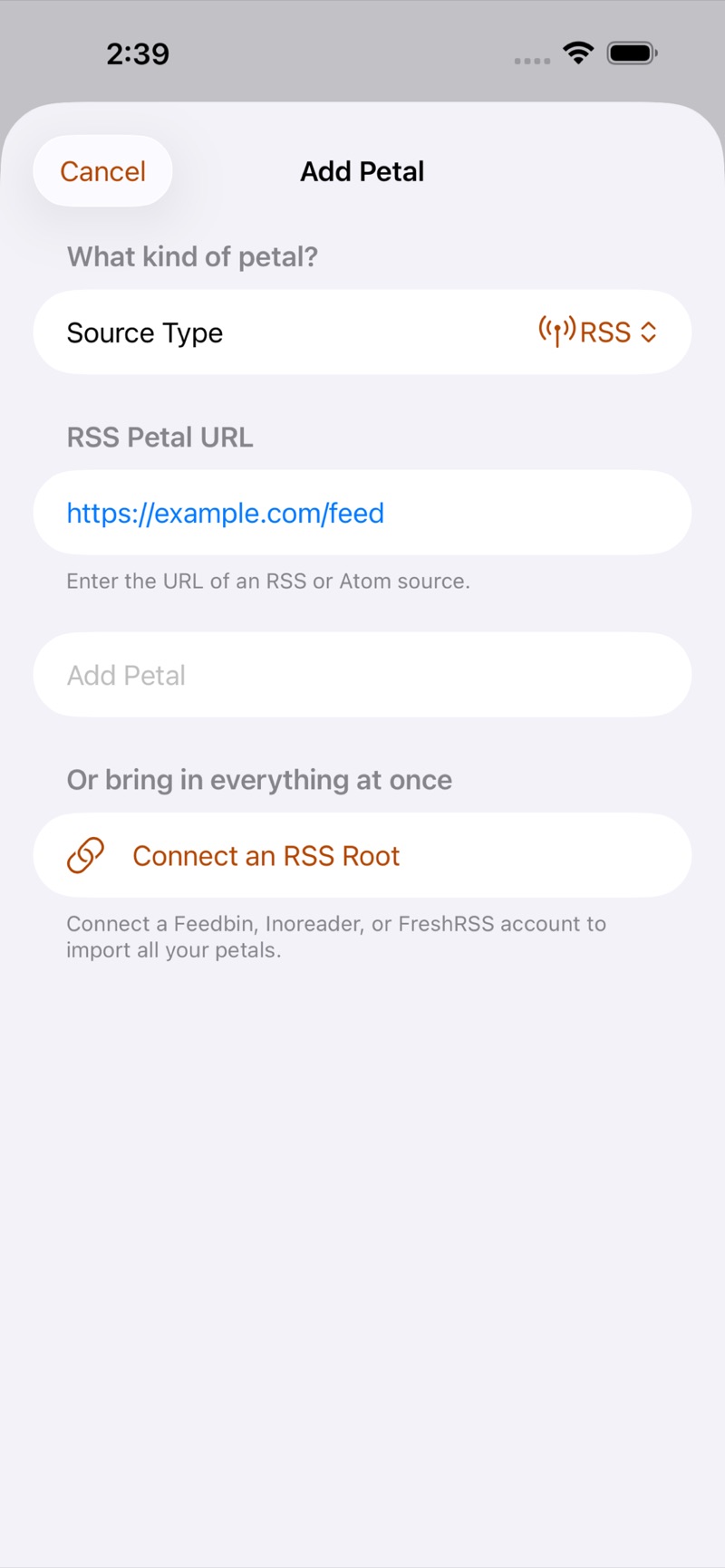
- Every source in one app
- Full articles, read aloud, even in the car
- Summaries that stay on your device
- Organized your way
- Rapid Review
Accessibility
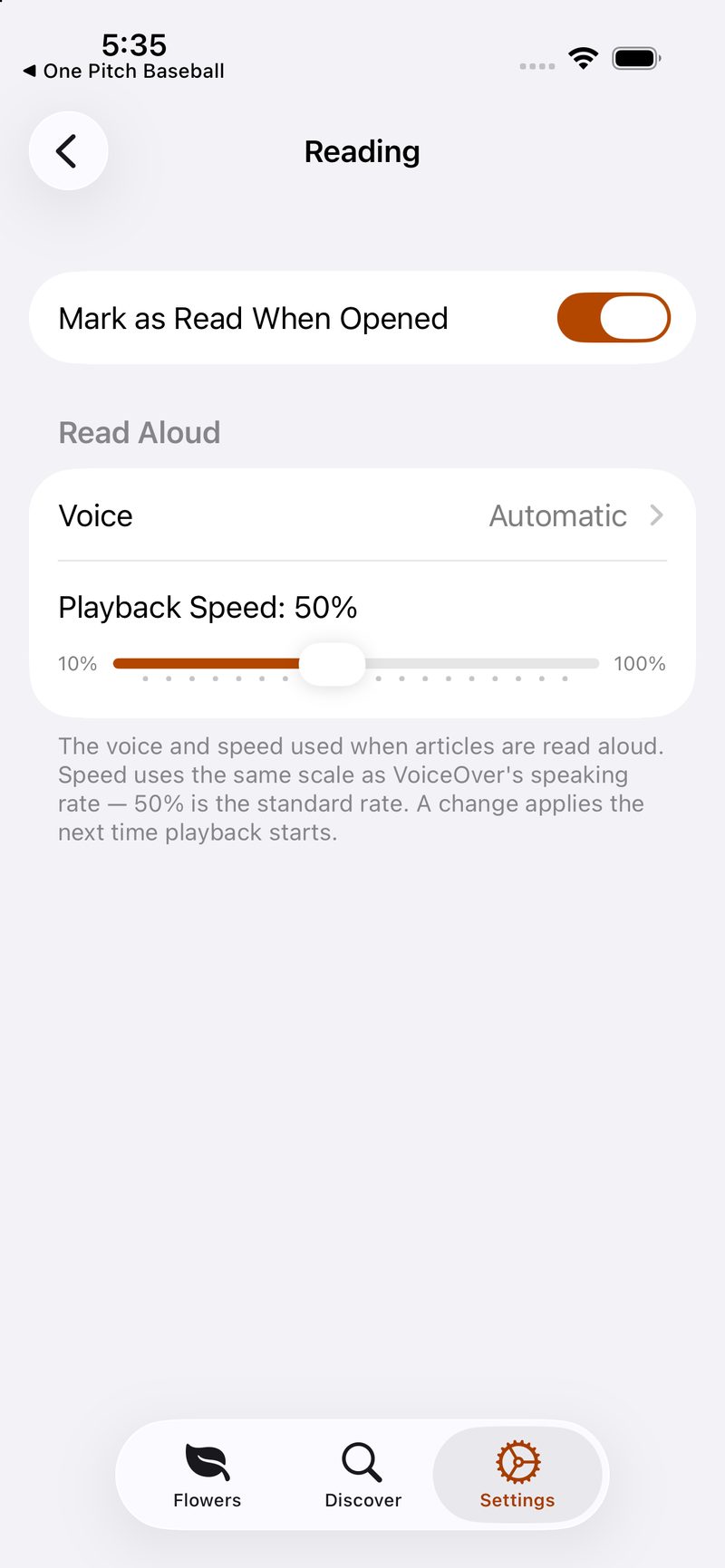
- Designed and tested VoiceOver-first, with a meaningful label on every control.
- Custom rotor actions to mark read, edit, collapse and delete.
- Spoken status announcements and logical grouping, so you hear the article rather than clutter.
Screenshots
 Download PetalFeed screenshot 1 (JPEG, 800 × 1731)
 Download PetalFeed screenshot 2 (JPEG, 800 × 1731)
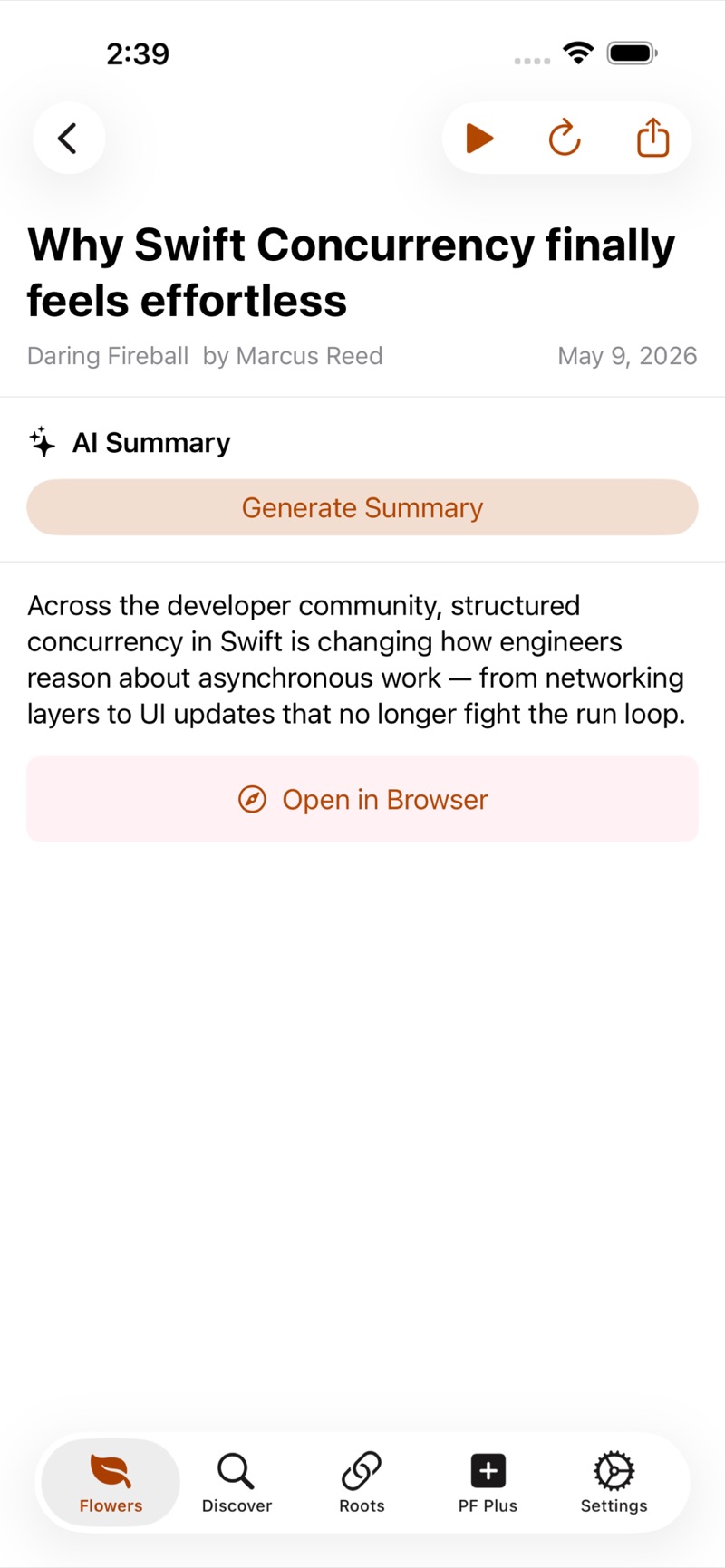 Download PetalFeed screenshot 3 (JPEG, 800 × 1731)
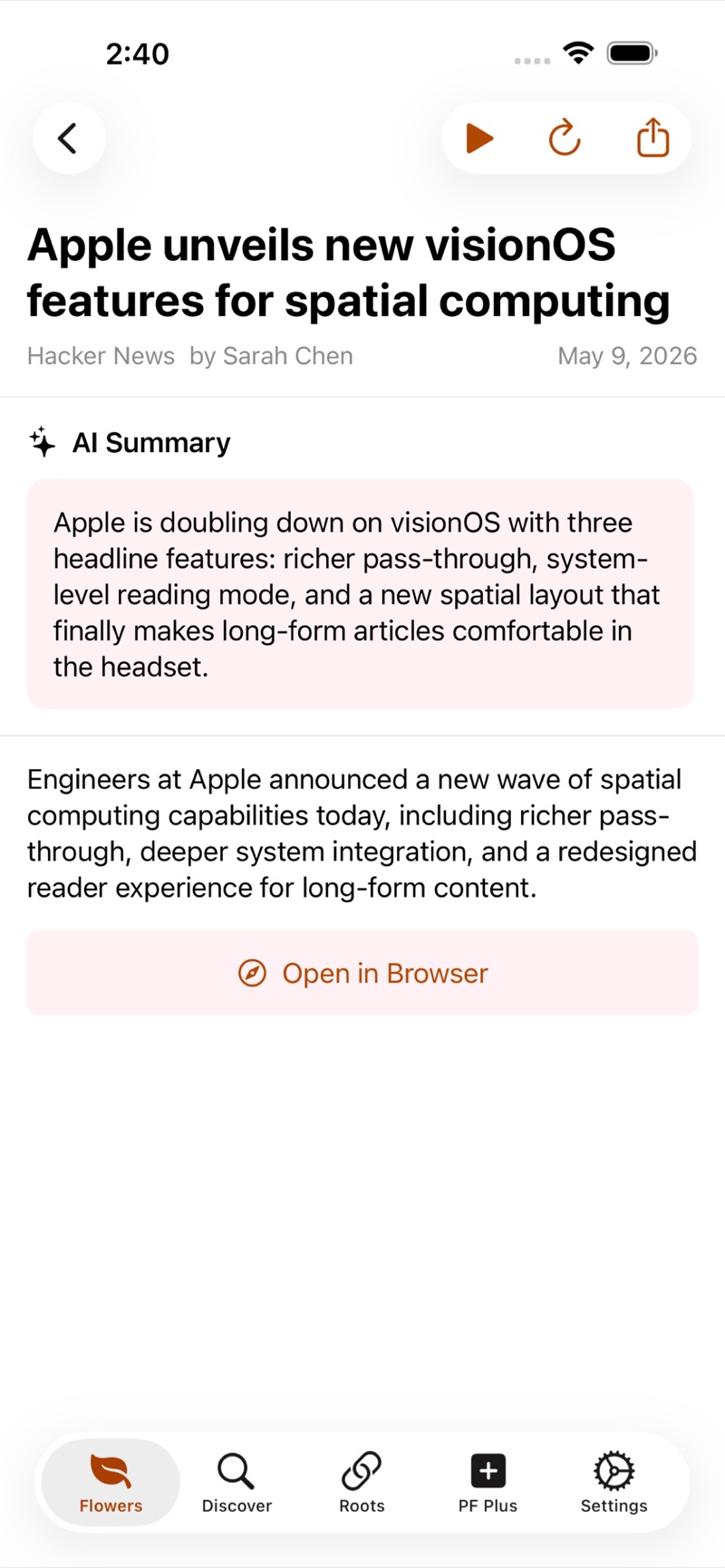 Download PetalFeed screenshot 4 (JPEG, 800 × 1731)
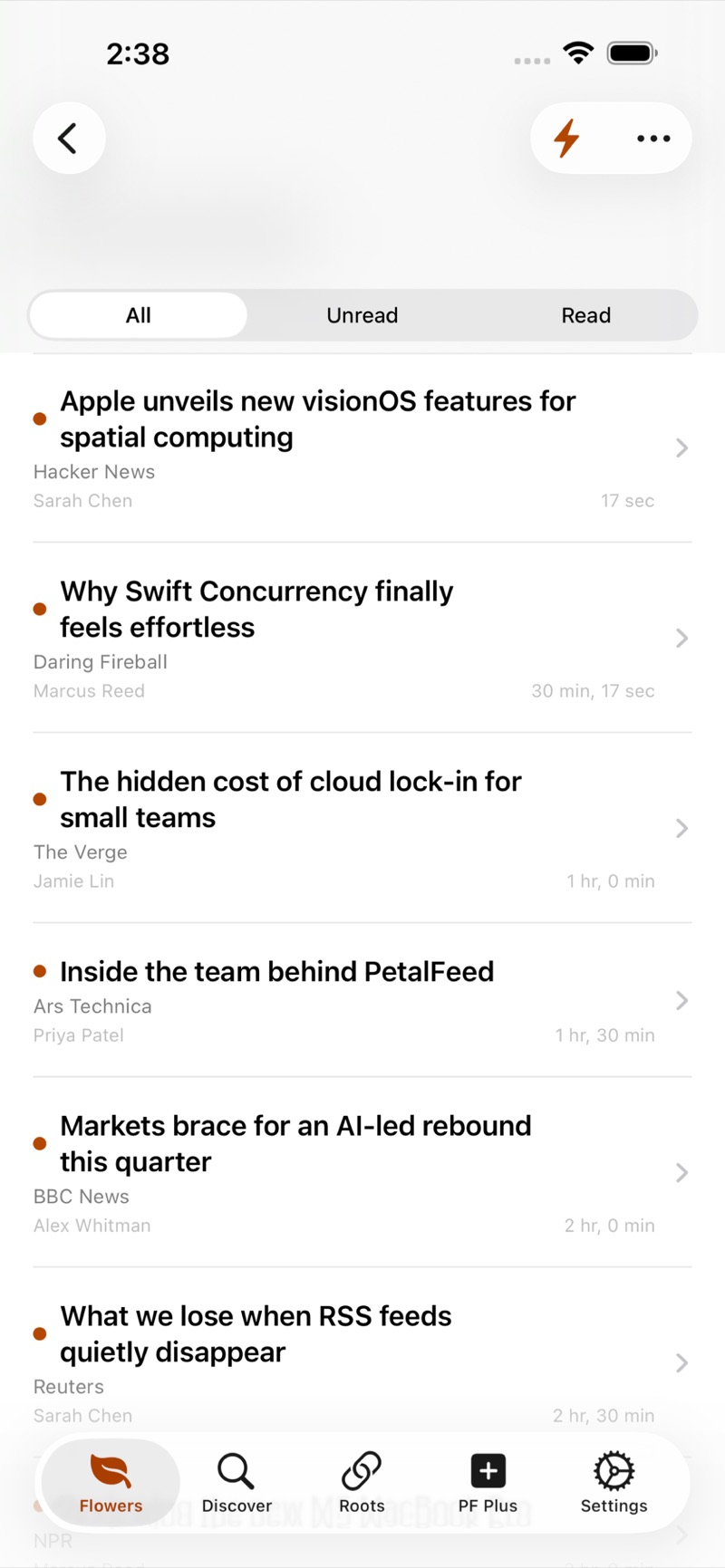 Download PetalFeed screenshot 5 (JPEG, 800 × 1731)
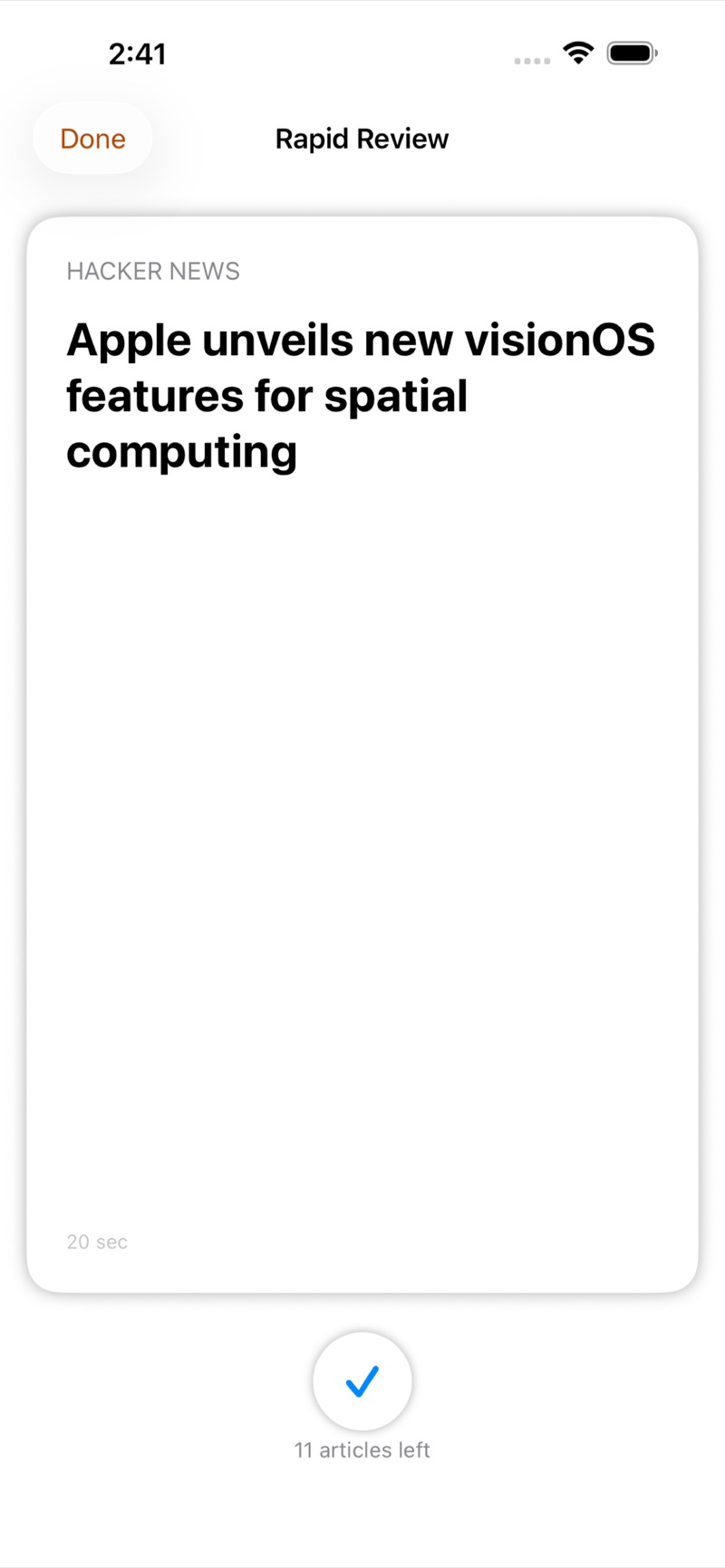 Download PetalFeed screenshot 6 (JPEG, 800 × 1731)
 Download PetalFeed screenshot 7 (JPEG, 800 × 1731)
Blind Racer fact sheet

- Developer
- Doxie Media LLC
- Released
- August 19, 2026
- Price
- Free (with a one-time $4.99 Championship unlock)
- Platforms
- iPhone and iPad
- Requires
- iOS 18.2 or later, iPadOS 18.2 or later
- App Store category
- Games (Racing, Sports)
- Web page
- doxie.media/blind-racer
About Blind Racer
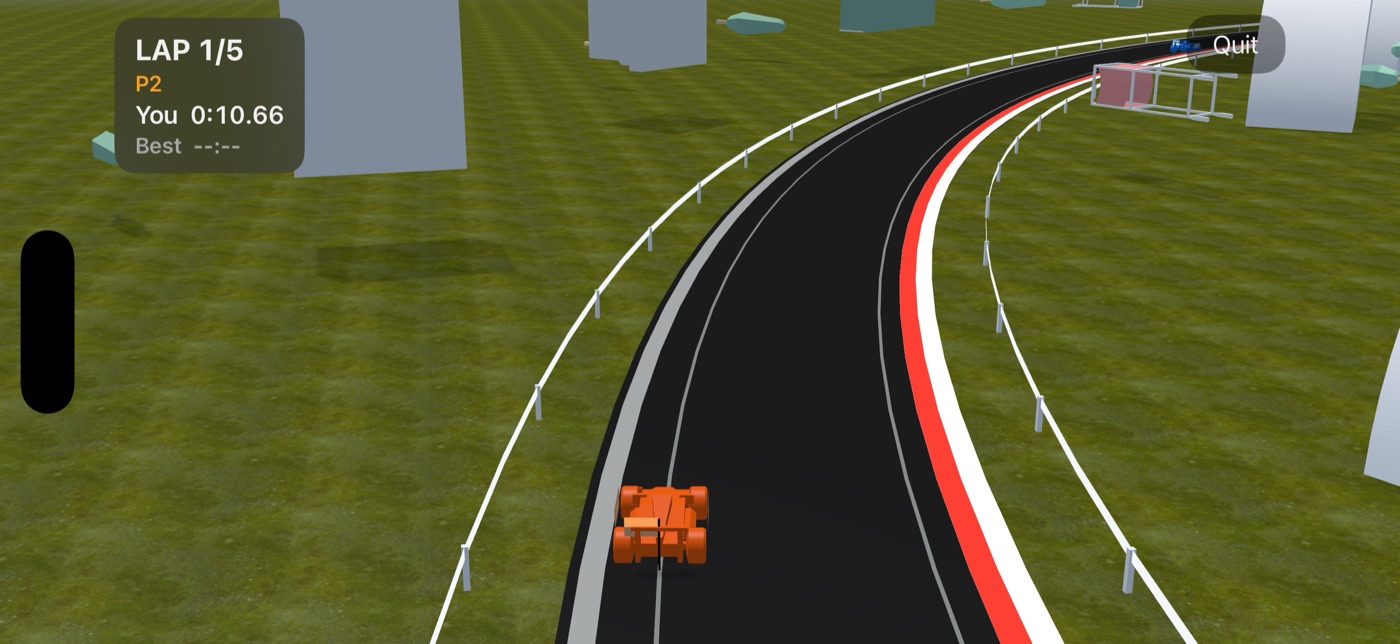
Blind Racer is a slot car racing game built for blind and low-vision players, and it plays just as well with your eyes shut as open. Corners announce themselves from the direction they turn, the engine tells you your speed, and the phone buzzes harder as the tires reach their limit.
Key features
- One control: the throttle
- Corners you can hear coming
- Mira Vance’s career
- Upgrade your car in the Garage
- Five ways to race
Accessibility
- The throttle is marked for direct interaction, so holding to accelerate works with VoiceOver on and you are never trapped in a focus loop mid-race.
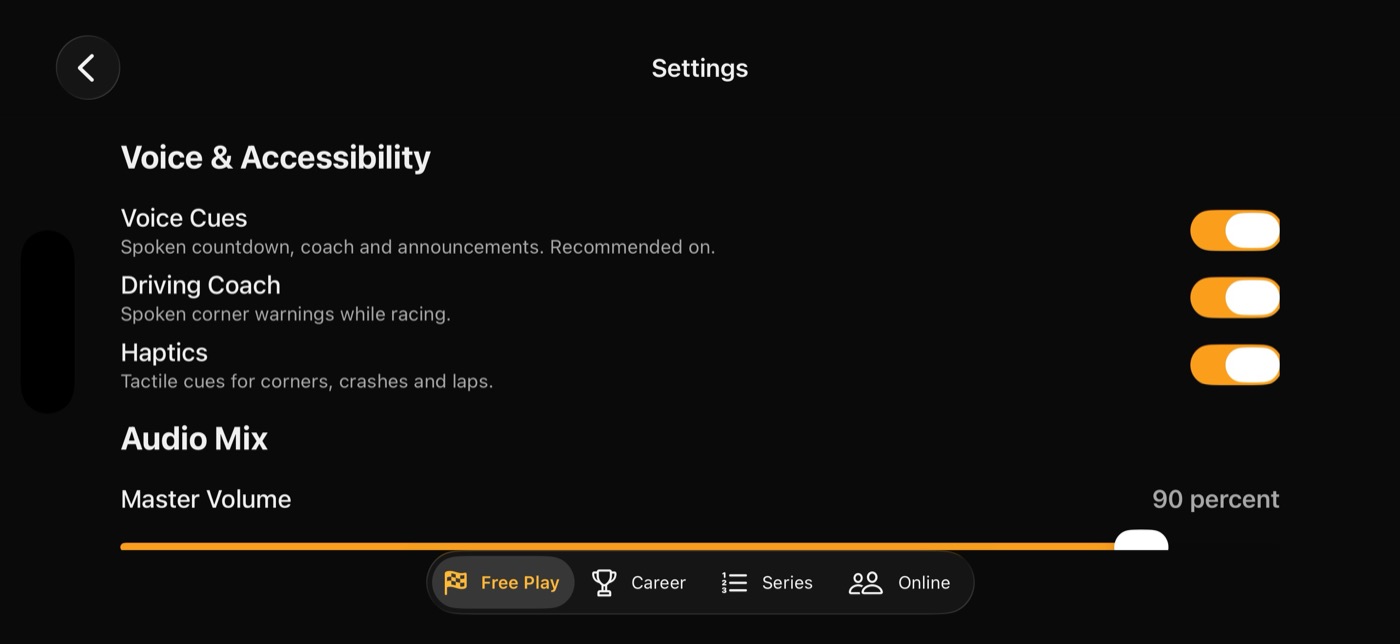
- Spoken callouts queue through VoiceOver instead of talking over it, and the game audio mixes with VoiceOver rather than ducking it.
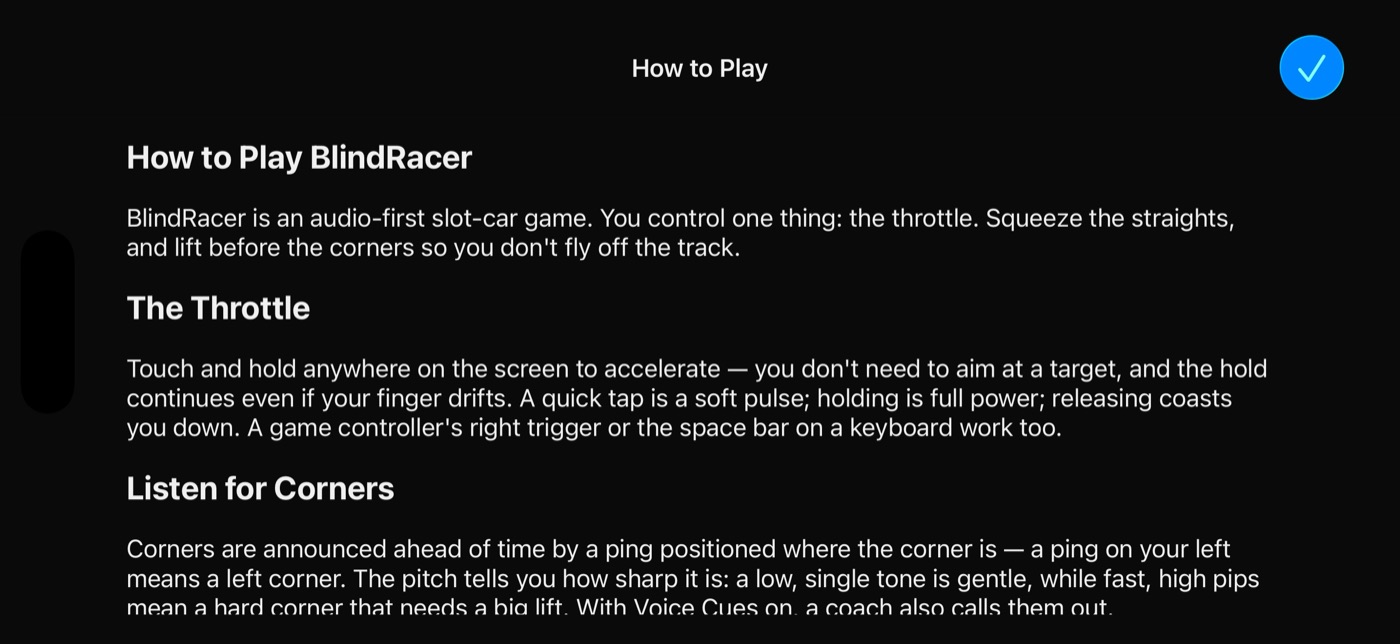
- Every screen is labeled, sliders announce their value as a percentage, and the tutorial is plain text with nothing visual-only.
Screenshots
 Download Blind Racer screenshot 1 (JPEG, 1400 × 644)
 Download Blind Racer screenshot 2 (JPEG, 1400 × 644)
 Download Blind Racer screenshot 3 (JPEG, 1400 × 644)
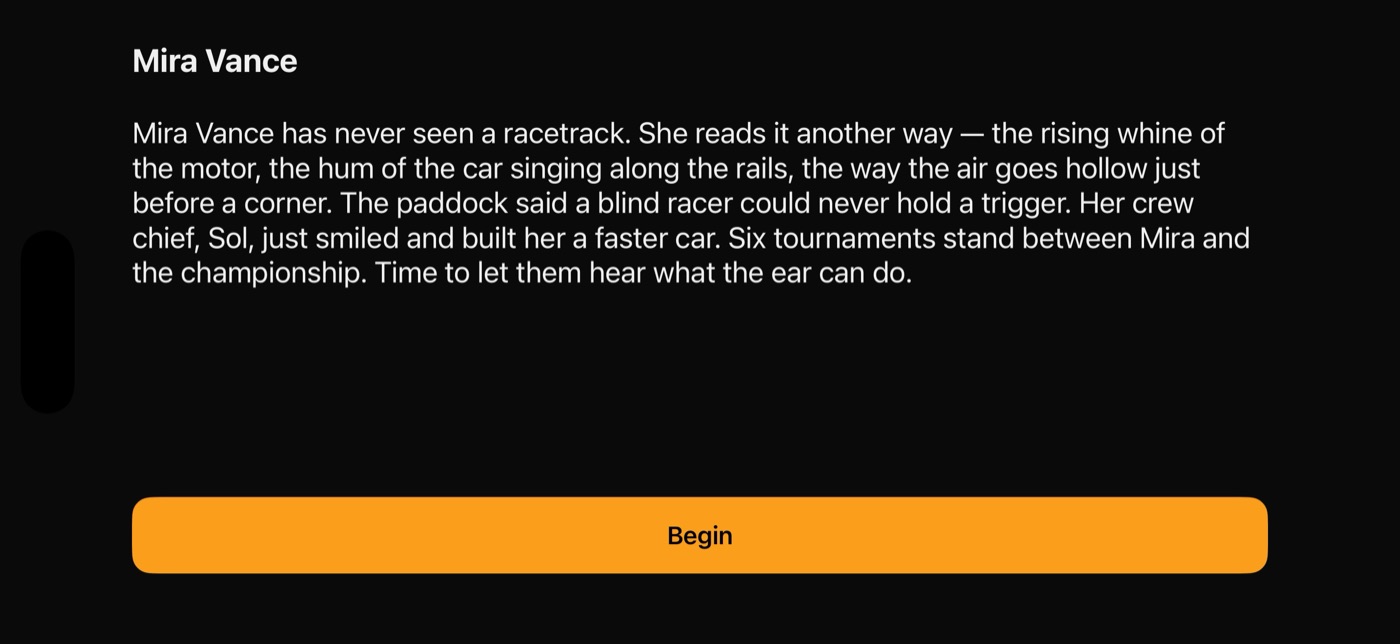 Download Blind Racer screenshot 4 (JPEG, 1400 × 644)
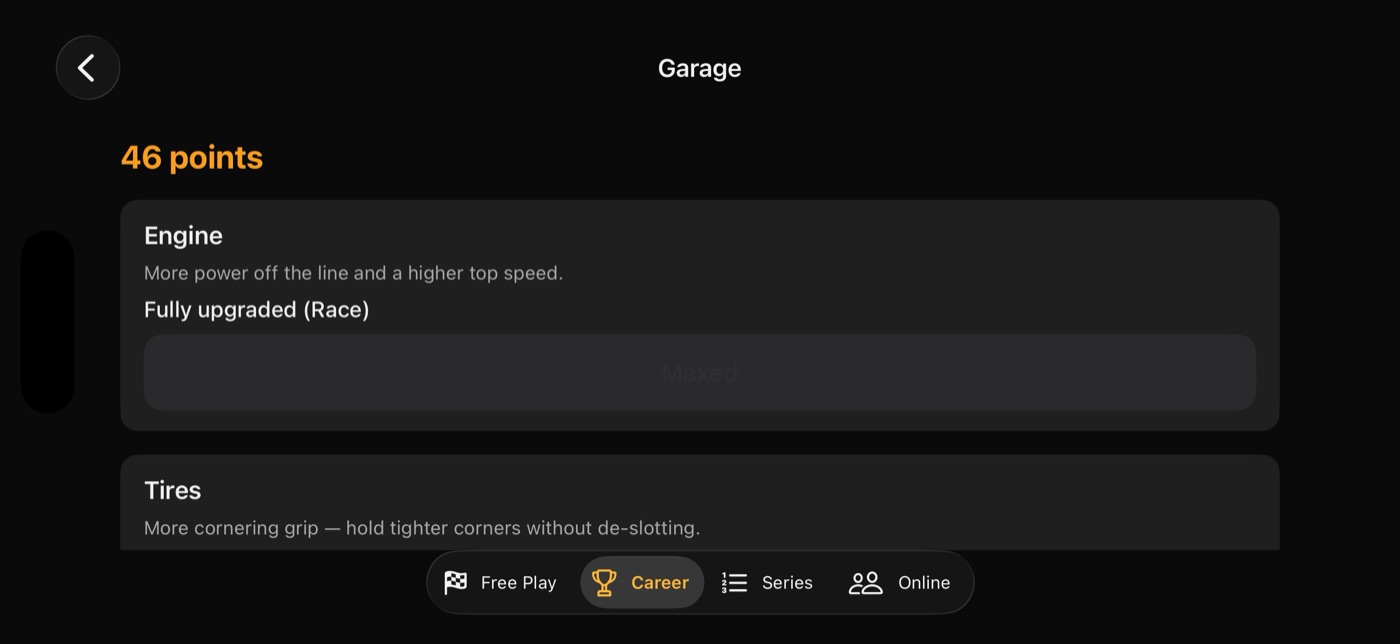 Download Blind Racer screenshot 5 (JPEG, 1400 × 644)
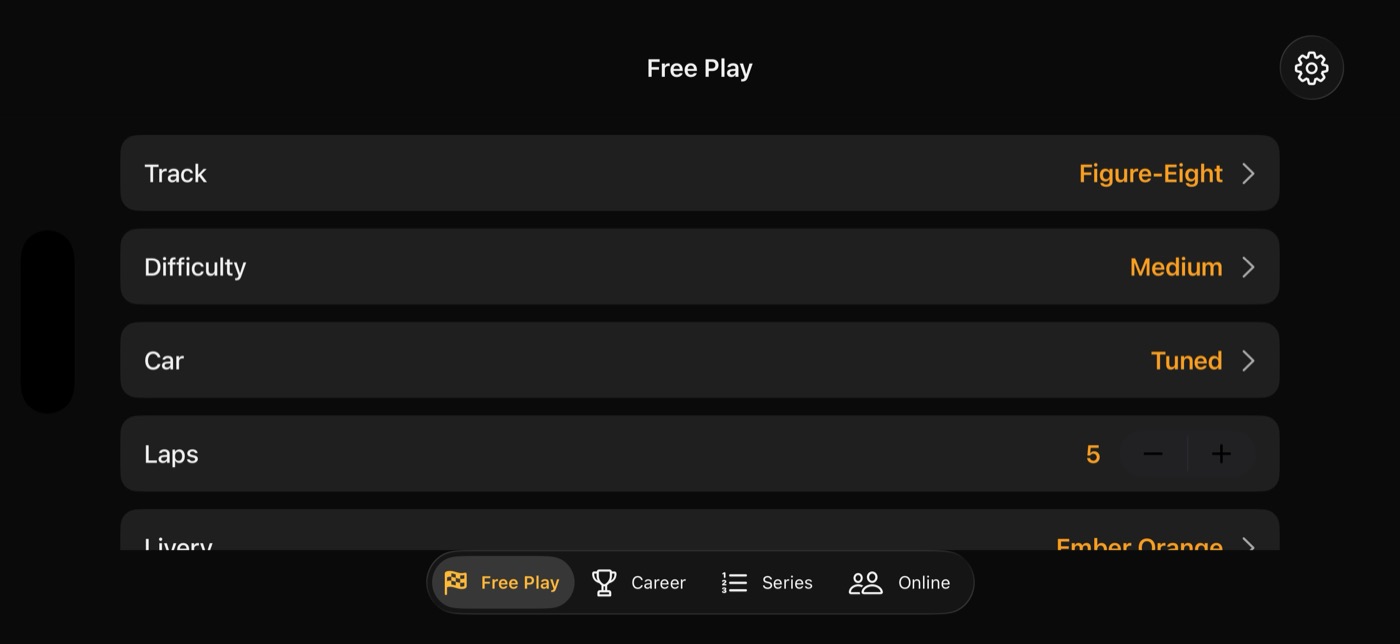 Download Blind Racer screenshot 6 (JPEG, 1400 × 644)
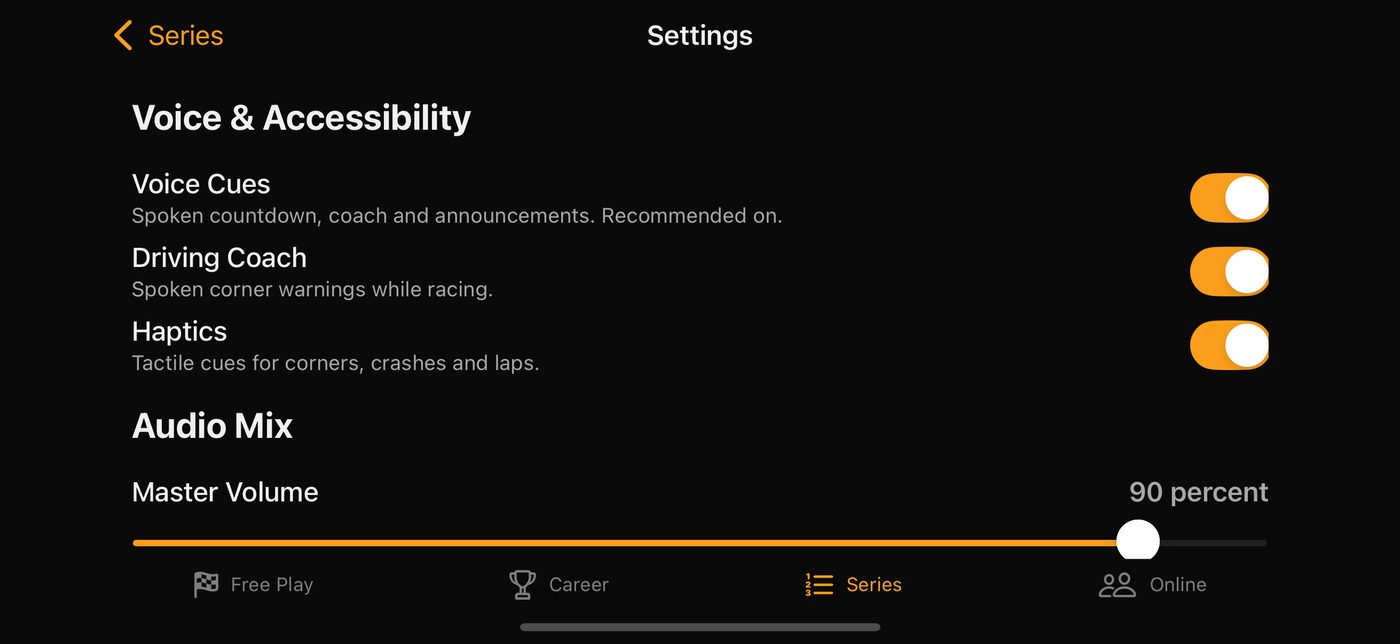 Download Blind Racer screenshot 7 (JPEG, 1400 × 644)
One Pitch Baseball fact sheet

- Developer
- Doxie Media LLC
- Released
- September 15, 2026
- Price
- Free (with a one-time $4.99 Dynasty unlock)
- Platforms
- iPhone and iPad
- Requires
- iOS 17.0 or later, iPadOS 17.0 or later
- App Store category
- Games (Sports, Strategy)
- Web page
- doxie.media/one-pitch-baseball
About One Pitch Baseball
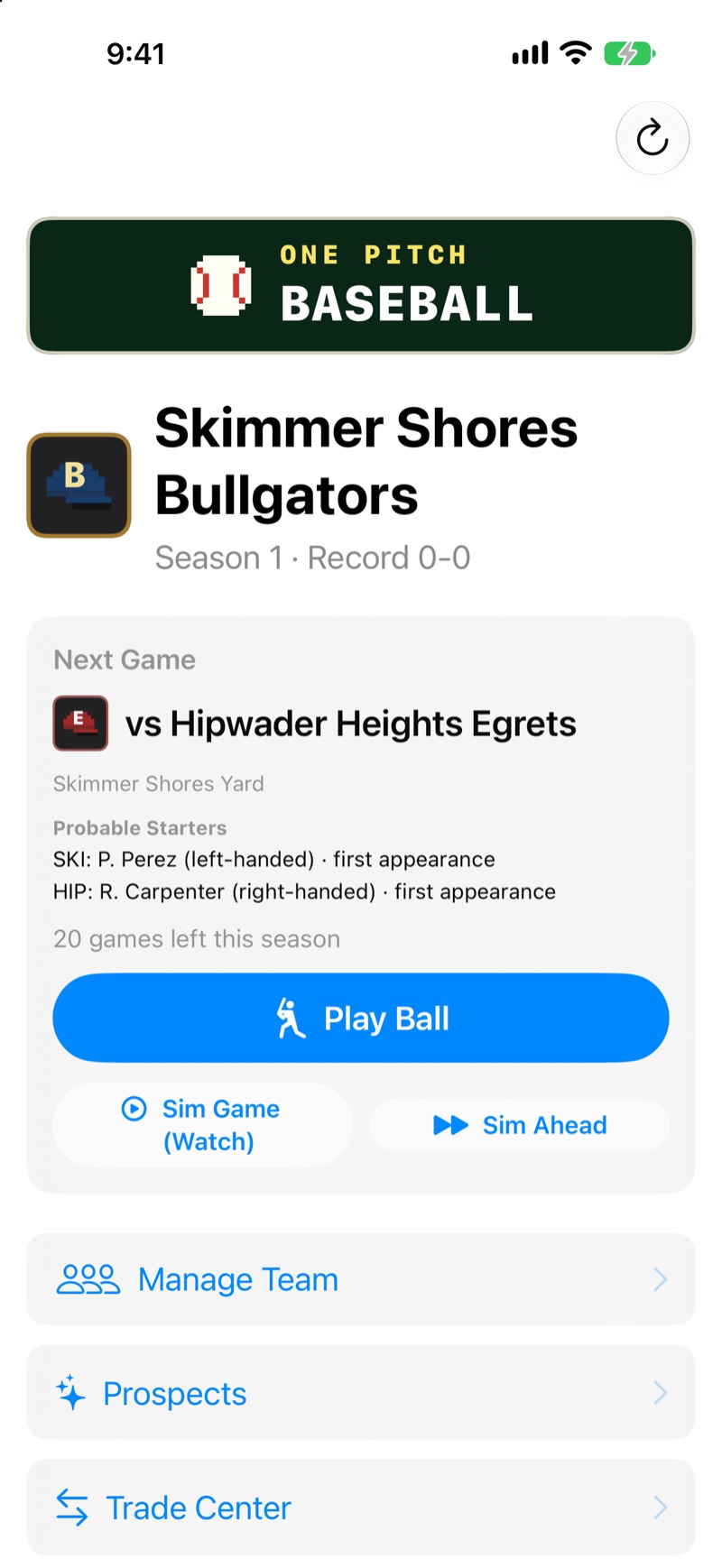
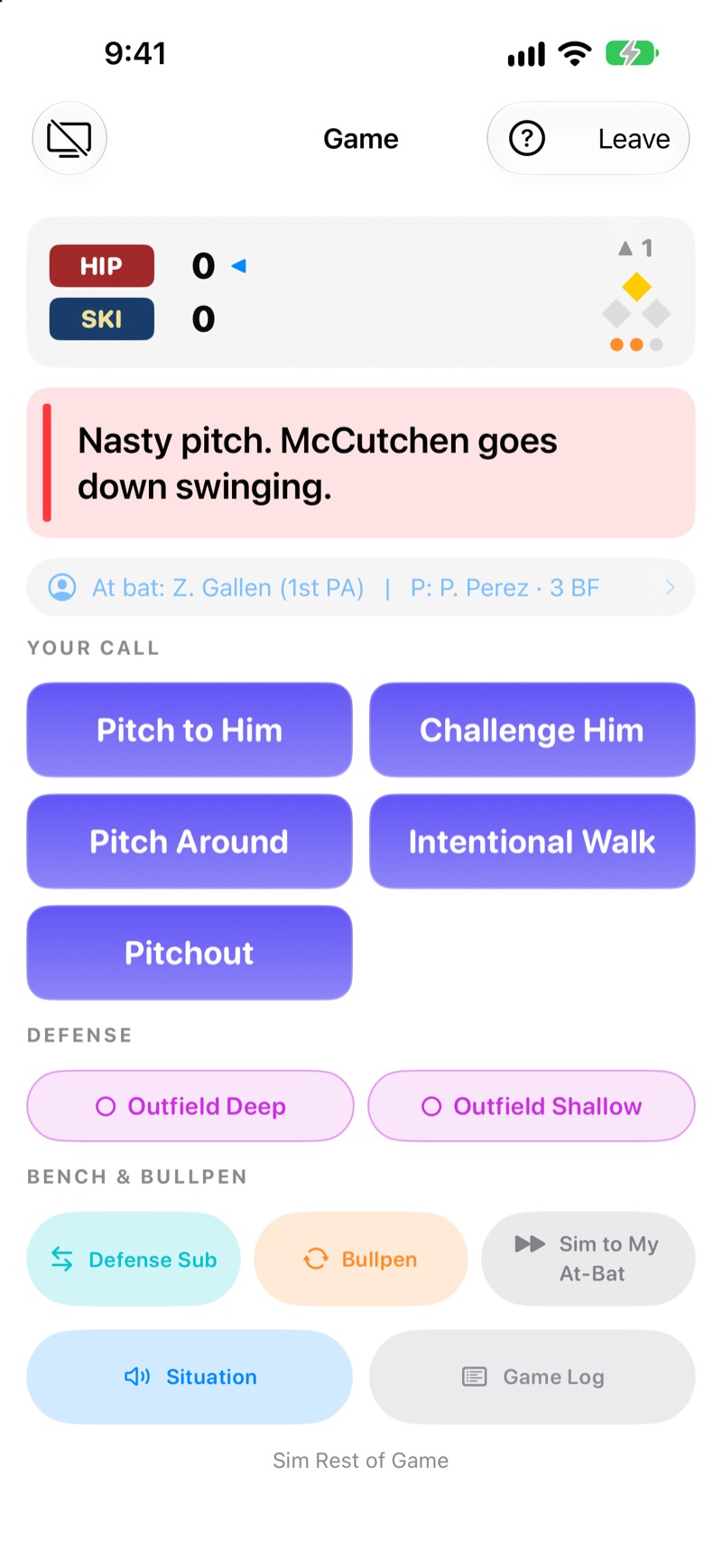
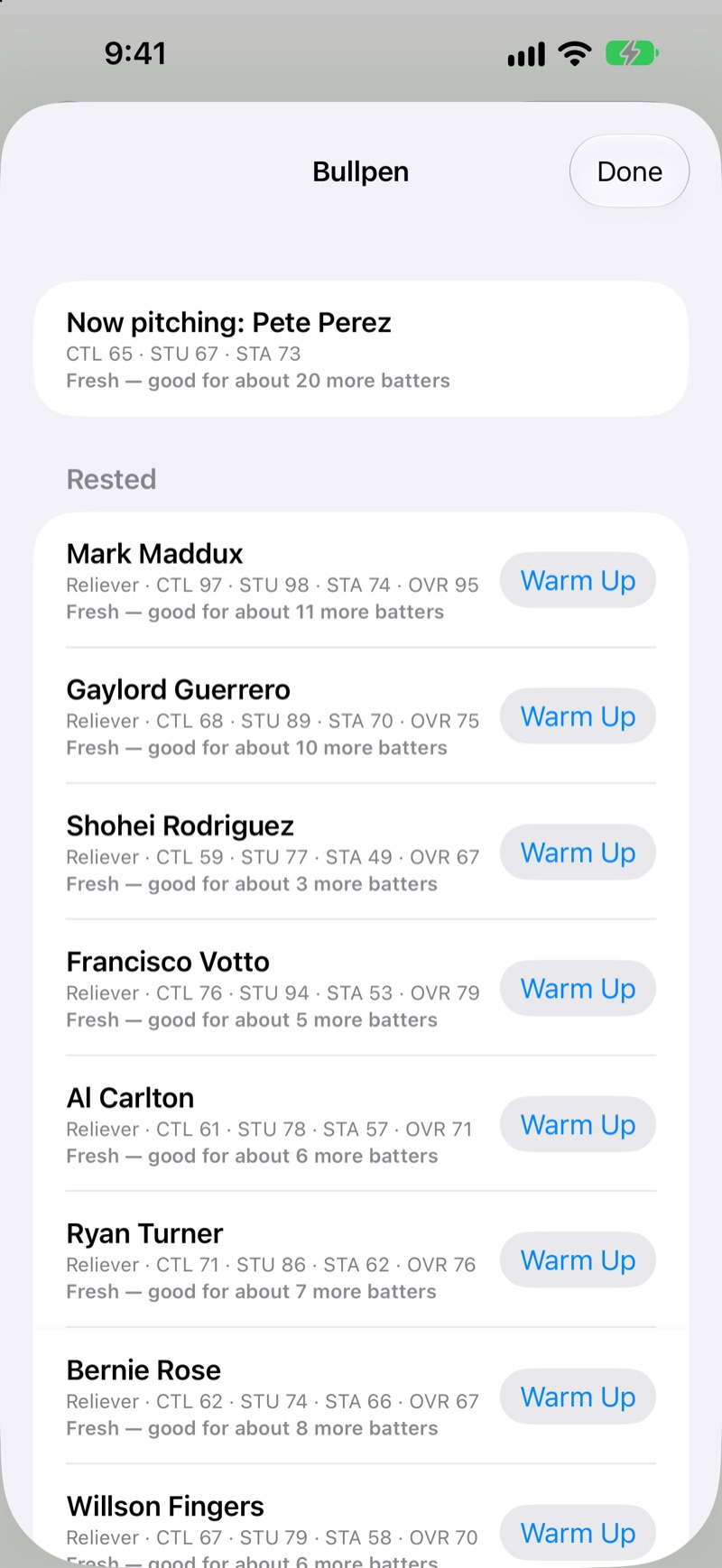
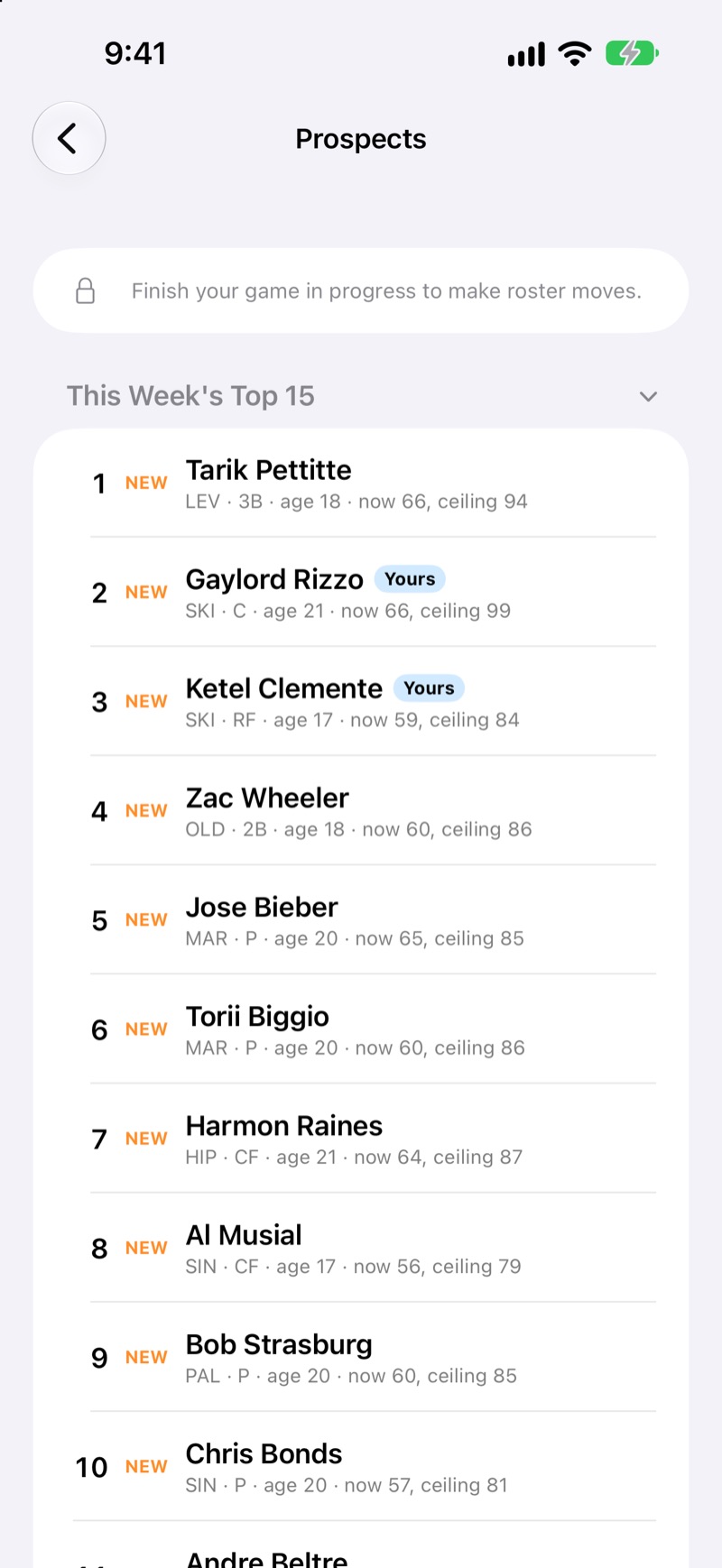
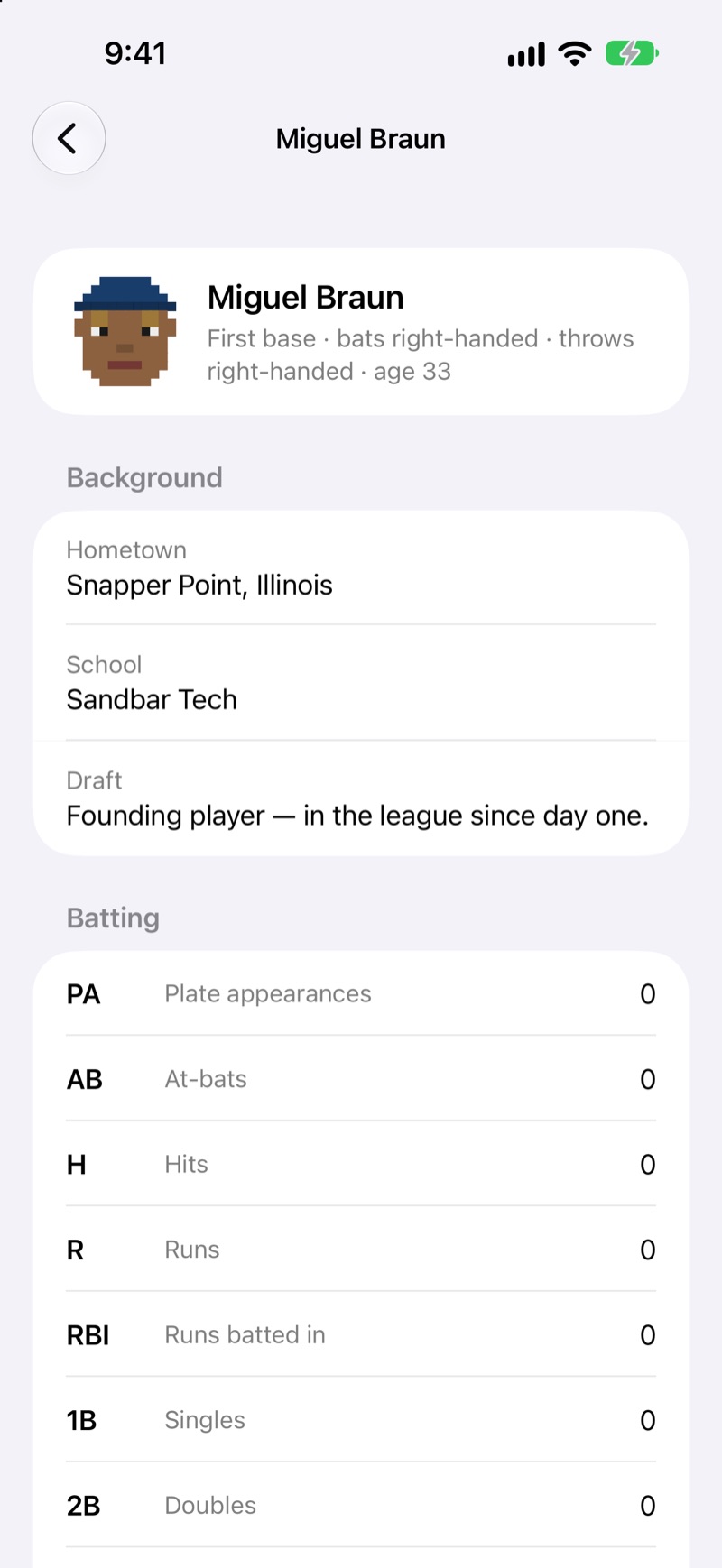
One Pitch Baseball puts you in the dugout of a swamp-league ball club and hands you every decision that matters: the call at the plate, the bullpen, the lineup, the trade deadline and the draft. It was built for VoiceOver from the start, so every play is announced as it happens.
Key features
- Make the call, one at-bat at a time
- Manage the bullpen like it matters
- Build a dynasty
- A league with some character
Accessibility
- With VoiceOver on, every play, pitching change, bullpen note and injury is announced, and urgent news can interrupt.
- Plays are spoken by VoiceOver itself, so they use your own voice and speaking rate.
- Press Situation at any time to hear the inning, outs, runners, score, batter and pitcher.
Screenshots
One Catch fact sheet
- Developer
- Doxie Media LLC
- Released
- November 6, 2026
- Price
- Free (with a one-time $4.99 Dynasty unlock or $6.99 Dynasty Plus)
- Platforms
- iPhone and iPad
- Requires
- iOS 17.0 or later, iPadOS 17.0 or later
- App Store category
- Games (Sports, Simulation)
- Web page
- doxie.media/one-catch
About One Catch
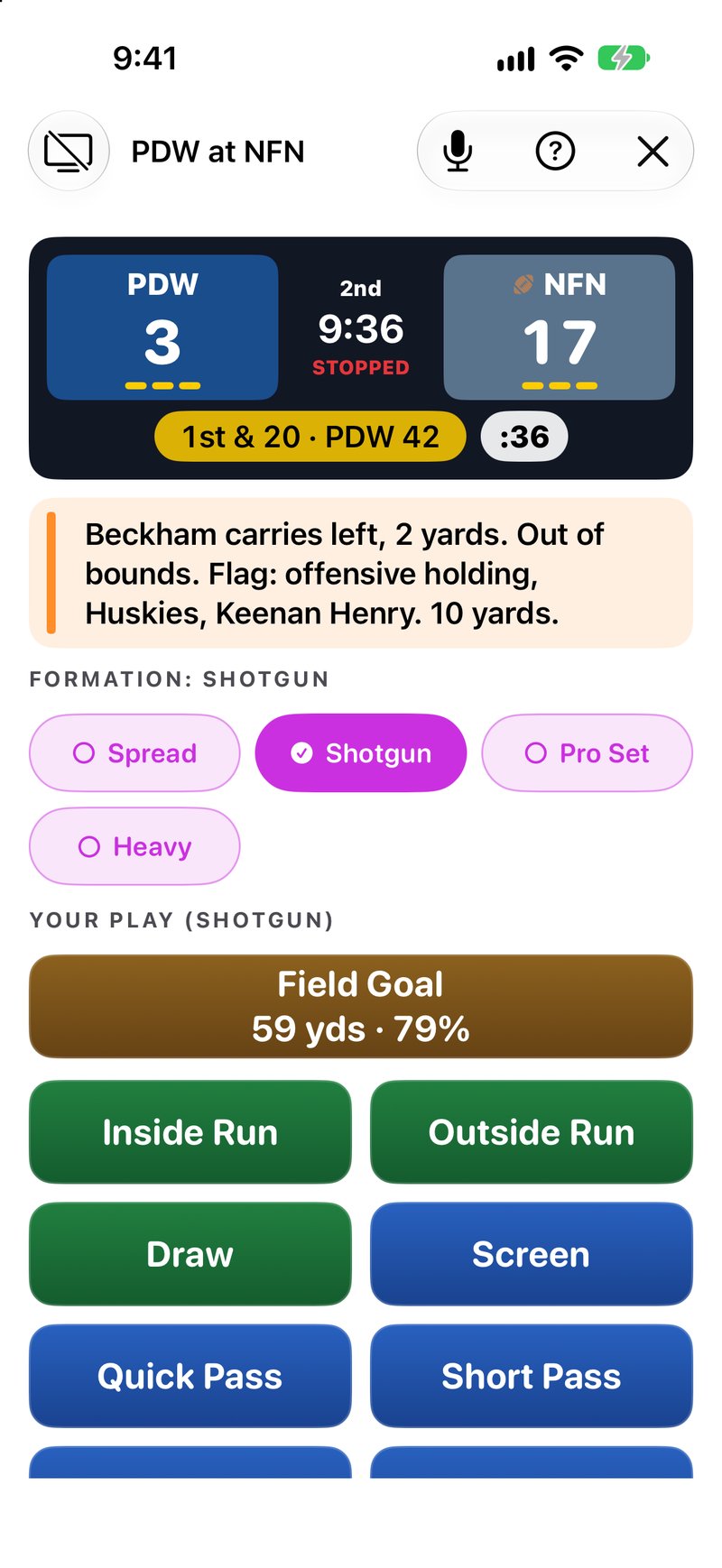
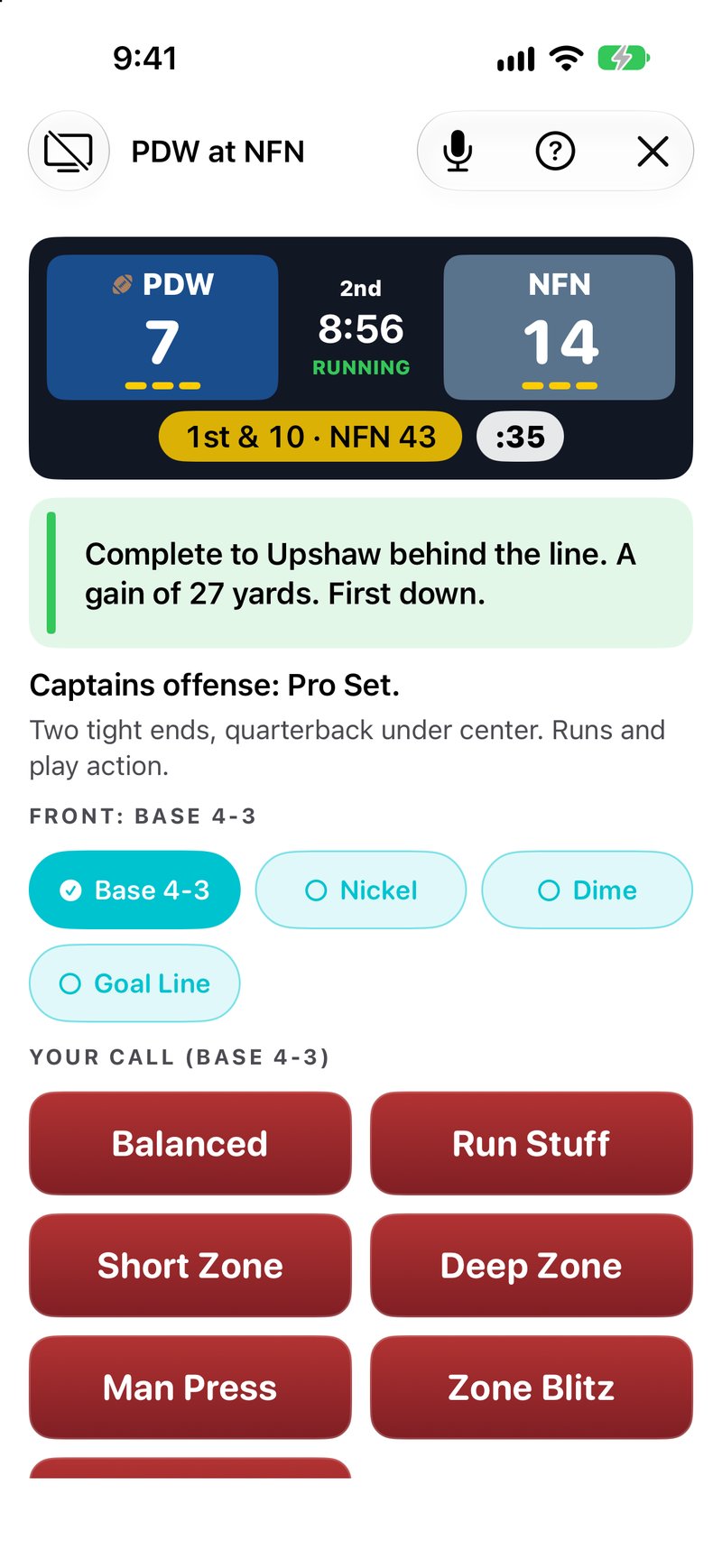
One Catch makes you the head coach and hands you every snap: the formation, the play and your best guess at what the other sideline is calling. It was built for VoiceOver from the start, so every call and result is announced as it happens.
Key features
- Call every snap
- Guess their play
- Words first, picture optional
- One club in a 32-team league
- Build a dynasty
- A league with some character
Accessibility
- With VoiceOver on, every call, result and score is announced.
- Plays are spoken by VoiceOver itself, so they use your own voice and speaking rate.
- Press Situation at any time to hear the quarter, clock, score, down, distance and timeouts.
Screenshots
 Download One Catch screenshot 1 (JPEG, 800 × 1738)
 Download One Catch screenshot 2 (JPEG, 800 × 1738)
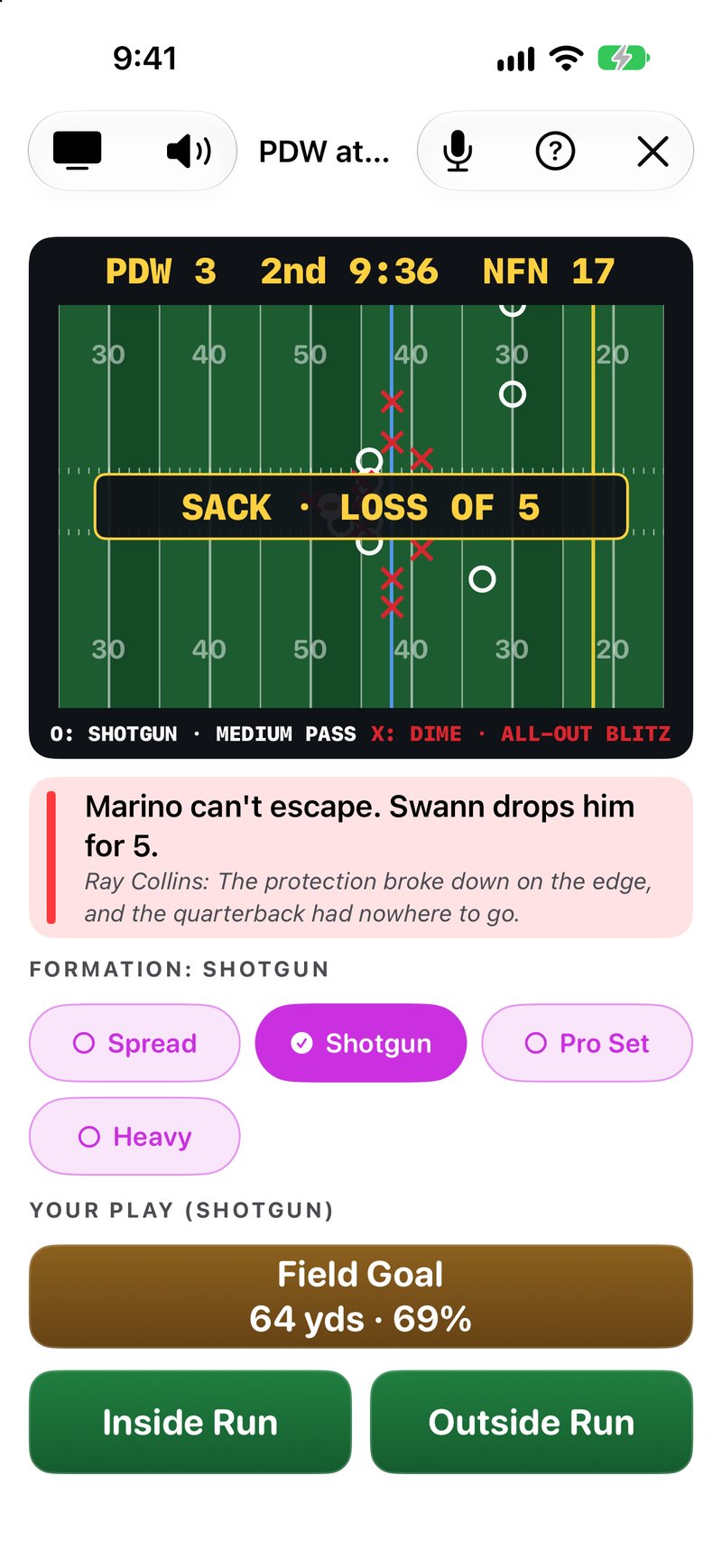 Download One Catch screenshot 3 (JPEG, 800 × 1738)
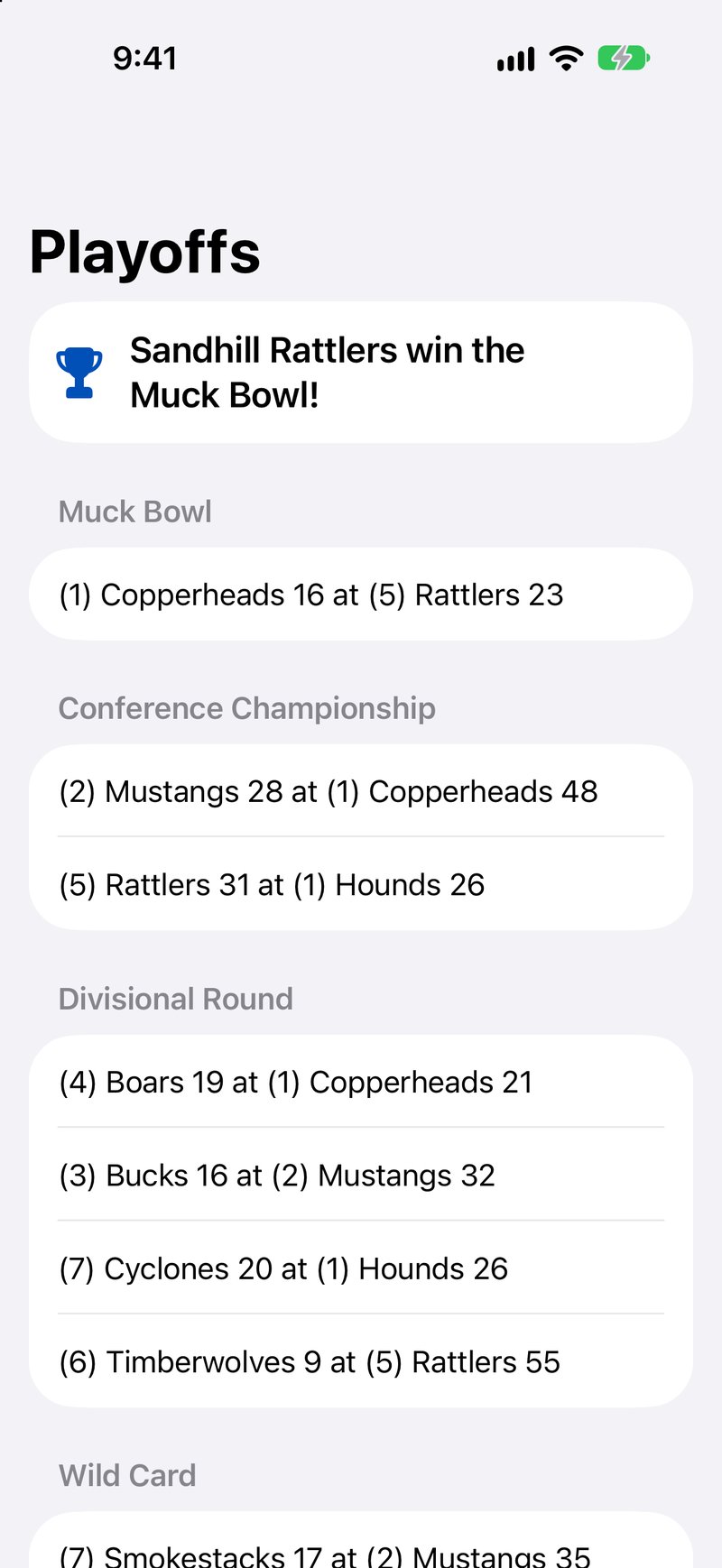 Download One Catch screenshot 4 (JPEG, 800 × 1738)
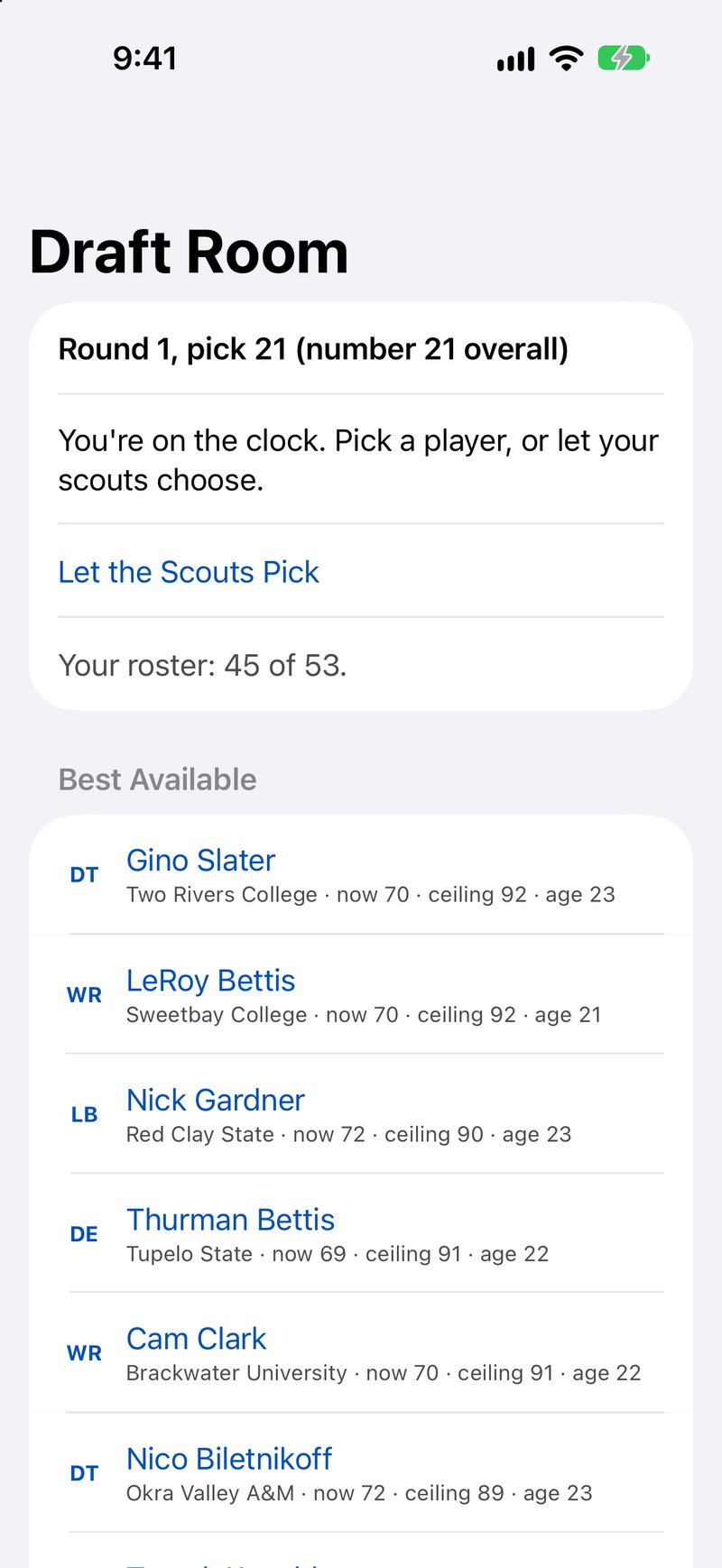 Download One Catch screenshot 5 (JPEG, 800 × 1738)
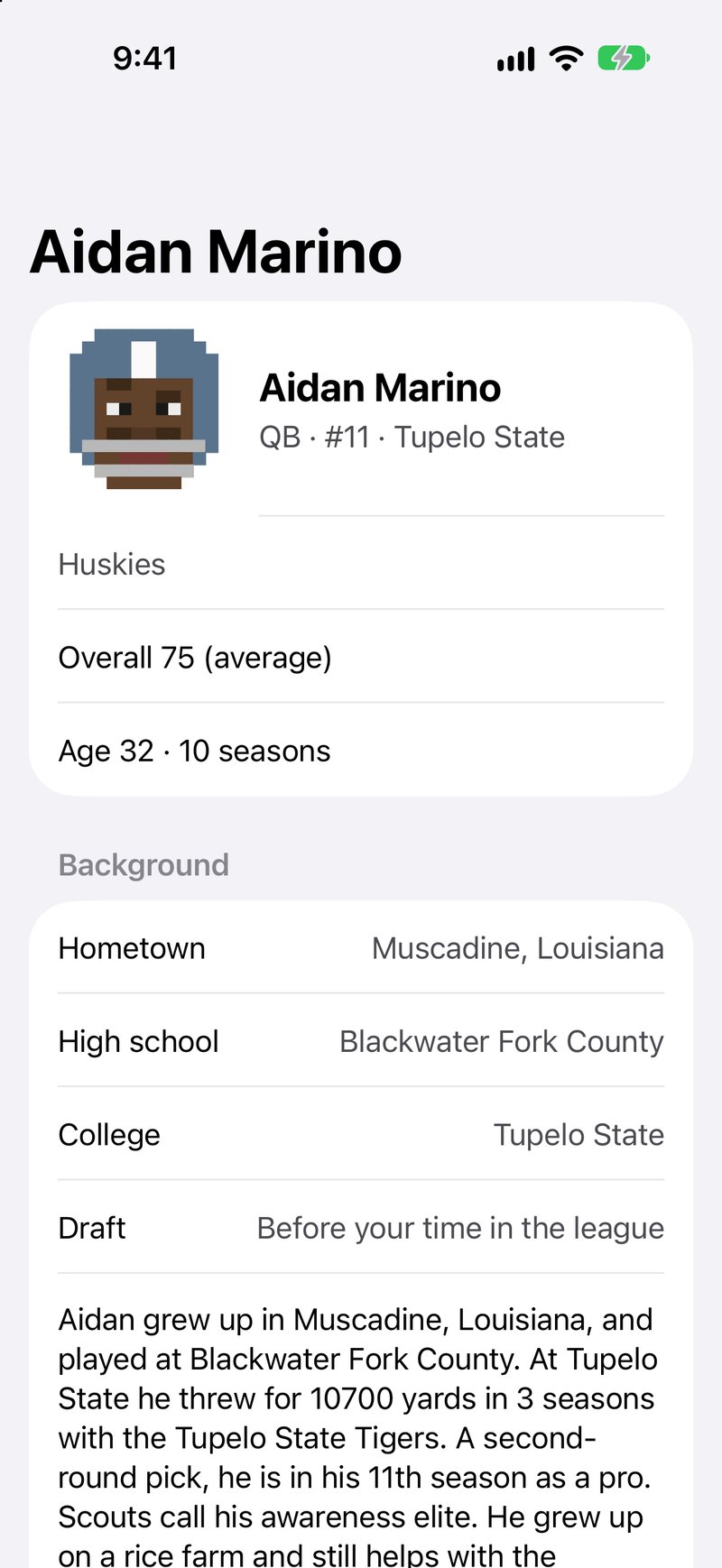 Download One Catch screenshot 6 (JPEG, 800 × 1738)
Equate This fact sheet
- Developer
- Doxie Media LLC
- Released
- November 6, 2026
- Price
- Free (with a one-time $4.99 Full Table unlock)
- Platforms
- iPhone and iPad
- Requires
- iOS 17.0 or later, iPadOS 17.0 or later
- App Store category
- Games (Card, Family)
- Web page
- doxie.media/equate-this
About Equate This
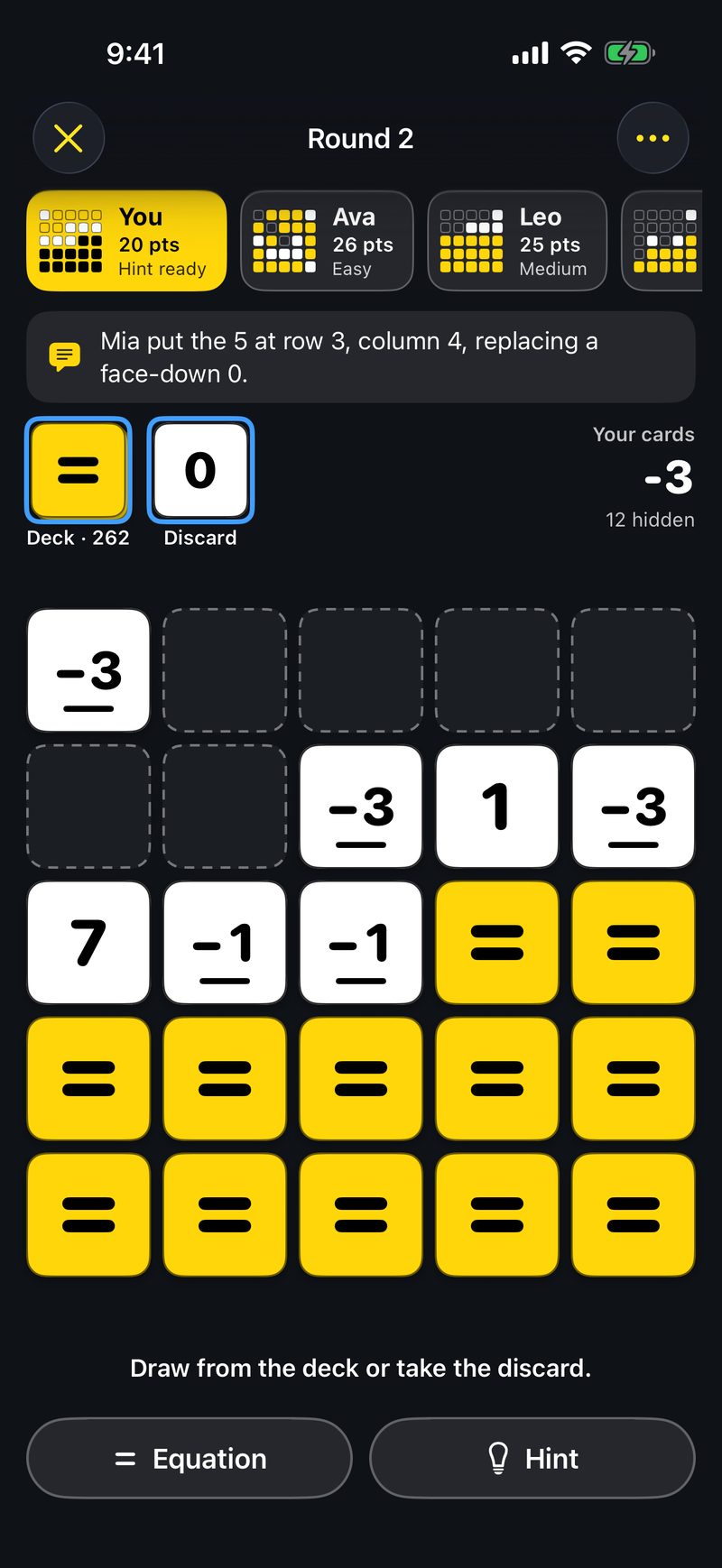
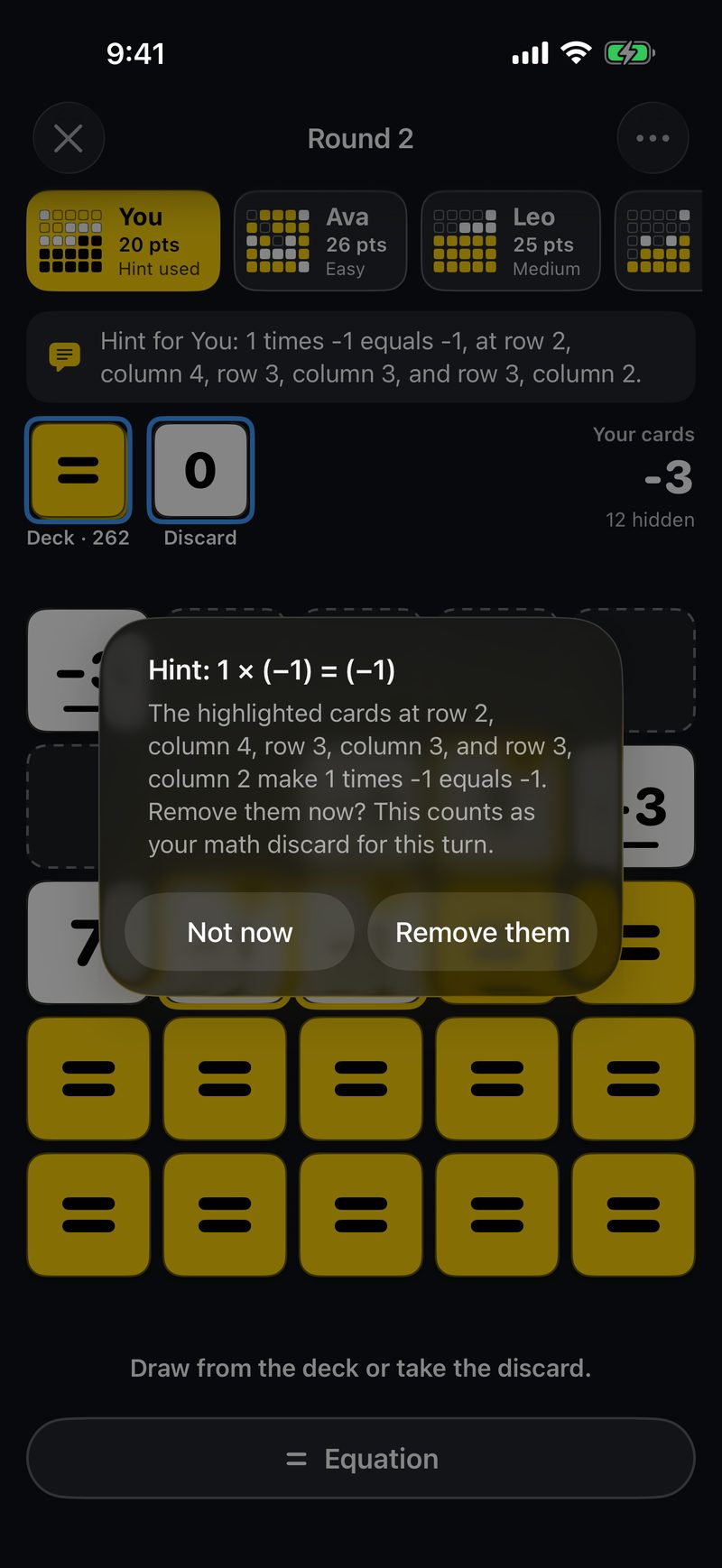
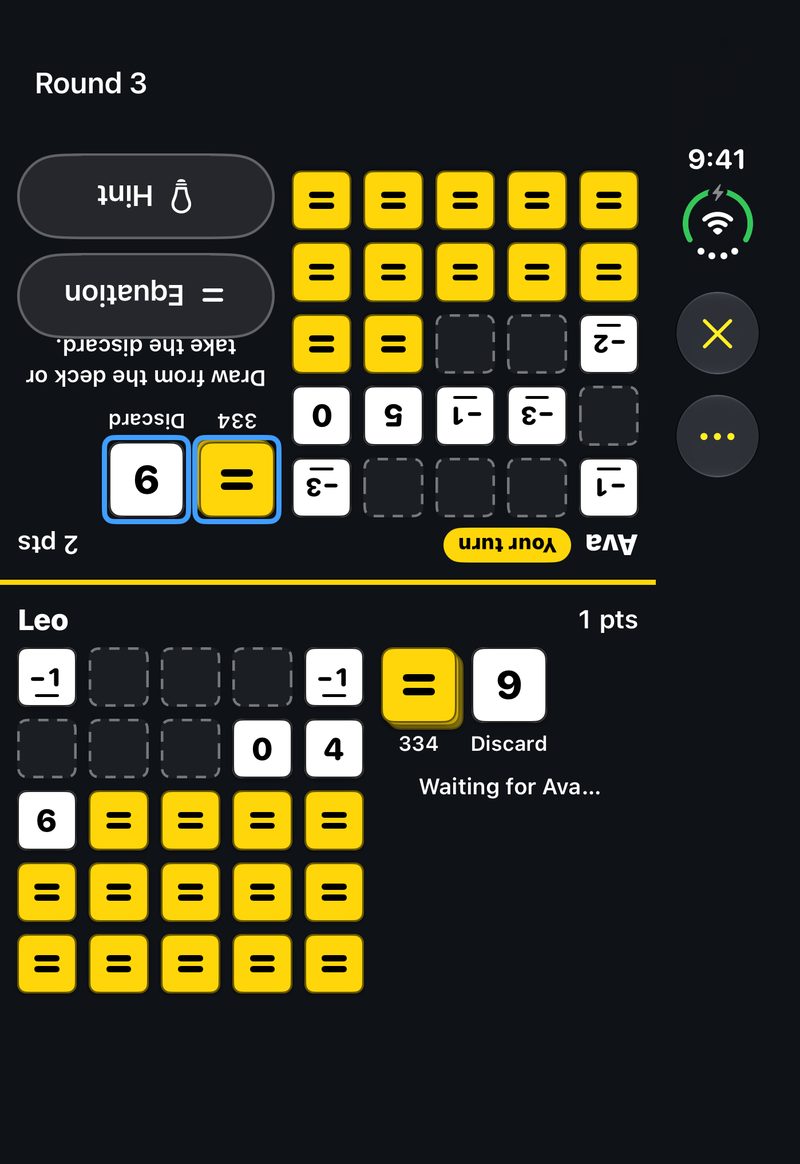
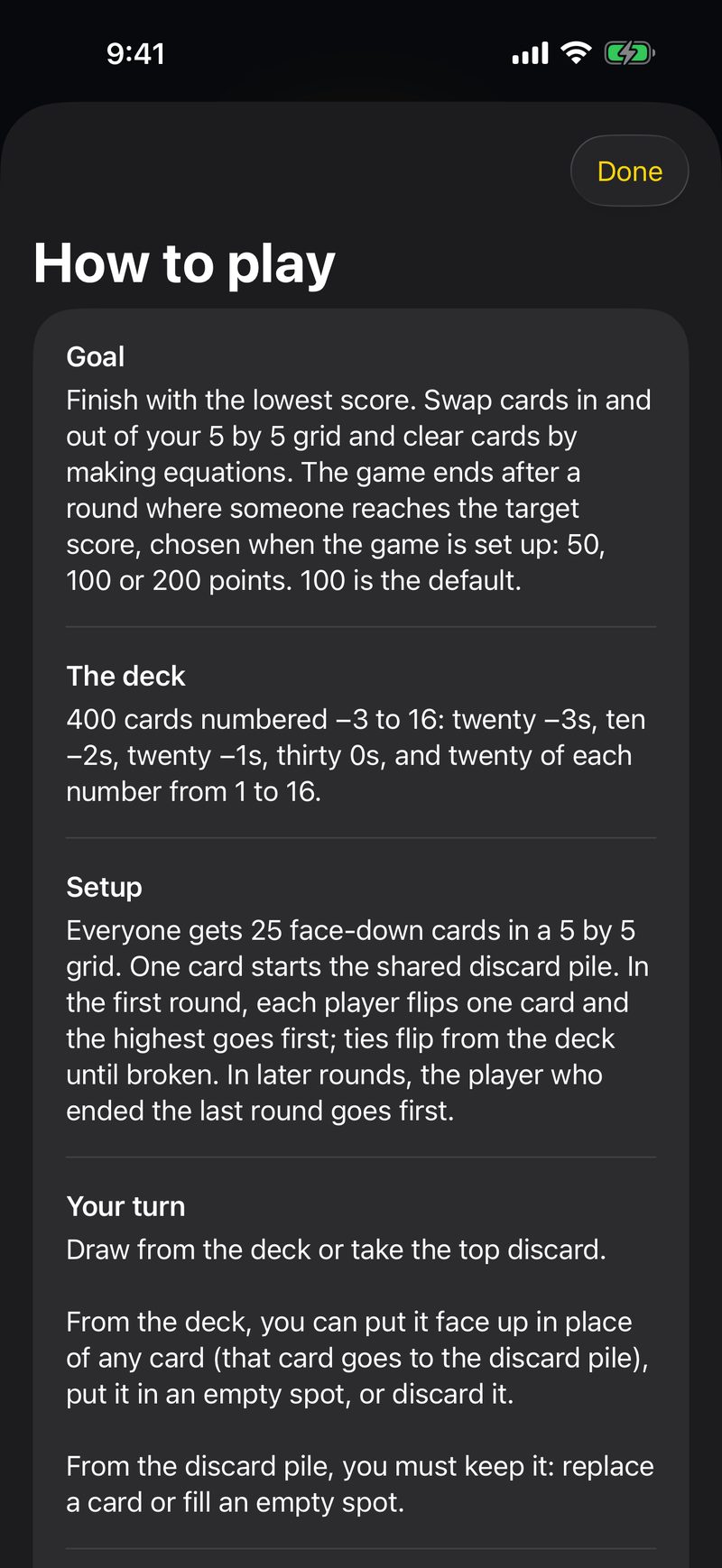
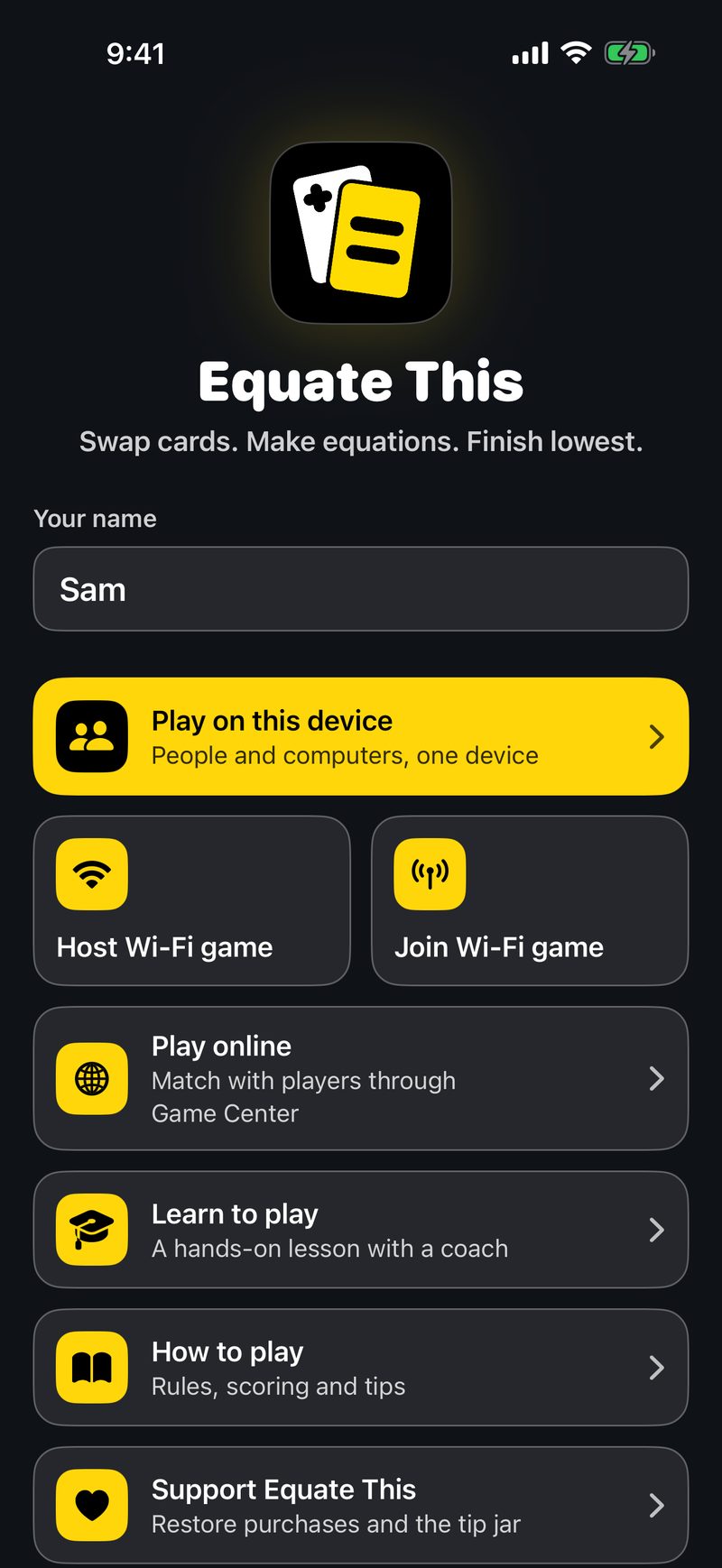
Equate This is a card game where a little arithmetic goes a long way. Swap cards to bring your total down, spot three touching cards that make an equation, and clear them from your grid in one go. It was built for VoiceOver from the start, so every move is announced, and blind and sighted players can share a table.
Key features
- Lowest score wins
- Make an equation, clear three cards
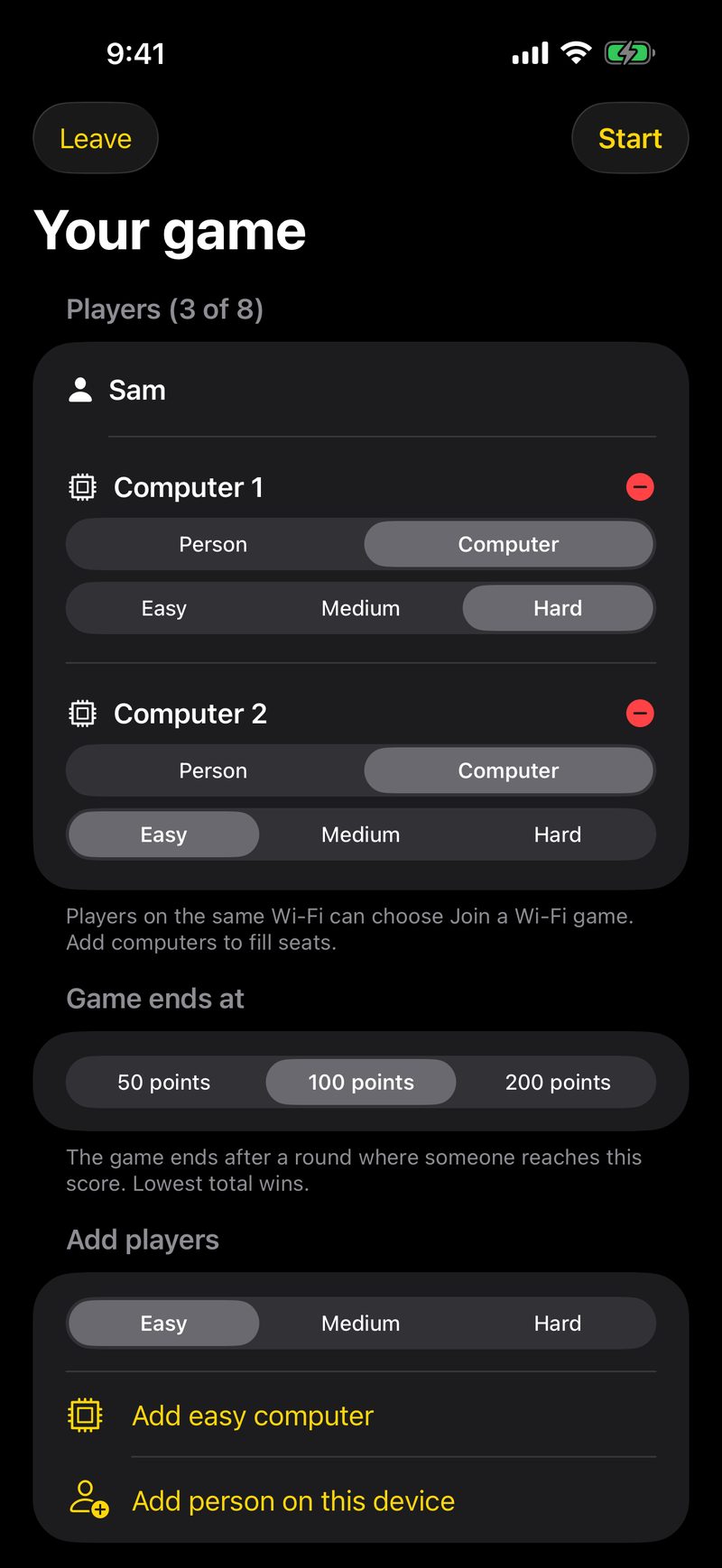
- Play your way
- Share an iPhone Duo in tented mode
- Learn as you play
- Full Table, when you want more
Accessibility
- With VoiceOver on, every move by every player is announced, and each card says its row, column and value.
- Moves are spoken by VoiceOver itself, so they use your own voice and speaking rate, and computers wait a little longer so the speech keeps up with the board.
- Negative cards are marked by shape as well as sign, so color and small minus signs are never the only clue.
Screenshots
 Download Equate This screenshot 1 (JPEG, 800 × 1738)
 Download Equate This screenshot 2 (JPEG, 800 × 1738)
 Download Equate This screenshot 3 (JPEG, 800 × 1738)
 Download Equate This screenshot 4 (JPEG, 800 × 1164)
 Download Equate This screenshot 5 (JPEG, 800 × 1738)
 Download Equate This screenshot 6 (JPEG, 800 × 1738)
BlindGalaxy fact sheet
- Developer
- Doxie Media LLC
- Released
- October 22, 2026
- Price
- Free (with a one-time $6.99 Full Galaxy unlock)
- Platforms
- iPhone and iPad
- Requires
- iOS 27.0 or later, iPadOS 27.0 or later
- App Store category
- Games (Strategy)
- Web page
- doxie.media/blindgalaxy
About BlindGalaxy
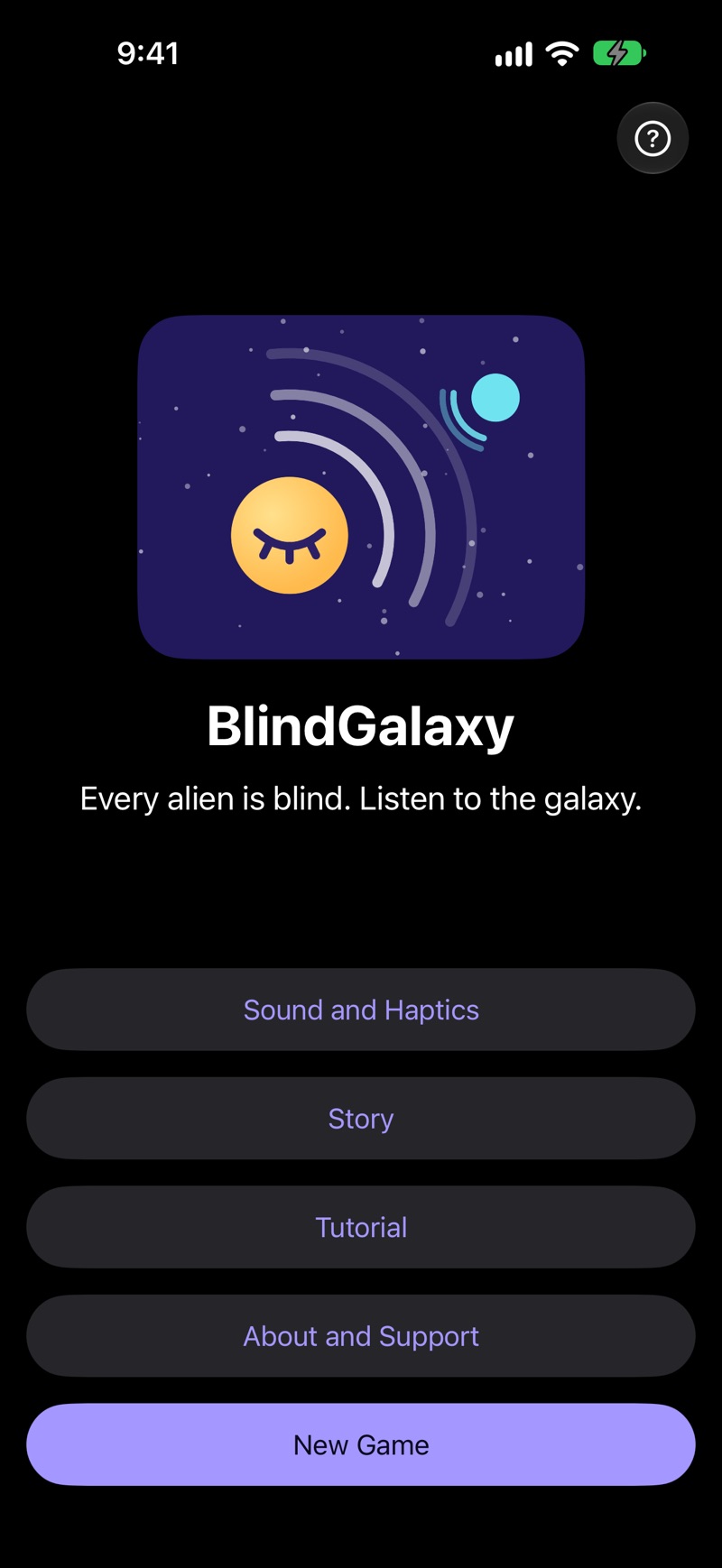
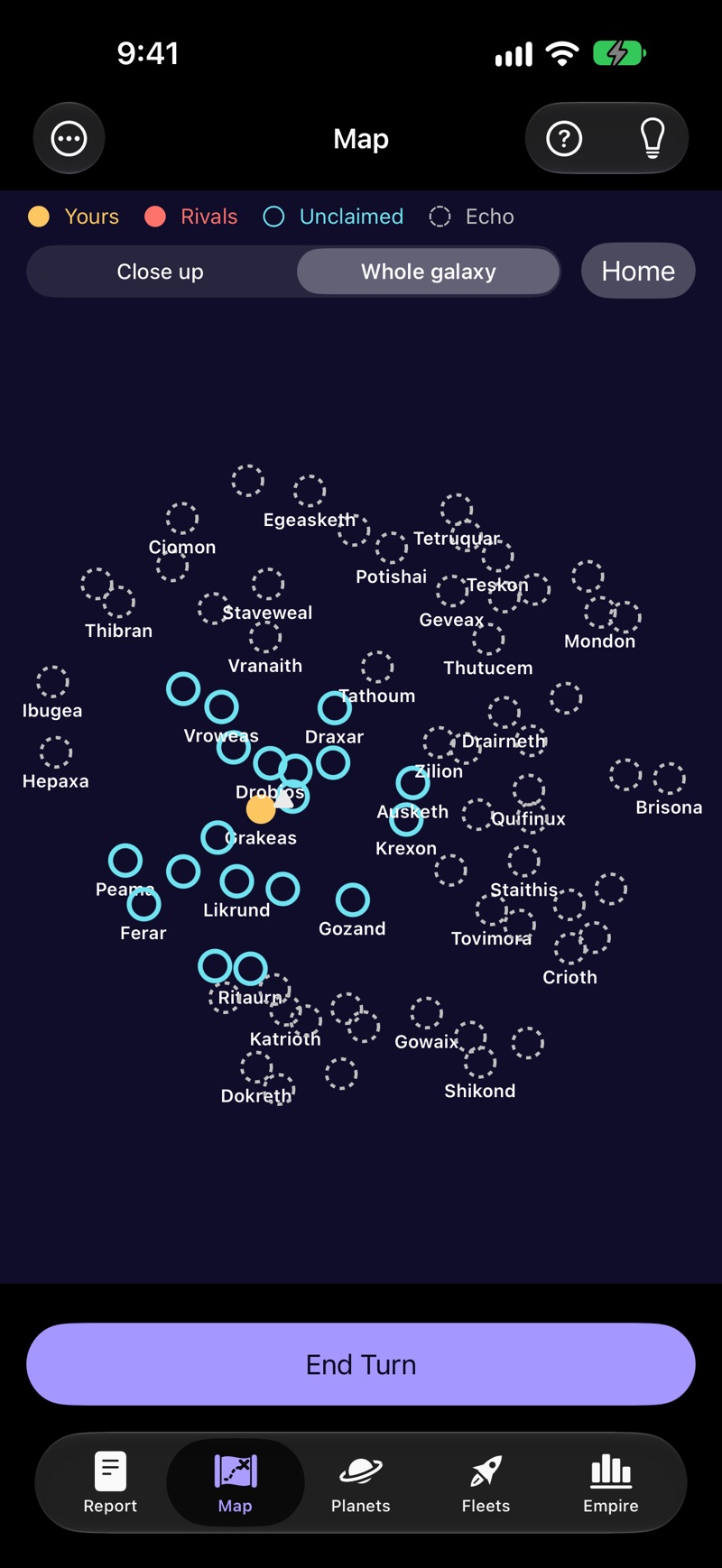
BlindGalaxy is a turn-based space strategy game in which every alien is blind, you included. You are the Ear of your people: you hear worlds, rival colonies and fleets around you in 3D sound, then settle planets, research, build fleets and outwit computer rivals or friends passing one device. It was made for VoiceOver and can be played with the screen off, or by sight.
Key features
- Listen to the galaxy
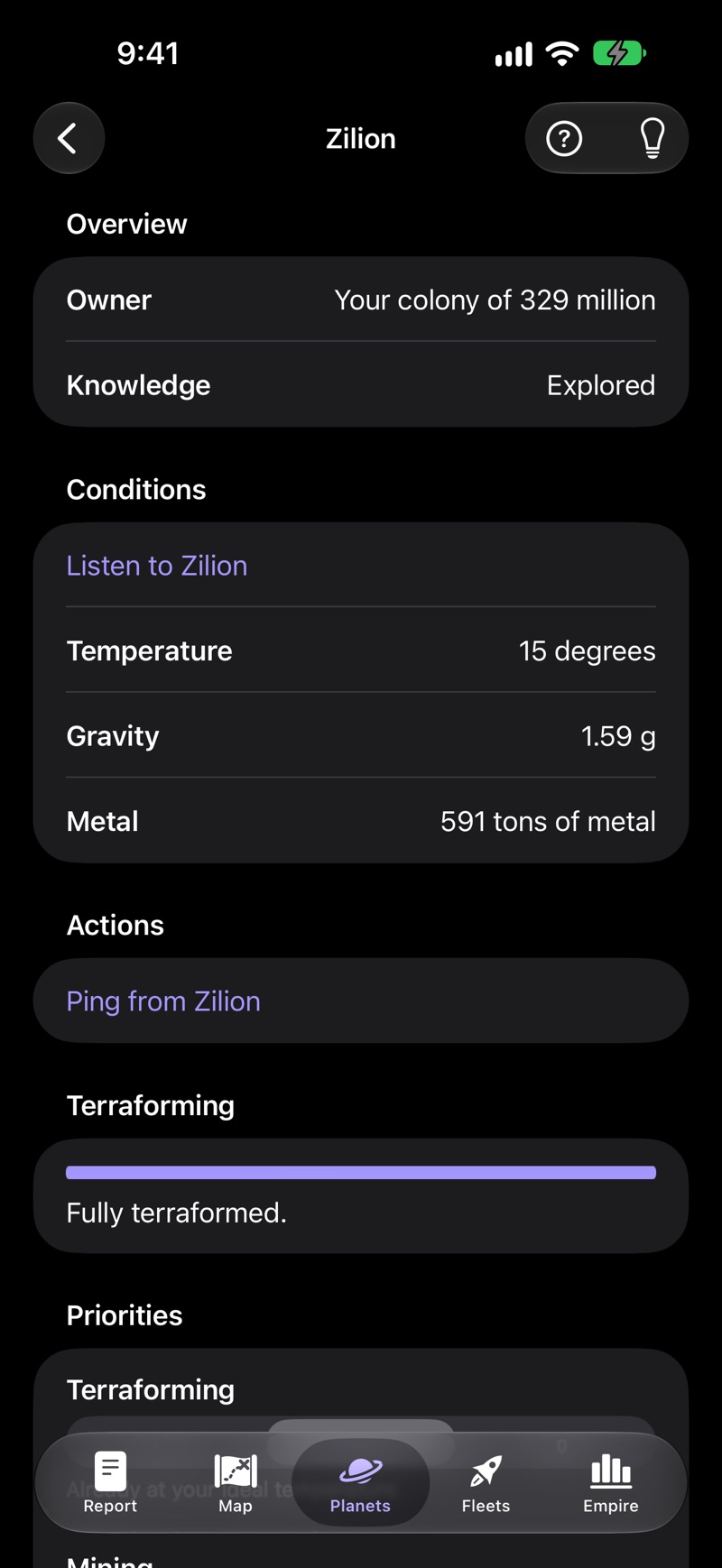
- Settle, terraform and mine
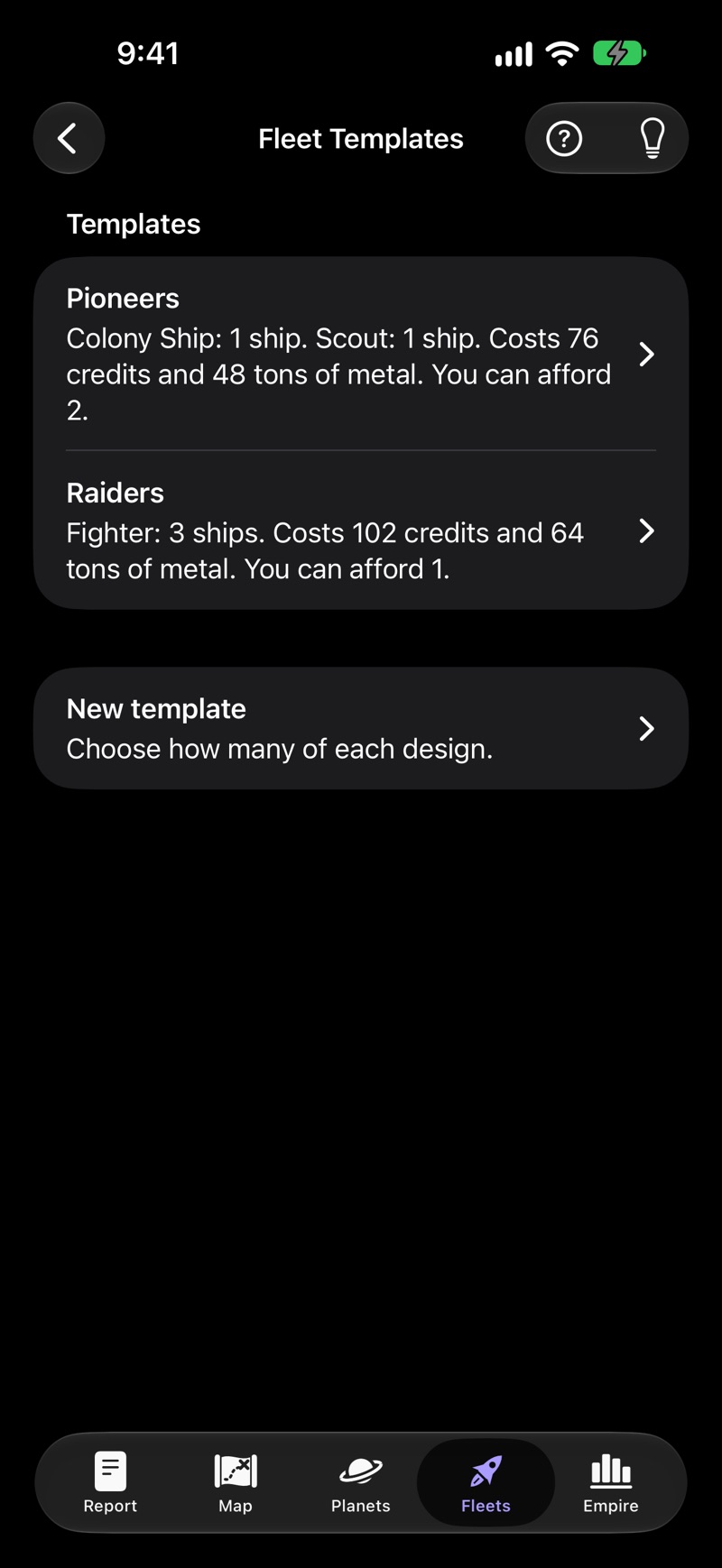
- Design ships and build whole fleets
- Rivals who play differently, and friends on one device
Accessibility
- Explore the map by touch: each world announces itself and plays its sound from its direction. Swiping visits worlds nearest first, and the map scrolls to follow.
- Rotors jump between your colonies, enemy planets, unclaimed planets and unexplored ones, and each budget bar is a slider that tells you what it buys.
- An interactive tutorial teaches the game in twelve short steps, every screen has a Help button, and the Hint button suggests what to do next, most pressing first.
Screenshots
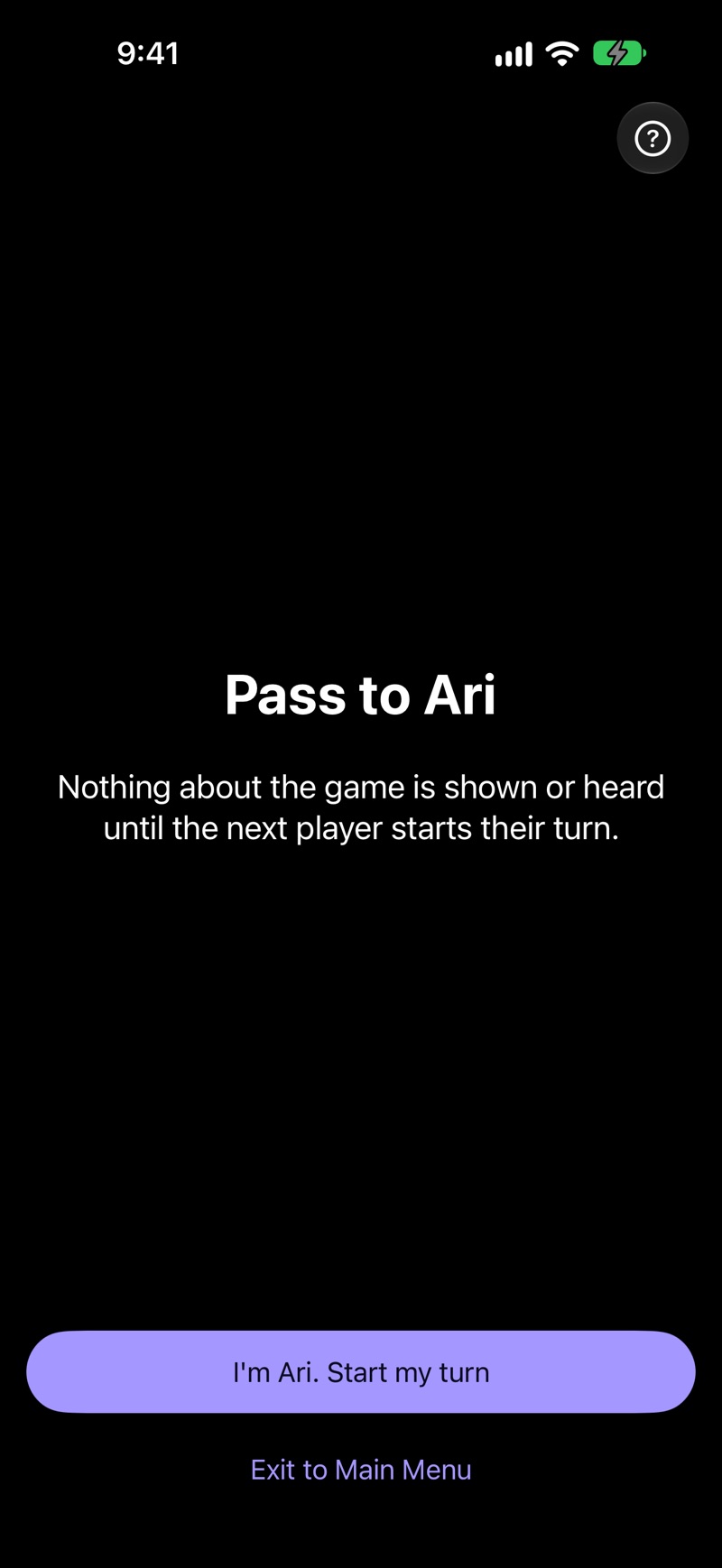
VOAR fact sheet
- Developer
- Doxie Media LLC
- Released
- October 22, 2026
- Price
- Free (with no in-app purchases)
- Platforms
- iPhone and iPad
- Requires
- iOS 27.0 or later, iPadOS 27.0 or later
- App Store category
- Business
- Web page
- doxie.media/voar
About VOAR
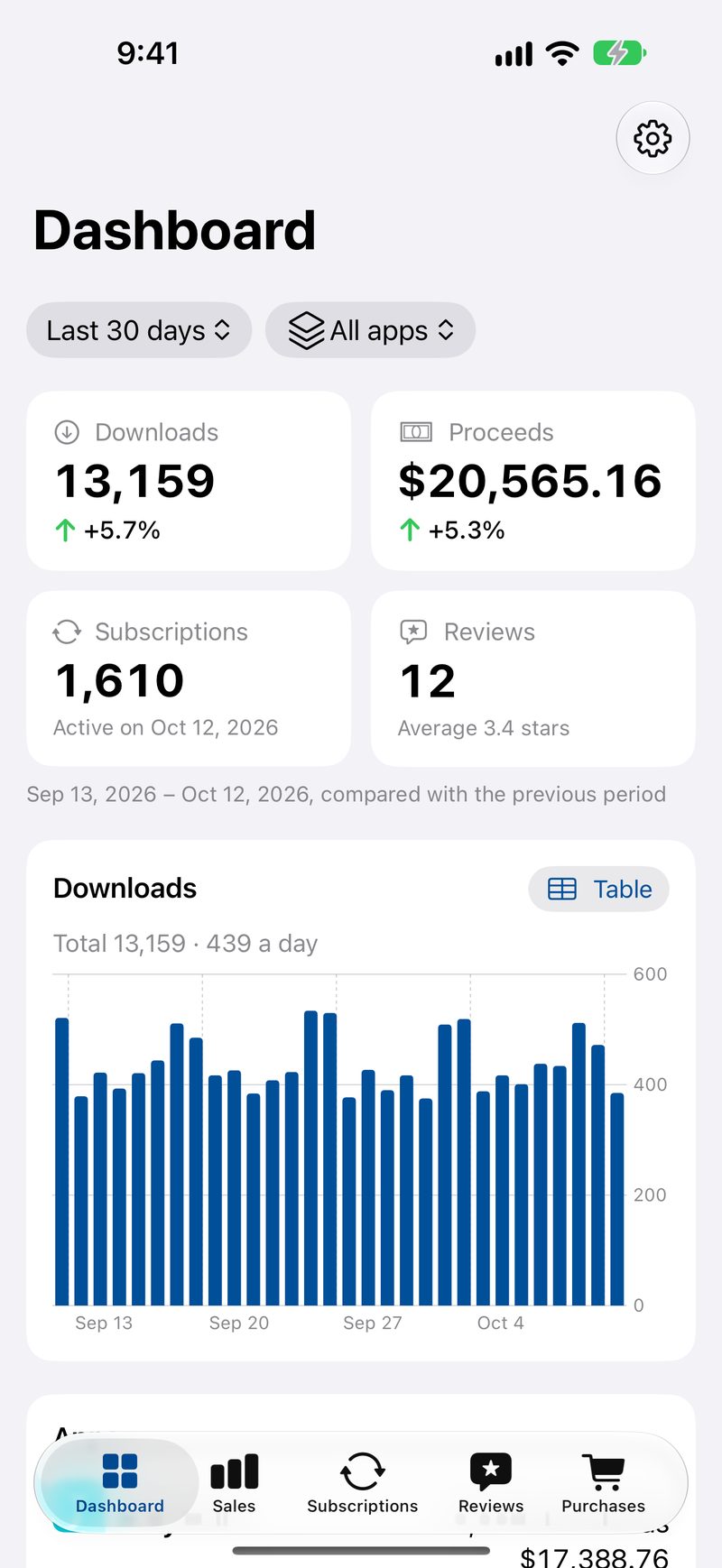
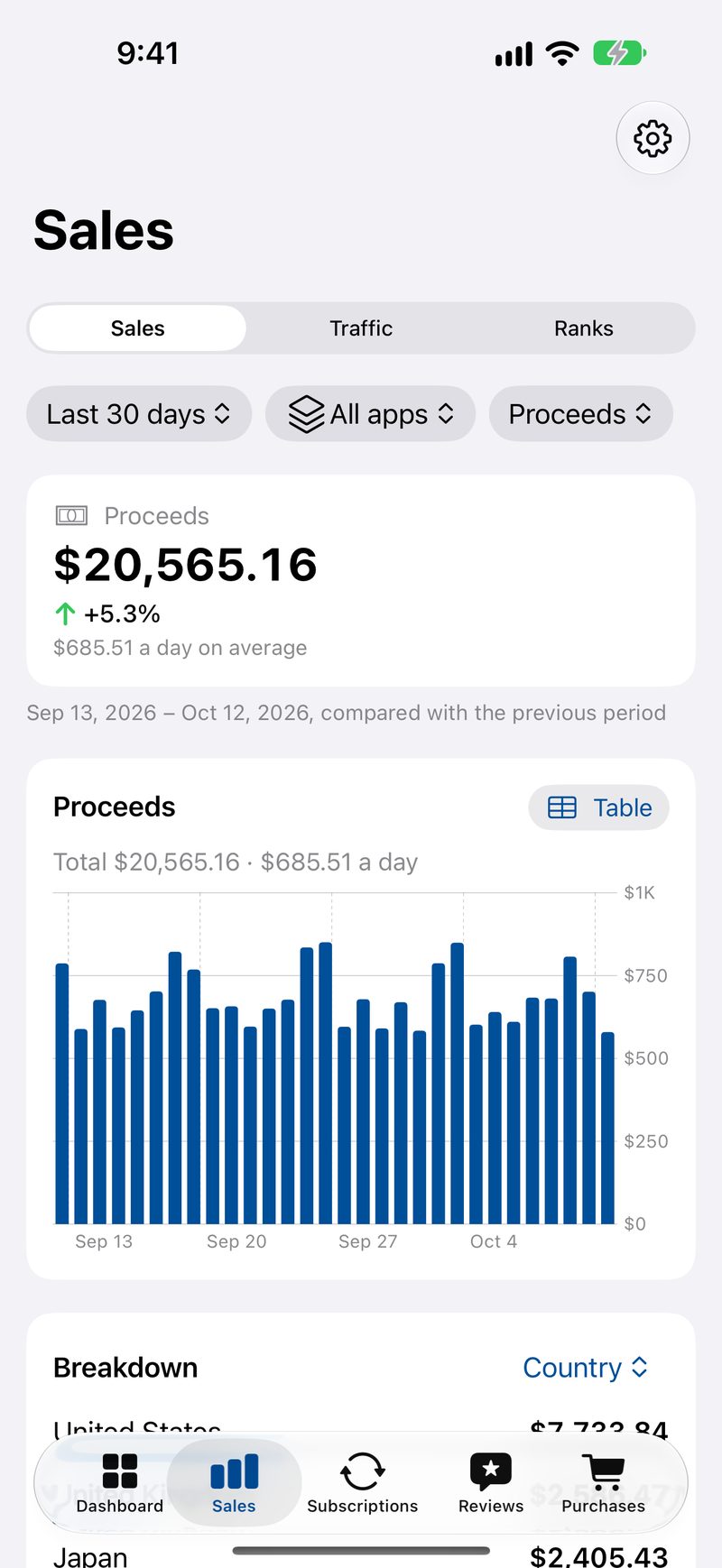
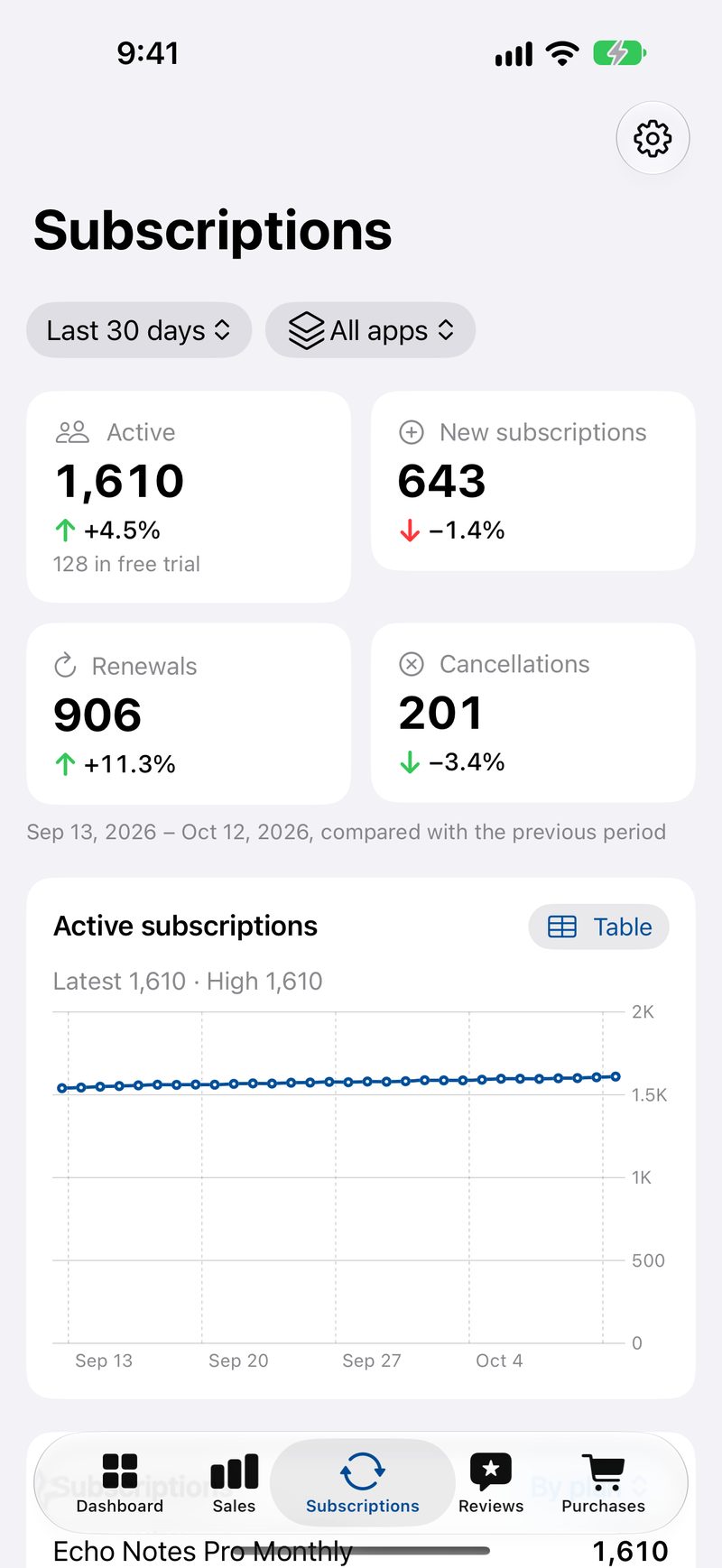
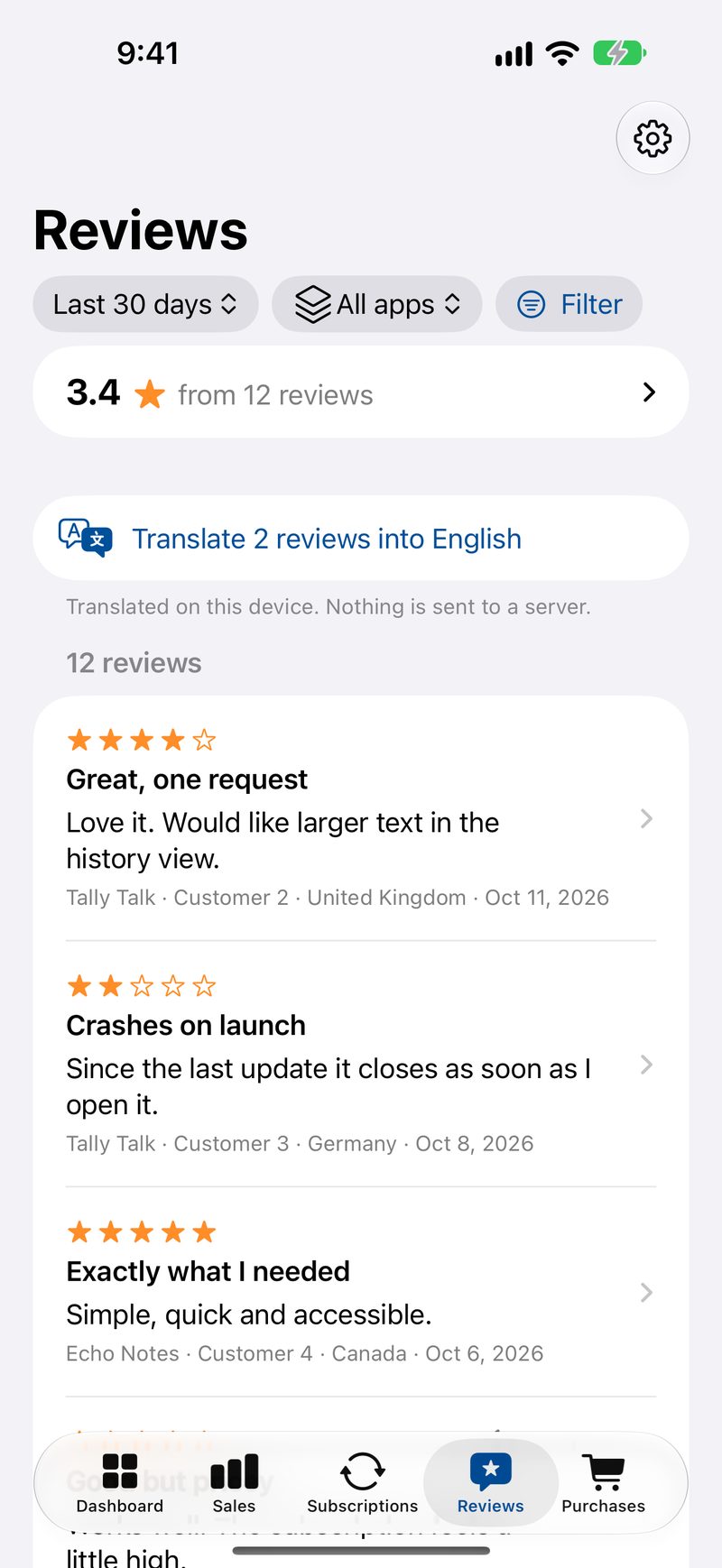
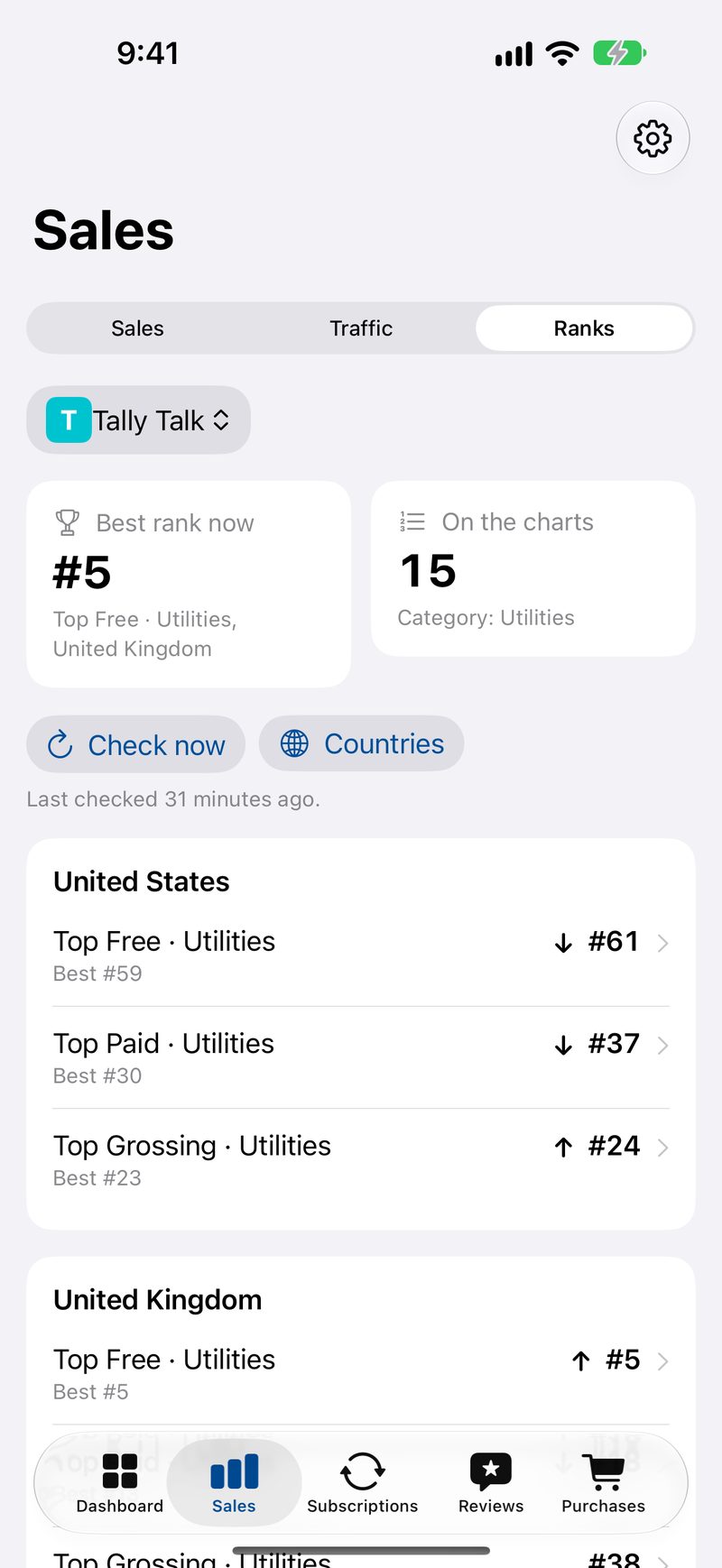
VOAR shows developers how their apps are doing on the App Store: downloads, proceeds, subscriptions, in-app purchases, reviews, traffic and chart ranks. It talks to Apple directly with your own App Store Connect API key, so there is no account and no server in between. It was designed for VoiceOver and low vision from the first screen.
Key features
- Everything at a glance
- Sales, subscriptions and traffic
- Read and reply to reviews
- Chart ranks by country and category
Accessibility
- Every chart has an Audio Graph, a written summary and a one-tap table view.
- Full VoiceOver support, with rotors for reviews and spoken updates while syncing.
- Dynamic Type up to the largest sizes, where charts switch to tables and numbers never break across lines.
Screenshots
The Bigr Show fact sheet

- Developer
- Doxie Media LLC
- Released
- October 22, 2026
- Price
- Free (with a one-time $4.99 Full Show unlock)
- Platforms
- iPhone and iPad
- Requires
- iOS 27.0 or later, iPadOS 27.0 or later
- App Store category
- Games (Trivia)
- Web page
- doxie.media/bigrshow
About The Bigr Show
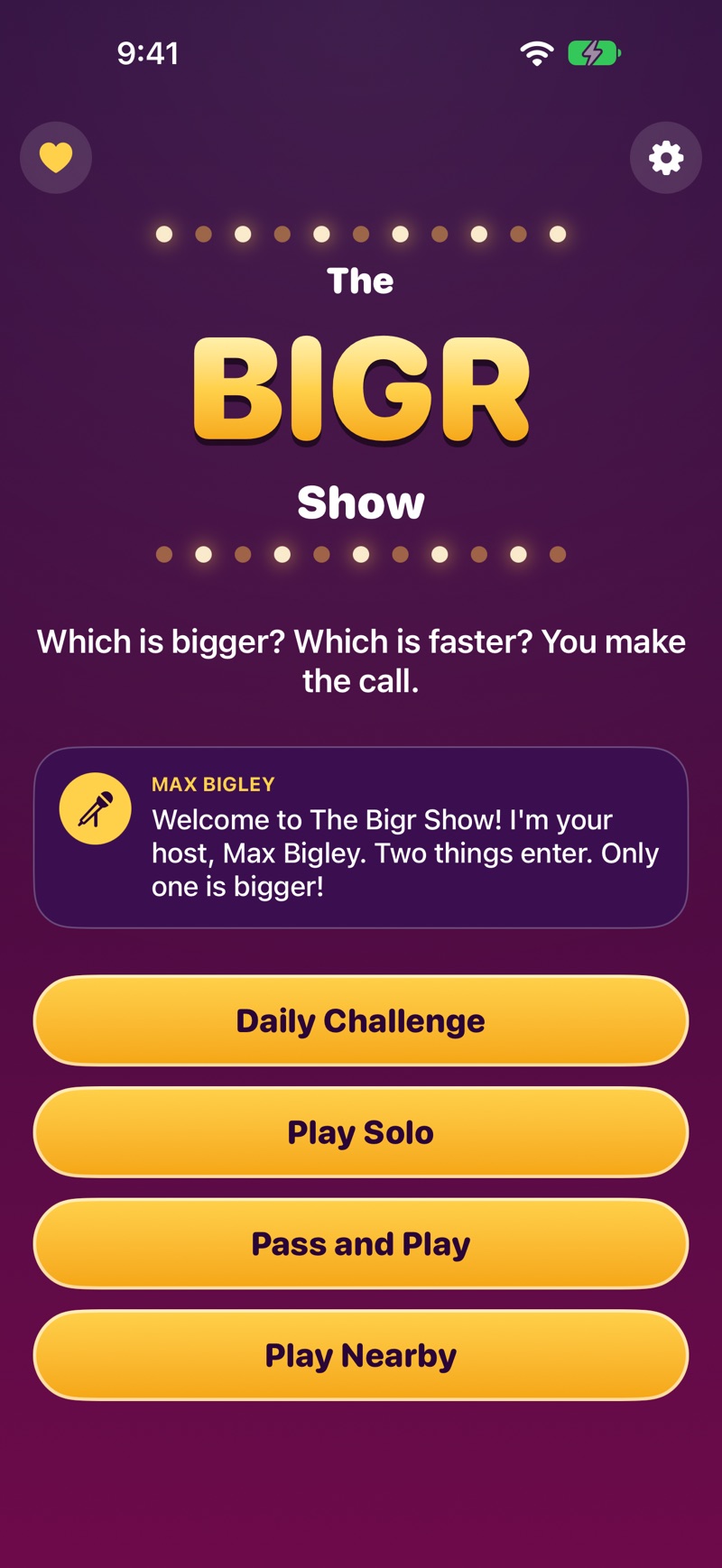
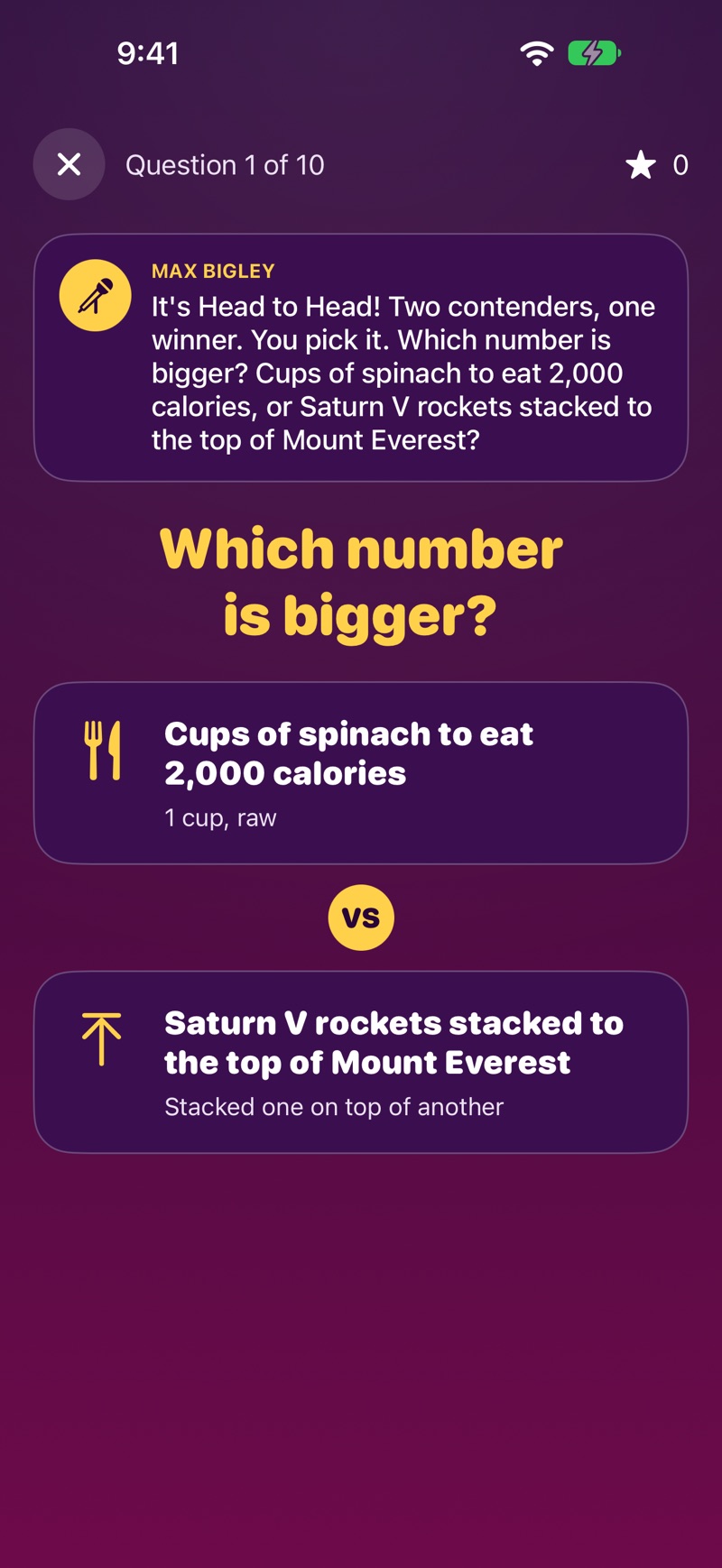
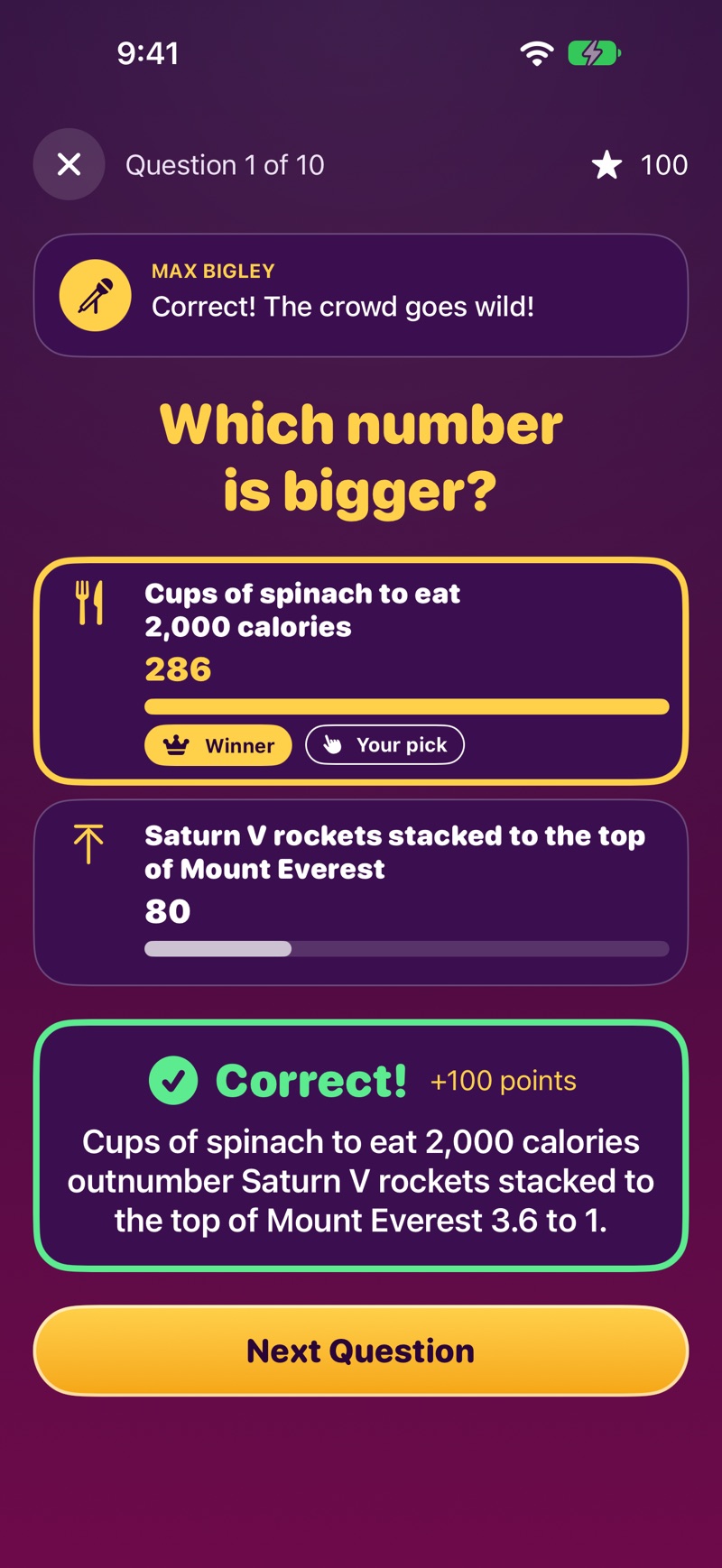
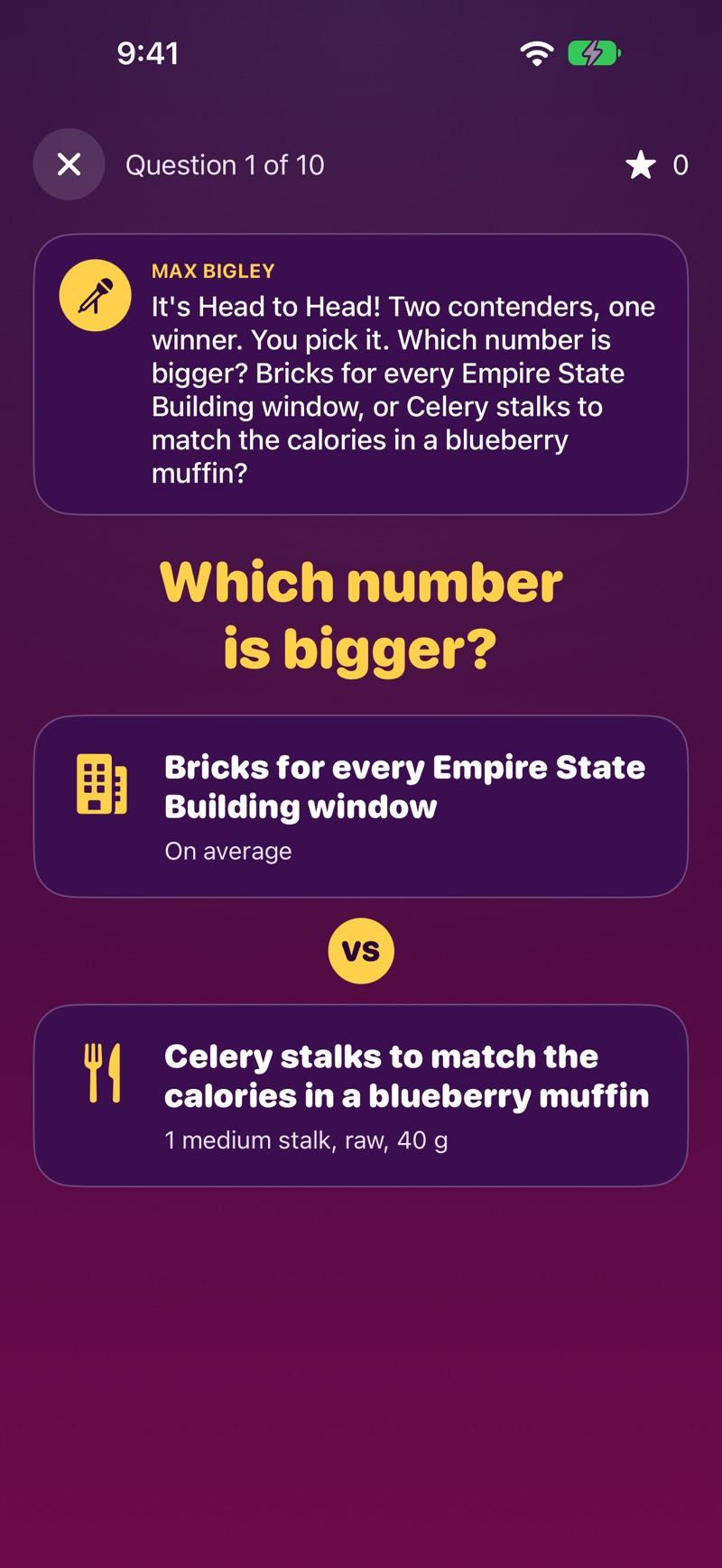
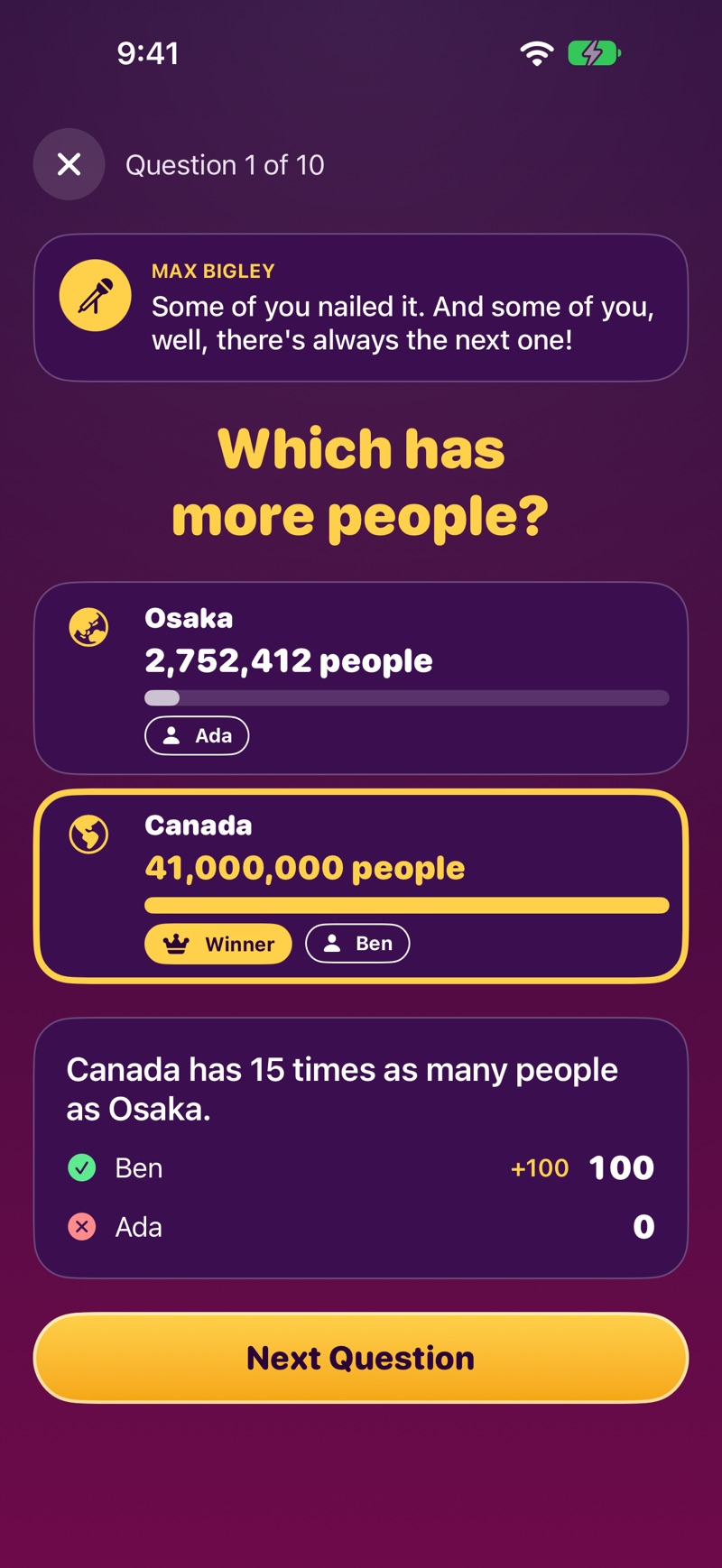
The Bigr Show is a trivia game show hosted by Max Bigley. Two contenders go head to head (a cheetah or a race car, the Eiffel Tower or a redwood) and you pick which is faster, taller, heavier or bigger. Then the real numbers are revealed side by side. There are 5,821 fact-checked contenders in nine categories, a Daily Challenge for everyone in the world, and party modes for up to eight players. It was built for VoiceOver from the start.
Key features
- Two contenders, one winner
- The real numbers, side by side
- Big Numbers
- Play together
Accessibility
- Full VoiceOver support. Max finishes speaking before VoiceOver continues, so nobody talks over anyone, and each new question starts VoiceOver at the top.
- Max’s voice is fully recorded, and his captions are always on, so the show works with the sound off too.
- Dynamic Type up to the largest accessibility sizes, with every screen still playable.