Equate This: The card game that adds up.
Equate This is a card game where a little arithmetic goes a long way. Swap cards to bring your total down, spot three touching cards that make an equation, and clear them from your grid in one go. It was built for VoiceOver from the start, so every move is announced, and blind and sighted players can share a table.
- Price
- Free (with a one-time $4.99 Full Table unlock)
- Platforms
- iPhone and iPad

Who it’s for
Equate This is for anyone who likes a card game with a bit of thinking in it.
- Blind and low-vision players: with VoiceOver on, every move is announced, so you can play by ear with sighted friends at the same table.
- Families and classrooms: addition, subtraction, multiplication and whole-number division are all you need, and everyone from school age up can play.
- New players: a hands-on lesson with a coach teaches the game one move at a time.
Features
Lowest score wins
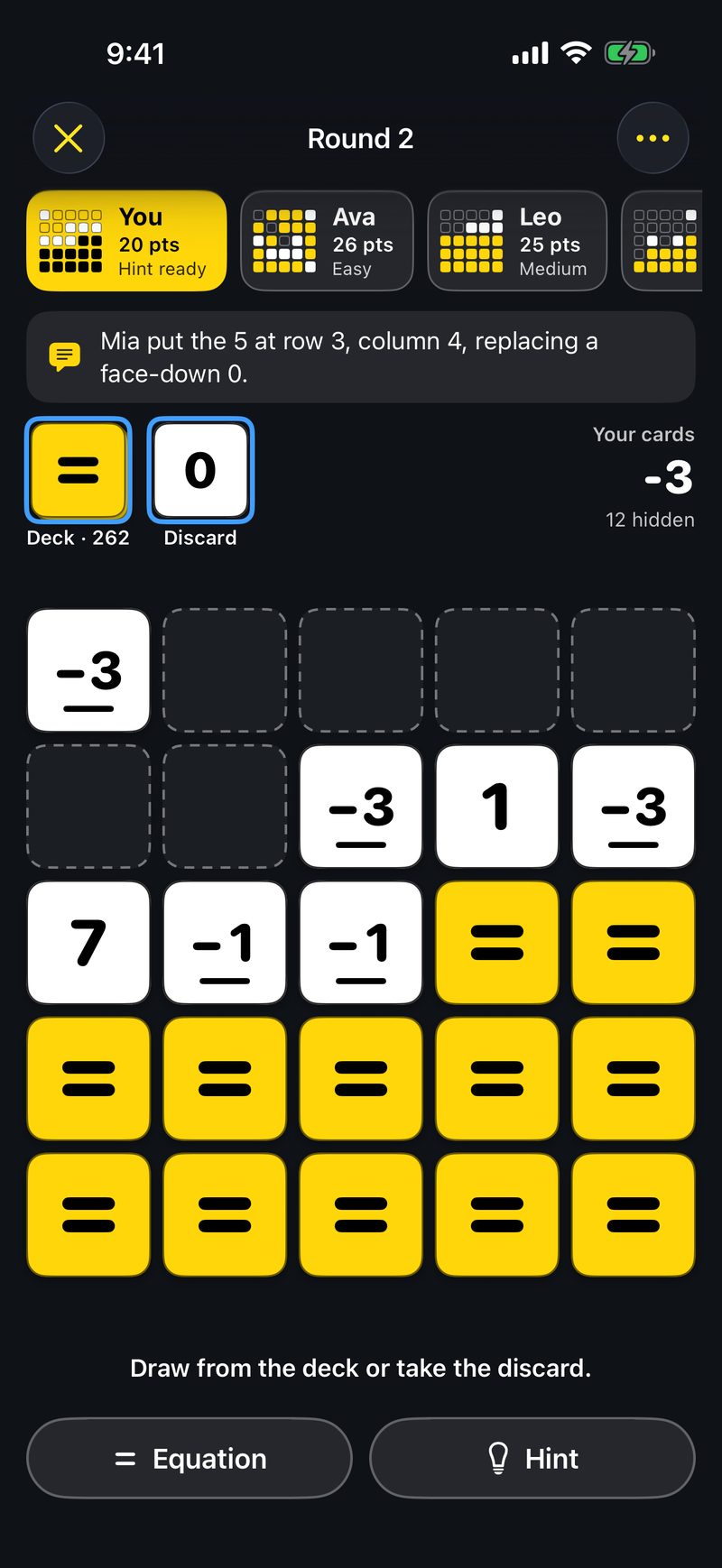
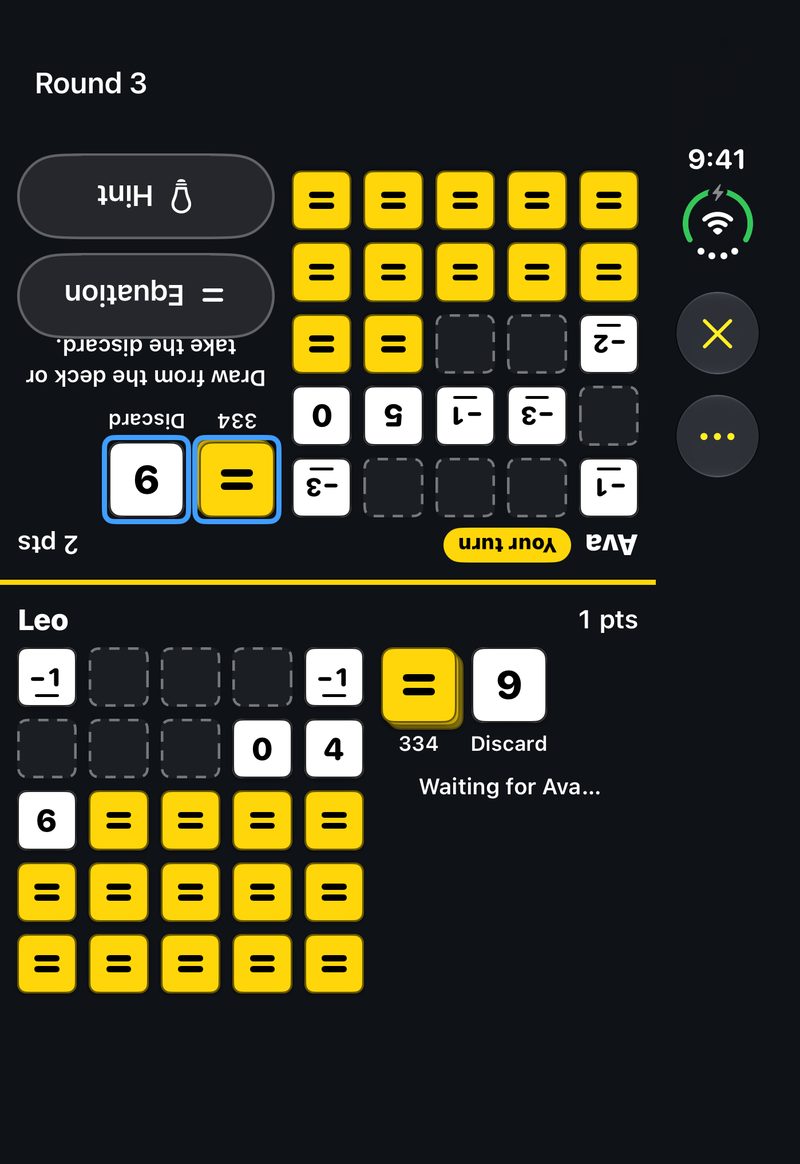
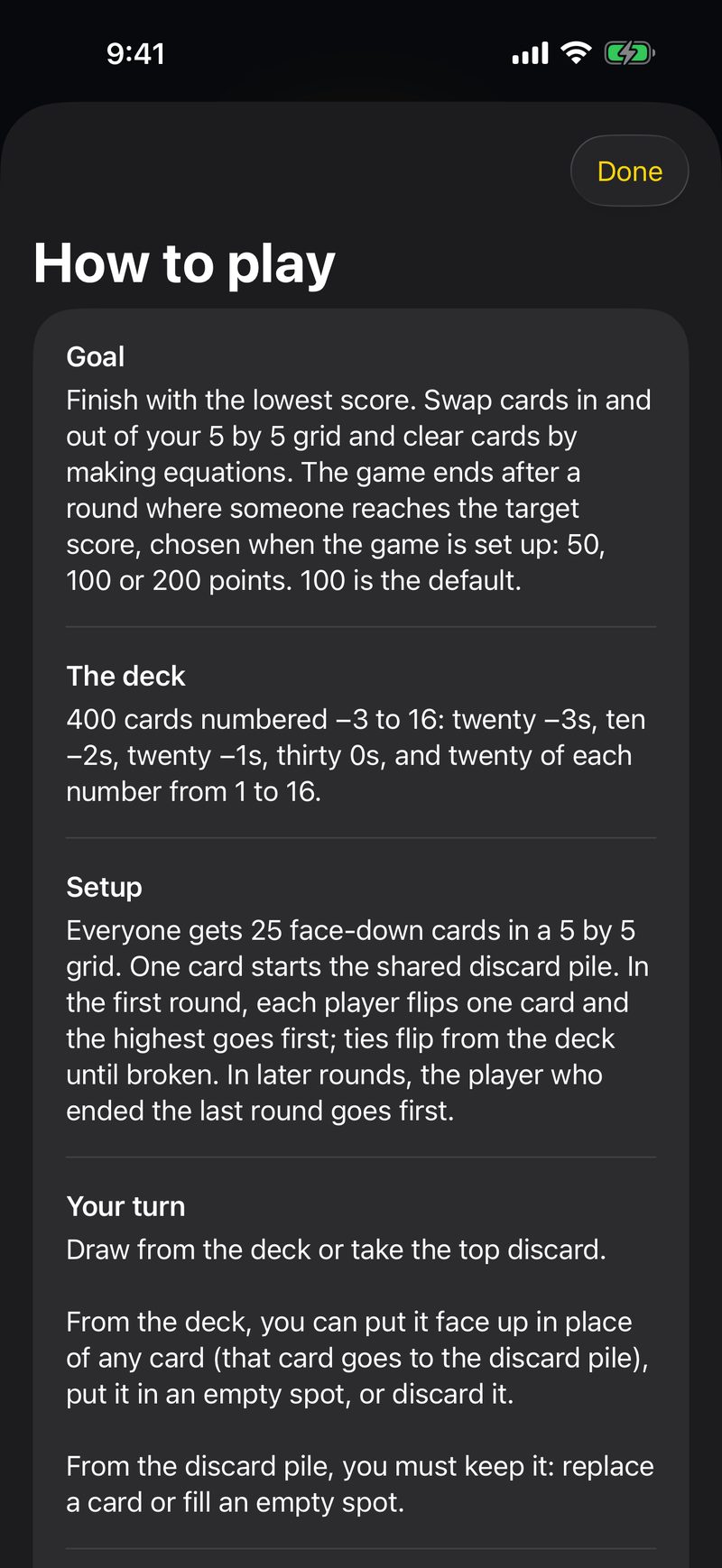
Everyone starts with a 5 by 5 grid of face-down cards numbered −3 to 16. On your turn, draw from the deck or take the top discard, then swap it into your grid to bring your total down.
Turn every card face up to end the round, but be careful: if you don’t have the lowest total when you do, your score for that round doubles.
Make an equation, clear three cards
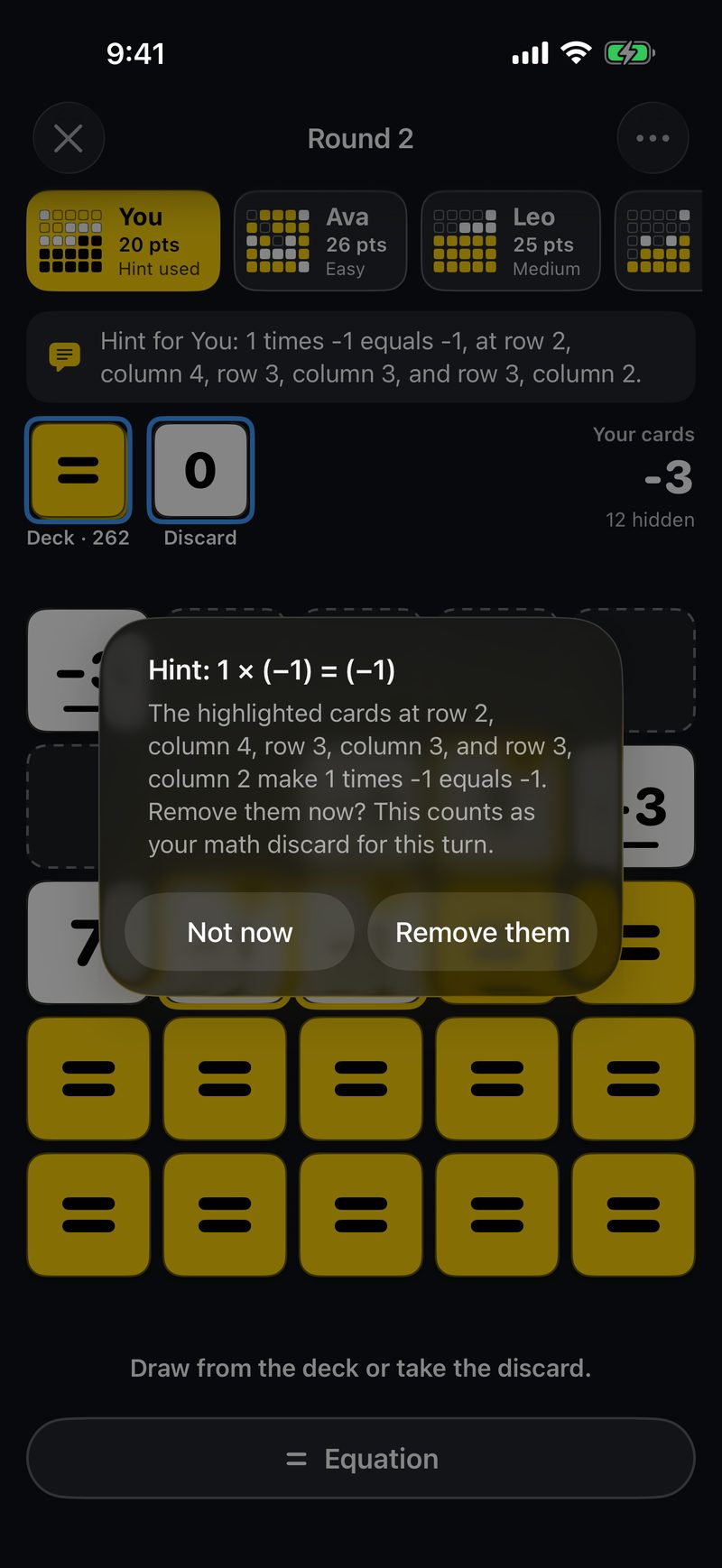
Once a turn, remove three touching face-up cards that make an equation with plus, minus, times or divided by: 2 + 2 = 4, 8 ÷ 2 = 4, or 3 = 2 − (−1). The chain can bend and run diagonally, and you can read it from either end.
Tap Equation, then any one of the three cards, and the other two are picked for you. Each player also gets one hint a game.
Play your way
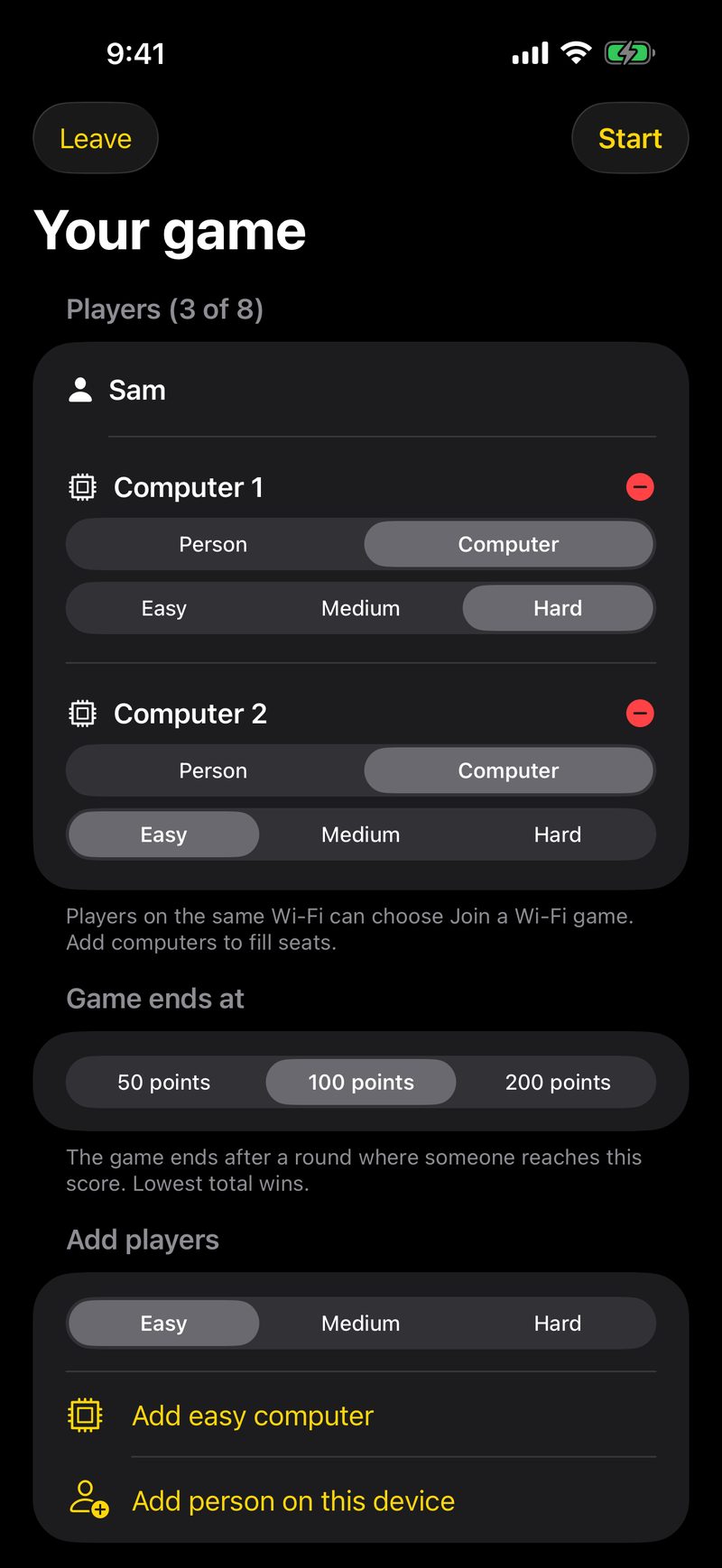
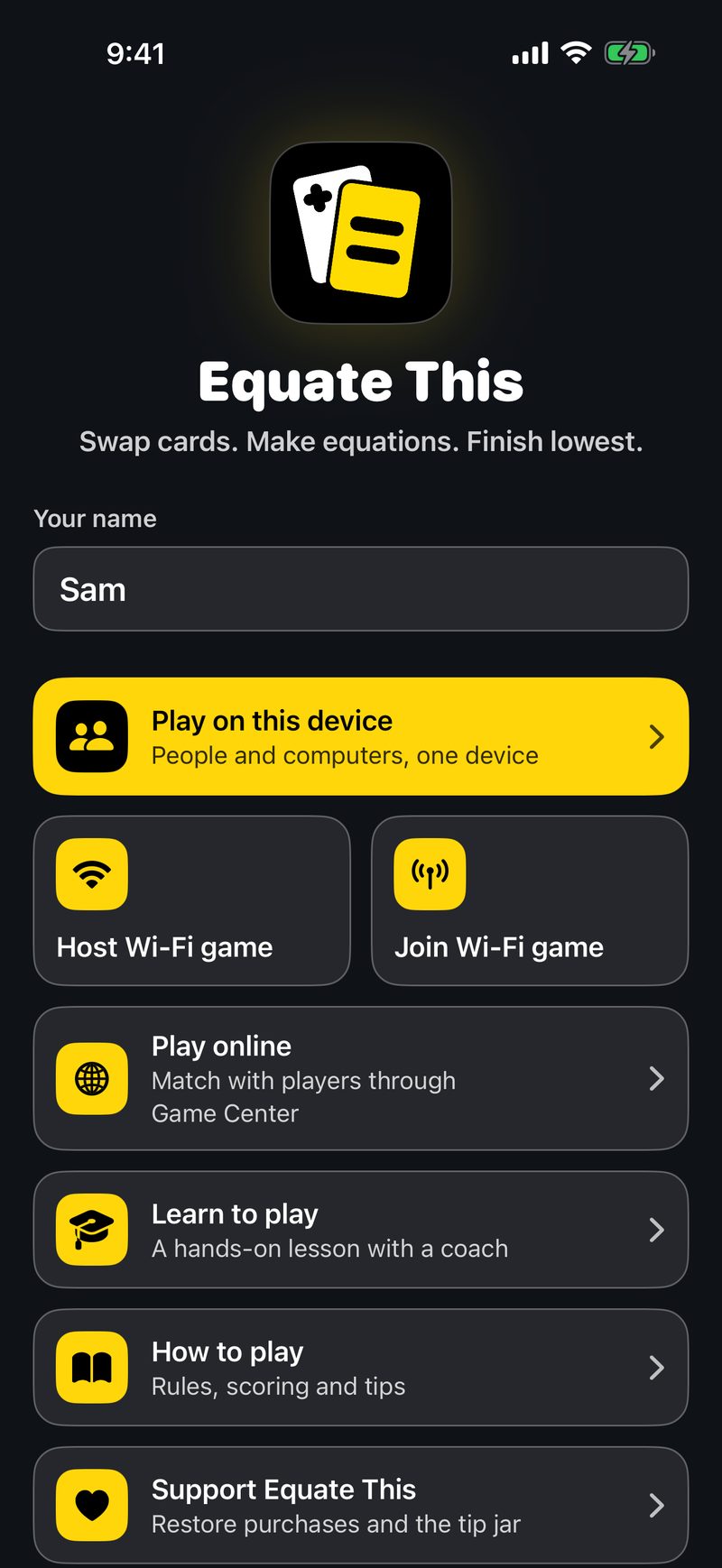
Play against computers at Easy or Medium, pass one device around, join friends over Wi-Fi on the same network, or match online through Game Center.
Choose a game of 50, 100 or 200 points when you set up. Your game is saved after every move, and Wi-Fi and online games can be picked up again with the same players.
Share an iPhone Duo in tented mode
Two people can fold an iPhone Duo into a tent and face each other. Tented mode shows each side only that player’s grid, with the shared piles, so you can’t see each other’s cards.
Learn as you play
Learn to play is a hands-on lesson in 14 steps, against a coach, covering drawing, equations, hints, ending a round and doubling. How to play has the full rules whenever you want them.
Full Table, when you want more
Two-player games are free, and so is joining a friend’s game of any size. Full Table, one purchase, adds games of 3 to 8 players, the Hard computer, and hosting bigger Wi-Fi and online games. Three optional tips say thanks and unlock nothing.
Accessibility
Equate This was built for VoiceOver from the first line of code.
- With VoiceOver on, every move by every player is announced, and each card says its row, column and value.
- Moves are spoken by VoiceOver itself, so they use your own voice and speaking rate, and computers wait a little longer so the speech keeps up with the board.
- Negative cards are marked by shape as well as sign, so color and small minus signs are never the only clue.
- Cards work with Increase Contrast, and you can hold a card to see it larger with the Large Content Viewer.
- Text follows your Dynamic Type size, and the guided lesson reads each step aloud with VoiceOver.
Privacy
Equate This collects no data. There are no ads, no analytics and no account.
- Your saved games stay on your device.
- Wi-Fi games connect directly between nearby devices. Game Center and the optional purchases go through Apple.
Common questions
Do I need VoiceOver to play?
No. You can play by looking at the screen. With VoiceOver on, every move is announced and the whole game can be played by ear.
How long is a game?
You choose when you set up: the game ends after a round where someone reaches 50, 100 or 200 points. 100 is the default.
How many people can play?
From two to eight, with any mix of people and computers. Games for two are free.
How much does Equate This cost?
It’s free, with complete games for two, and joining a friend’s game of any size is free too. Full Table, a one-time $4.99 purchase, adds games of 3 to 8 players, the Hard computer and hosting bigger games. It is not a subscription, and there are no ads. Full Table works with Family Sharing, and optional tips unlock nothing.
Can I play offline?
Yes. Games on one device never need the internet. Wi-Fi games need a shared network, and online games need Game Center.
Get Equate This
Free on the App Store for iPhone and iPad.
More accessible games
- Blind Racer: Race slot cars by sound alone.
- One Pitch Baseball: The baseball manager you play by ear.
- One Catch: The football coaching game you play by ear.
- BlindGalaxy: Every alien is blind. Listen to the galaxy.
- The Bigr Show: Which is bigger? You make the call.